Yandex.Audience™
The integration synchronizes static segments from Altcraft with segments in Yandex.Audience. Segments are exported from the platform so that the service finds the right people and launches targeted advertising.
A connection must be set up before the integration. See the instructions.
Step 1. Creating the integration
Navigate to Integrations. Click + Create on the Yandex.Audience card: | 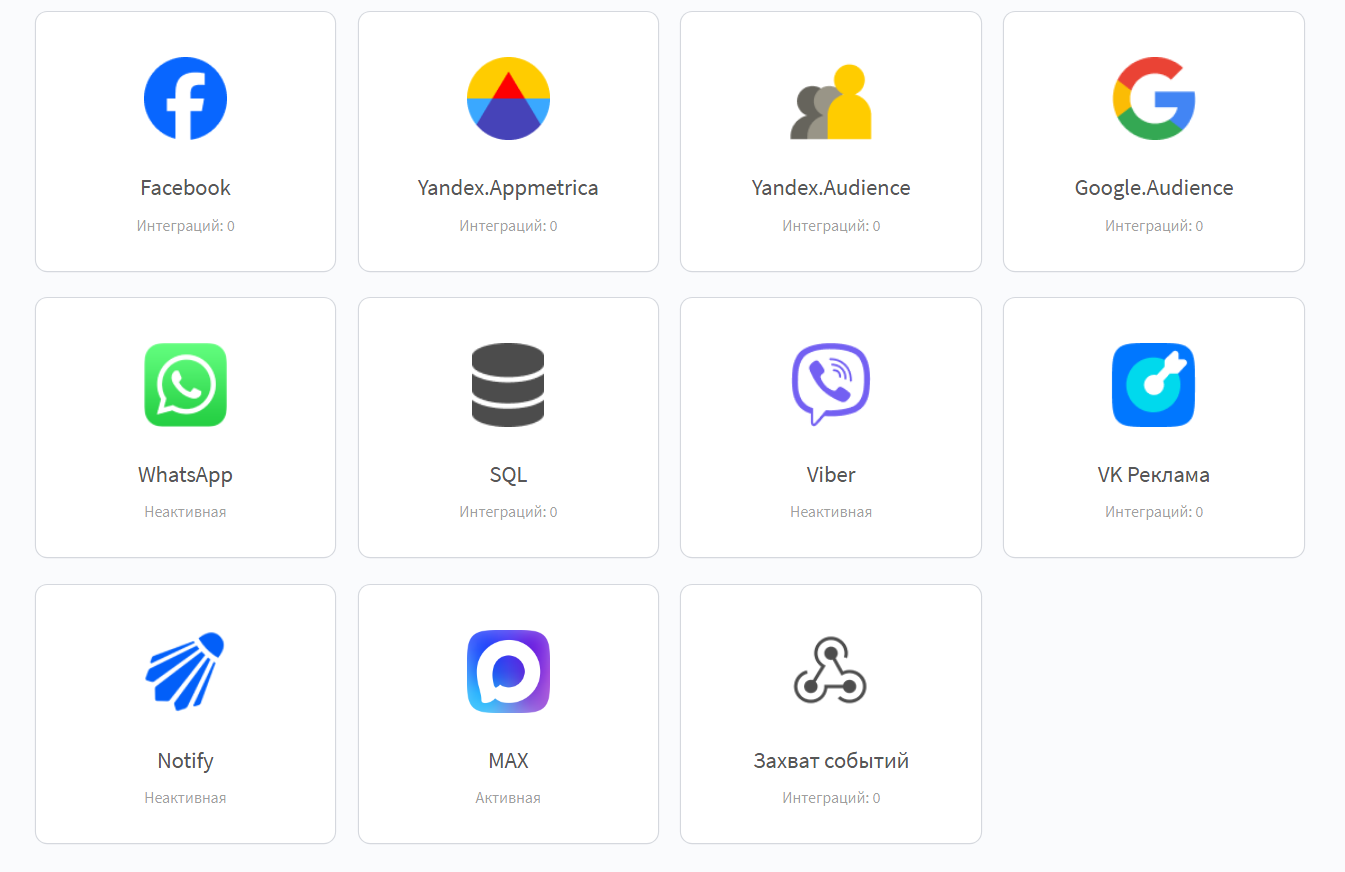 |
Step 2. Configuring the integration
On the General tab, enter the Name and Description. Enable the toggle to activate the integration: | 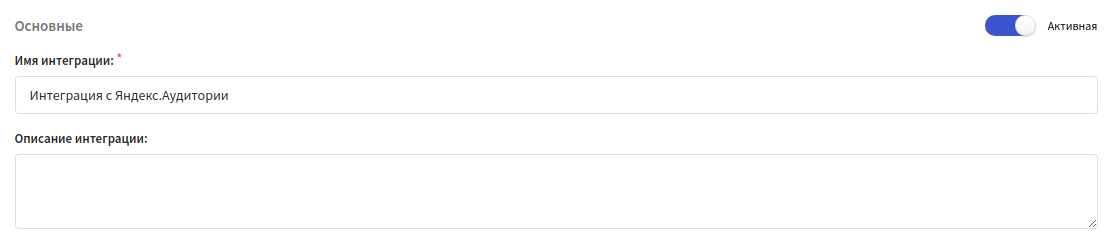 |
Select the type of exported data:
Set the scope of the integration. Select the connection: | 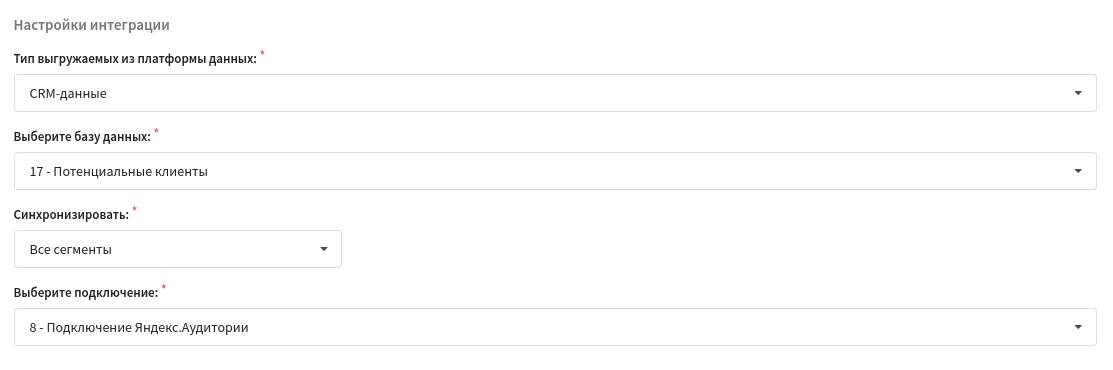 |
A segment with fewer than 100 profiles cannot be built in Yandex.Audience.
Set the schedule for updating segment data. Learn more about schedule setup: | 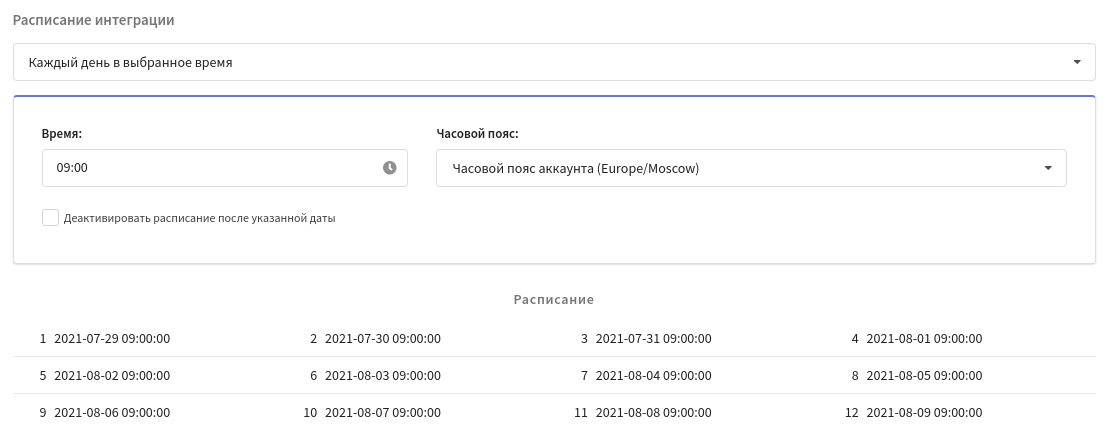 |
Step 3. Saving the integration
Click Save. The integration is ready for use.
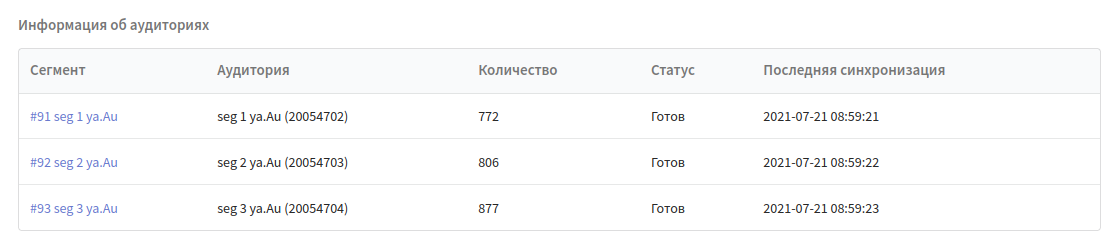
Synchronization statistics
The statistics block displays profiles imported/deleted and segments imported/deleted. The Start resync button sends the data again: | 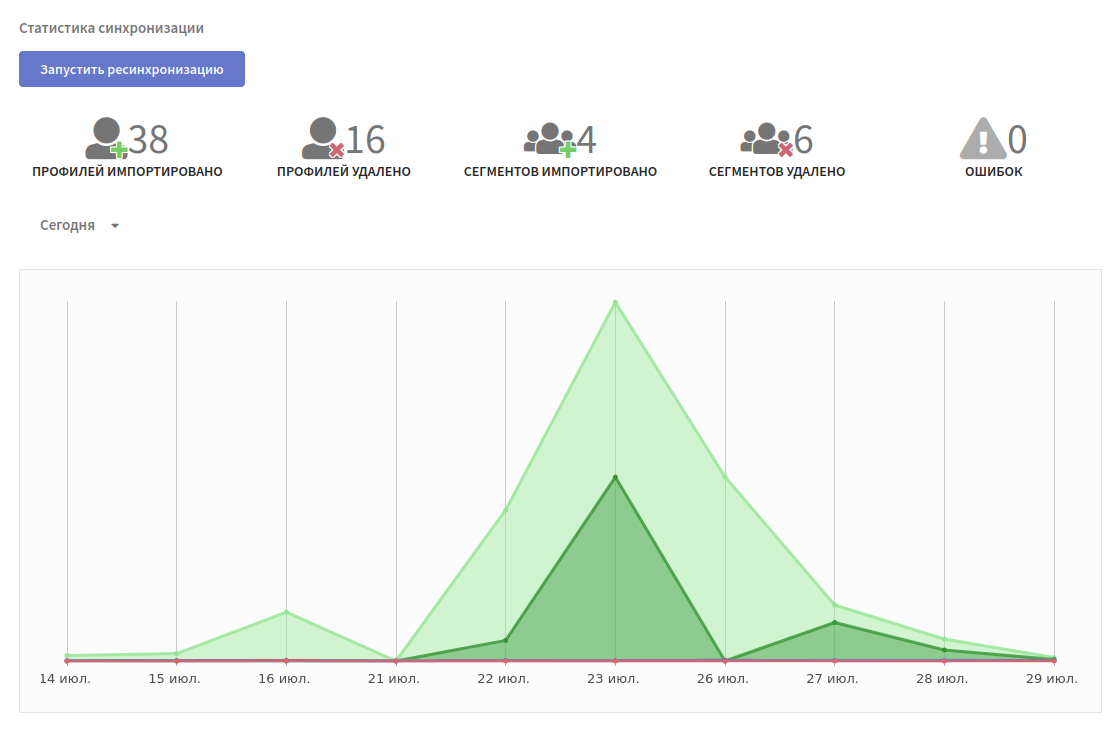 |
To view synchronization errors, click the icon:
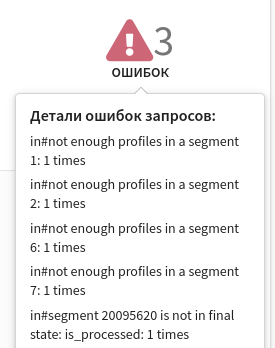
Current segment statuses in Yandex.Audience: