Managing the Sender Queue
After launching an email mailing, messages are passed to the sender queue for delivery. You can monitor the queue status and temporarily pause sending if needed.
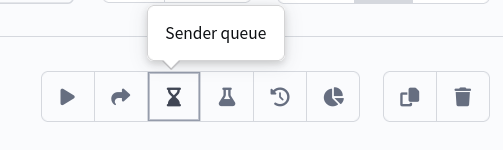
To open the queue management panel, select a mailing and click Sender Queue in the quick actions menu:
Queue Metrics
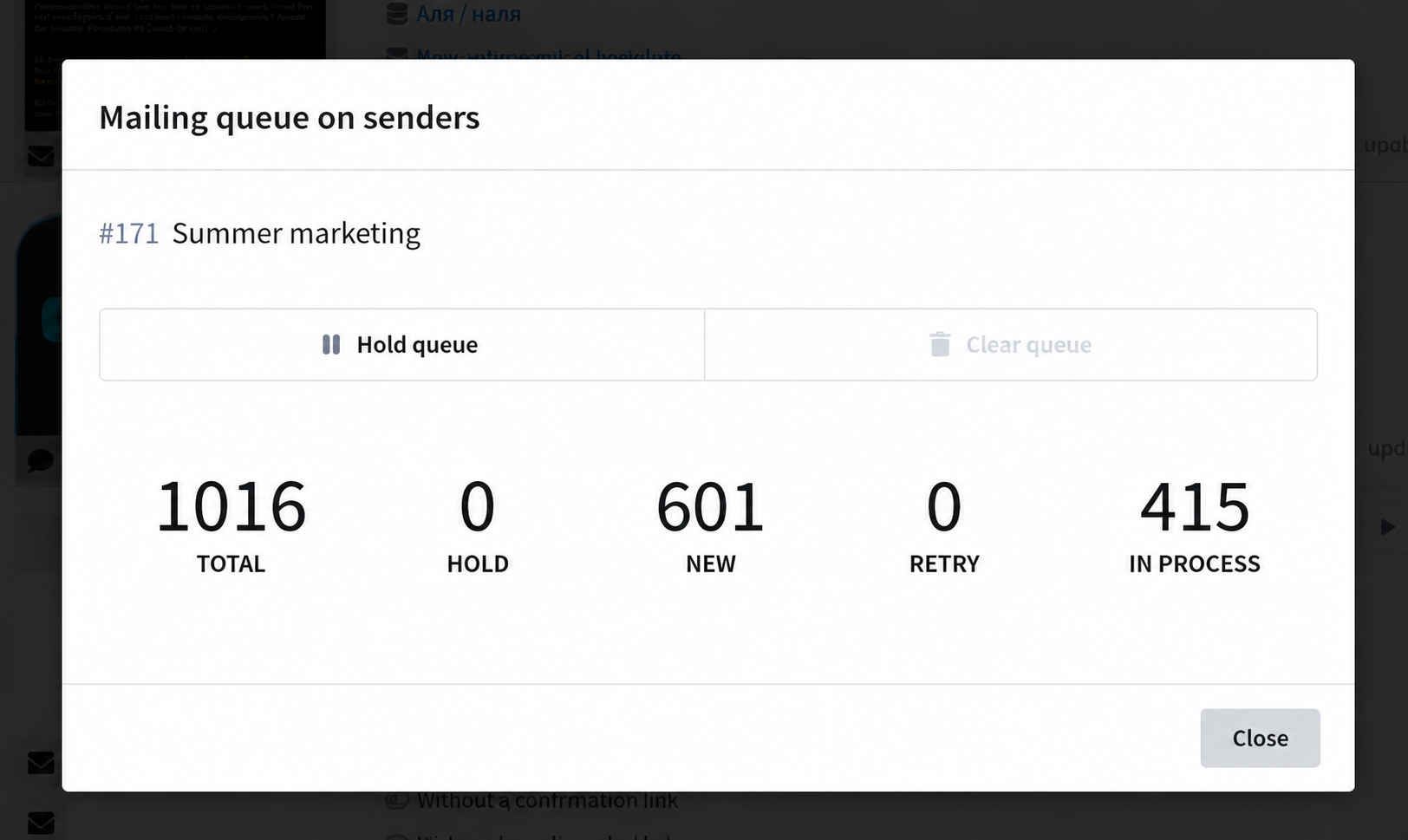
The management panel displays five key queue metrics:
| Metric | Description |
|---|---|
| Total | The total number of mailing messages across all sender queues |
| Frozen | Messages that have been paused — they are not sent until unfrozen |
| New | Messages that have not yet been attempted for sending |
| Retries | Messages that had sending attempts but did not complete successfully (received a Soft Bounce). They are waiting for a retry |
| Sending | Messages that are currently being sent to the recipient's SMTP server |
Total equals the sum of New, Retries, Sending, and Frozen messages.
Freezing the Queue
The Freeze Queue button allows you to temporarily pause message sending for the mailing on senders.
When frozen, messages in the New and Retries states transition to the Frozen state. Messages that are already in the process of being sent (Sending) are not affected by the freeze — they will be delivered.
Frozen messages do not participate in sending until you unfreeze them. After unfreezing, they return to their original state and continue sending.
Clearing the Queue
The Clear Queue button allows you to remove messages from the mailing queue. When clearing:
- Messages in the New, Frozen and Retries states are marked as deleted and will no longer be sent.
- Messages in the Sending state are not affected — they will be delivered.
The counters are updated to reflect the current queue status.