RuStore
To send Mobile Push via RuStore, you need to create a push notifications project in the RuStore developer console in advance.
Note
The RuStore app must be installed on the device.
Step 1. Creating a project in RuStore Console
Go to the developer console. | 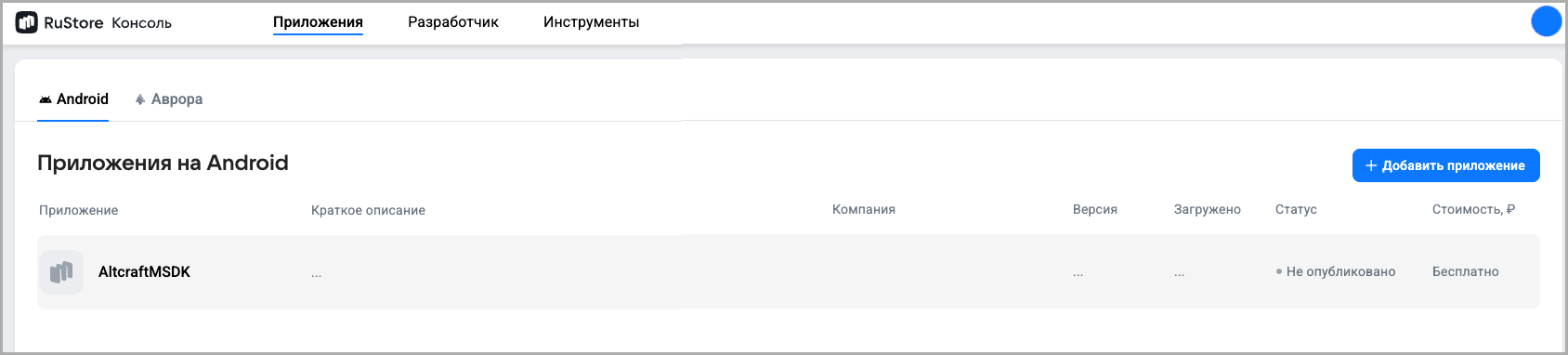 |
Add an app under the App section. | 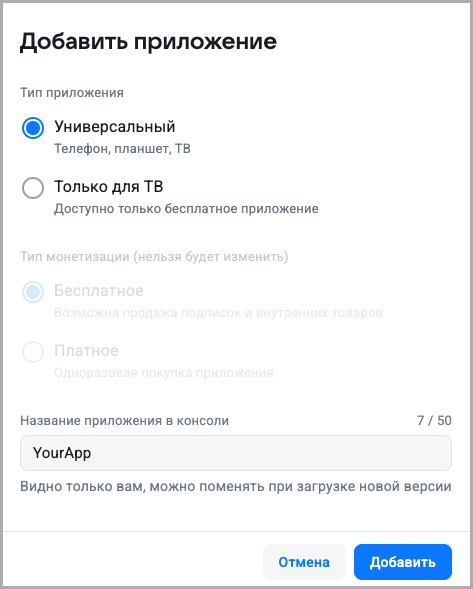 |
Navigate to the Tools section of the developer console. | 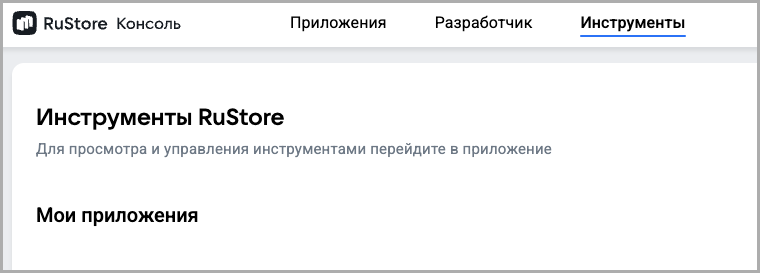 |
Go to the created app and select Push Notifications. | 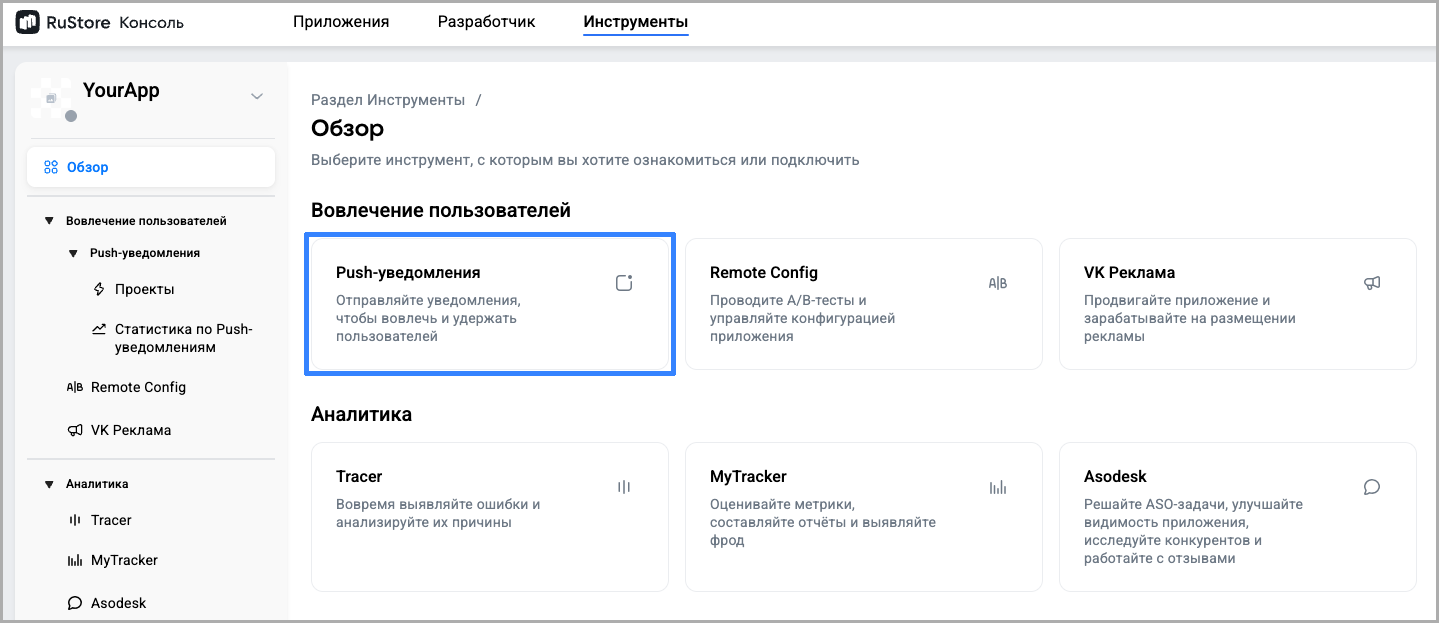 |
Create a project. | 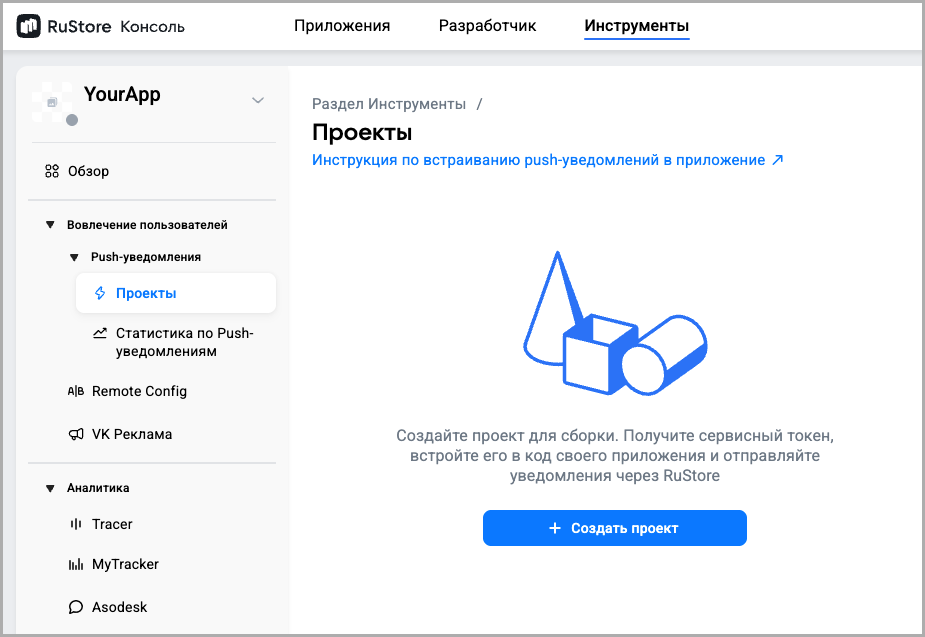 |
Specify:
| 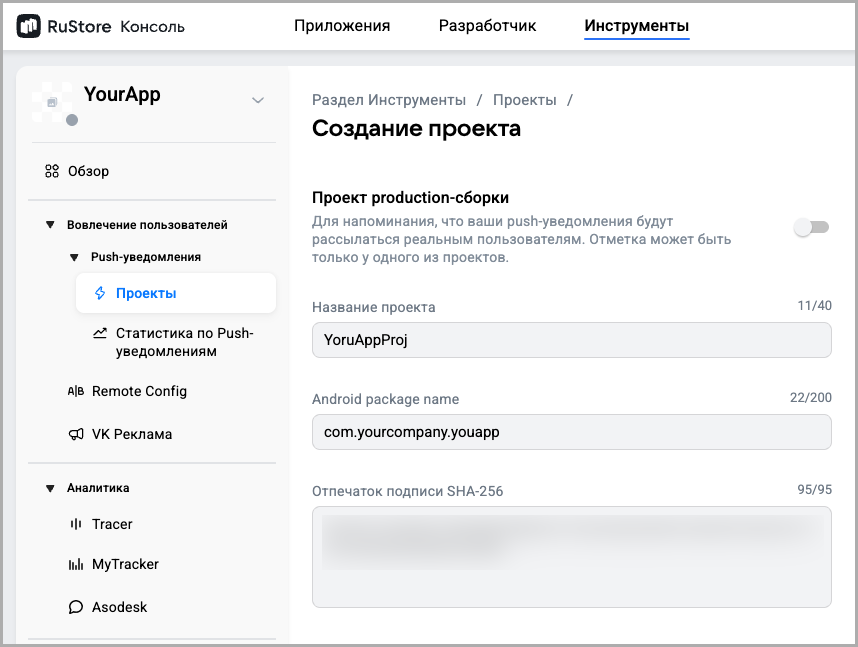 |
Inside the created project, create a service token. | 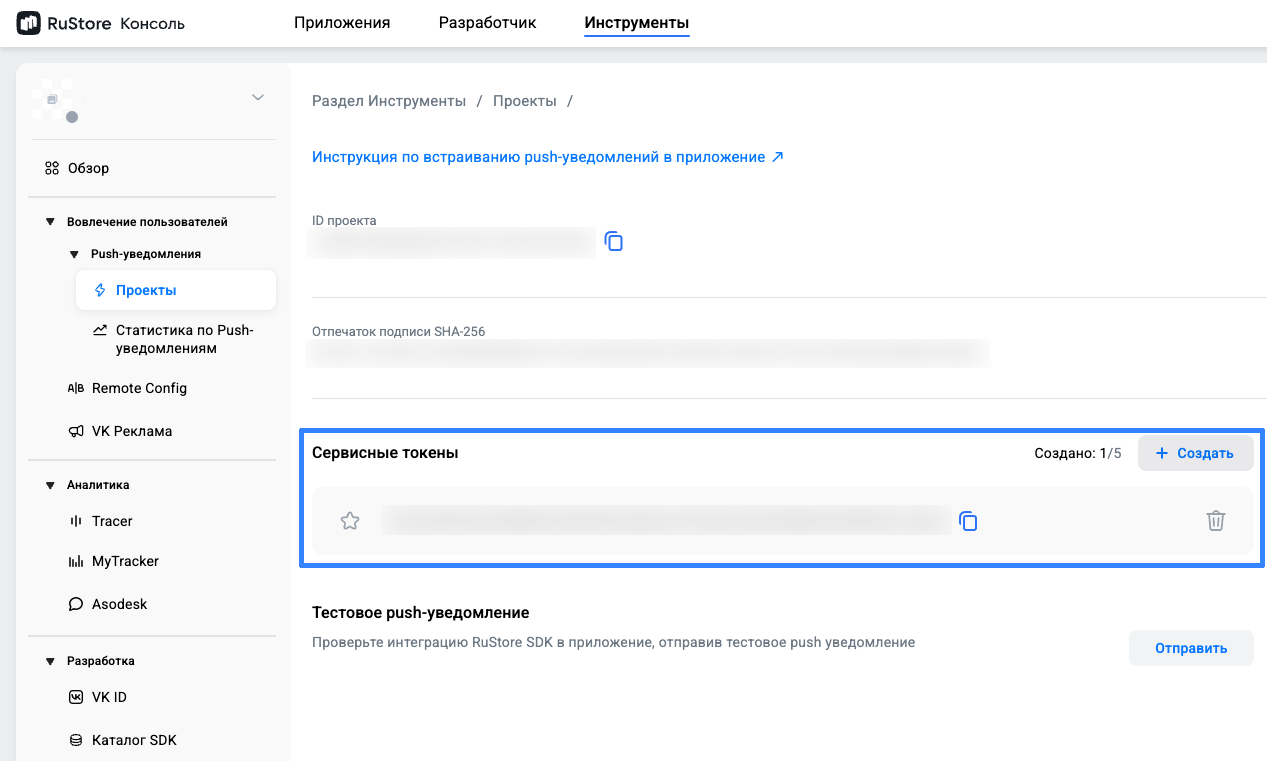 |
Step 2. Configuring in the Altcraft platform
In the Altcraft platform, open the resource settings. Select the Android platform and activate the RuStore toggle. | 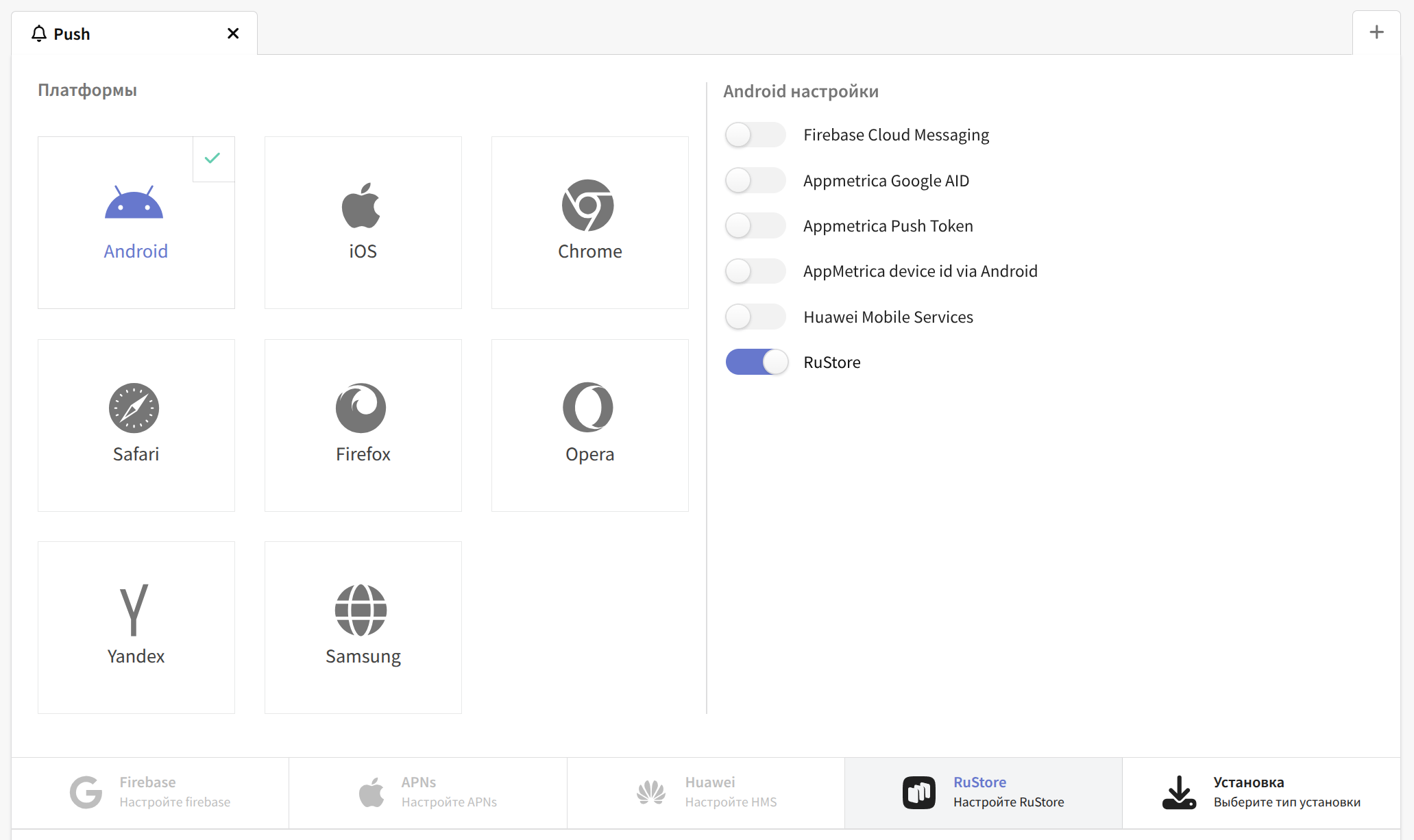 |
Go to RuStore settings and specify:
| 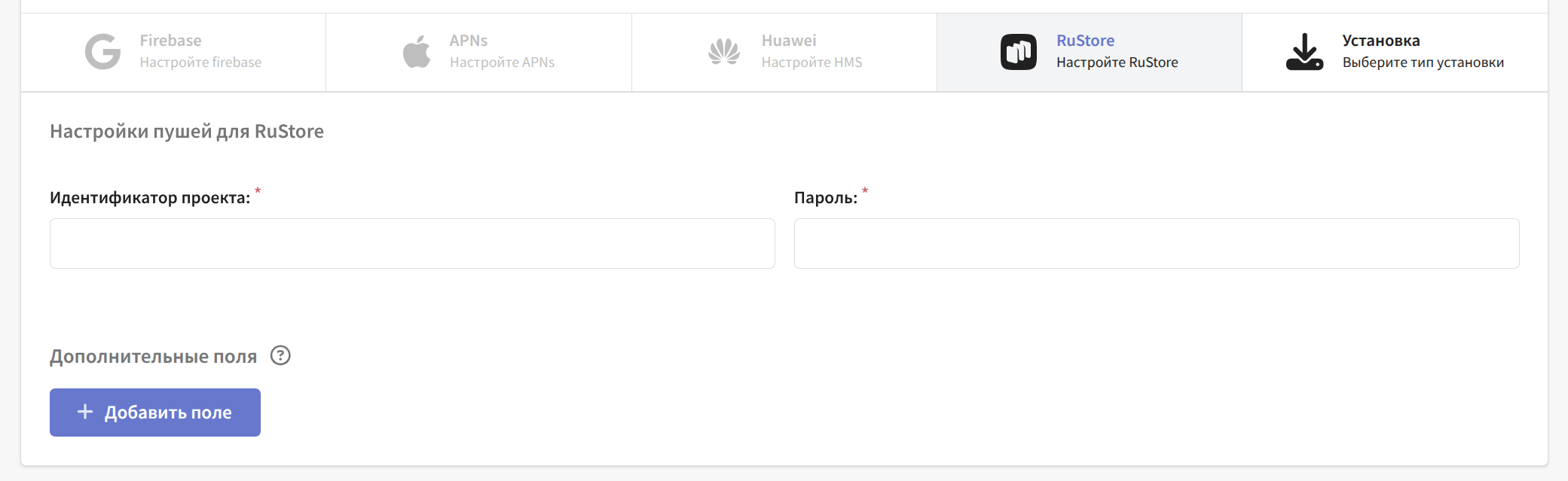 |
Save the resource using the buttons in the upper right corner of the screen. |
RuStore notification requirements
- The RuStore app is installed on the device
- The RuStore app has notification permission granted
- The RuStore app has permission to disable battery saver in background mode