Audit Journal
Description
The Audit Journal is an important security component of the Altcraft platform. It collects information about the actions performed by platform administrators on various objects in the Administrative Panel.
Working with the Audit Journal
To start working with the audit journal, in the main menu select Reports —> Audit journal.
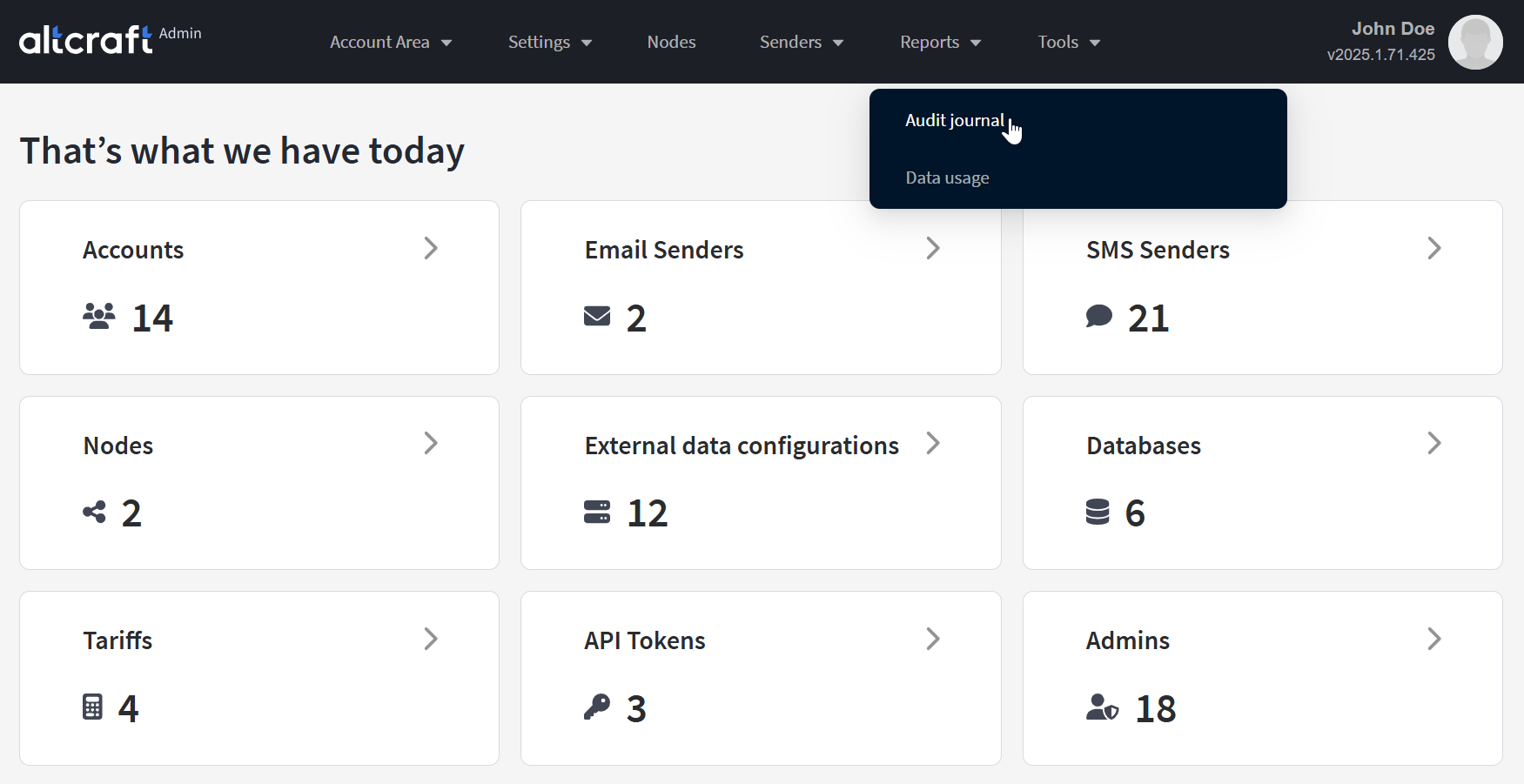
Administrator actions can be filtered by several parameters. From left to right, top to bottom:
- Time period for the report.
- Type of action performed by the administrator.
- Name of the administrator account.
- Type of object on which the actions were performed.
- ID and account name — only for account objects such as users or virtual senders.
- ID and name of the specific object in the Administrative Panel.

After selecting the desired audit parameters, click Apply to generate the report. To display information about all actions in the Administrative Panel, select All in the filters. You can download the report in CSV or XLS format by clicking Export.
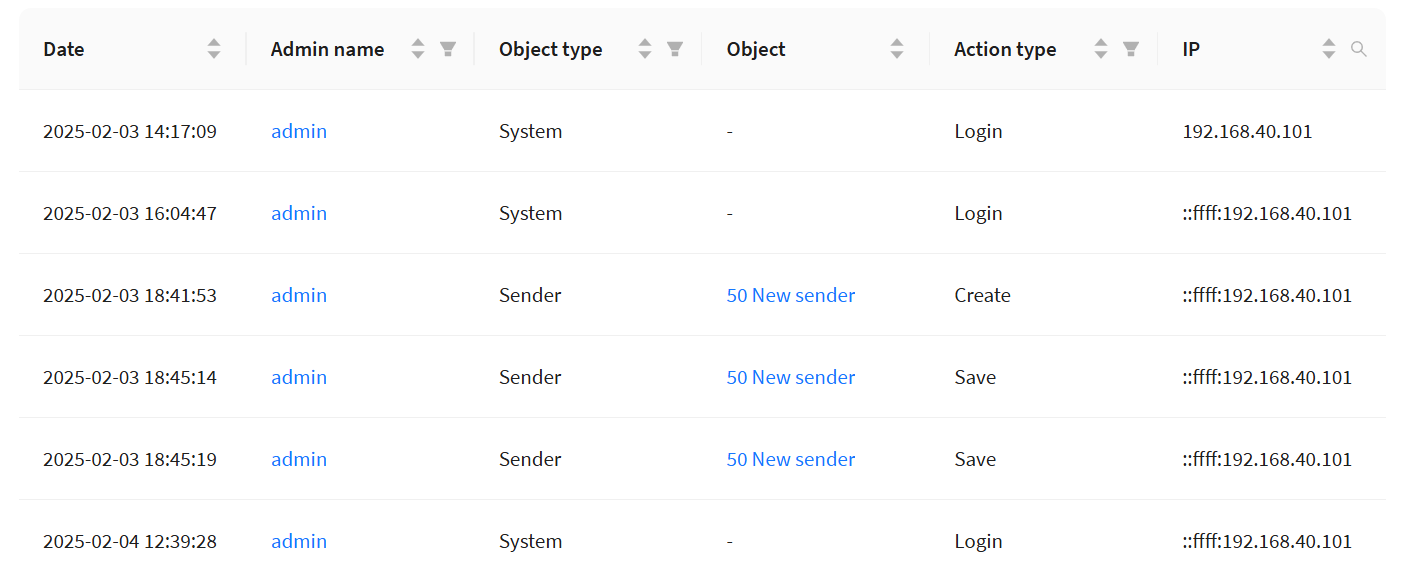
The report displays the date of the action, administrator account, IP address, action type, and the ID and name of the object.