Huawei Mobile Services
Step 1. Huawei Mobile Services project setup
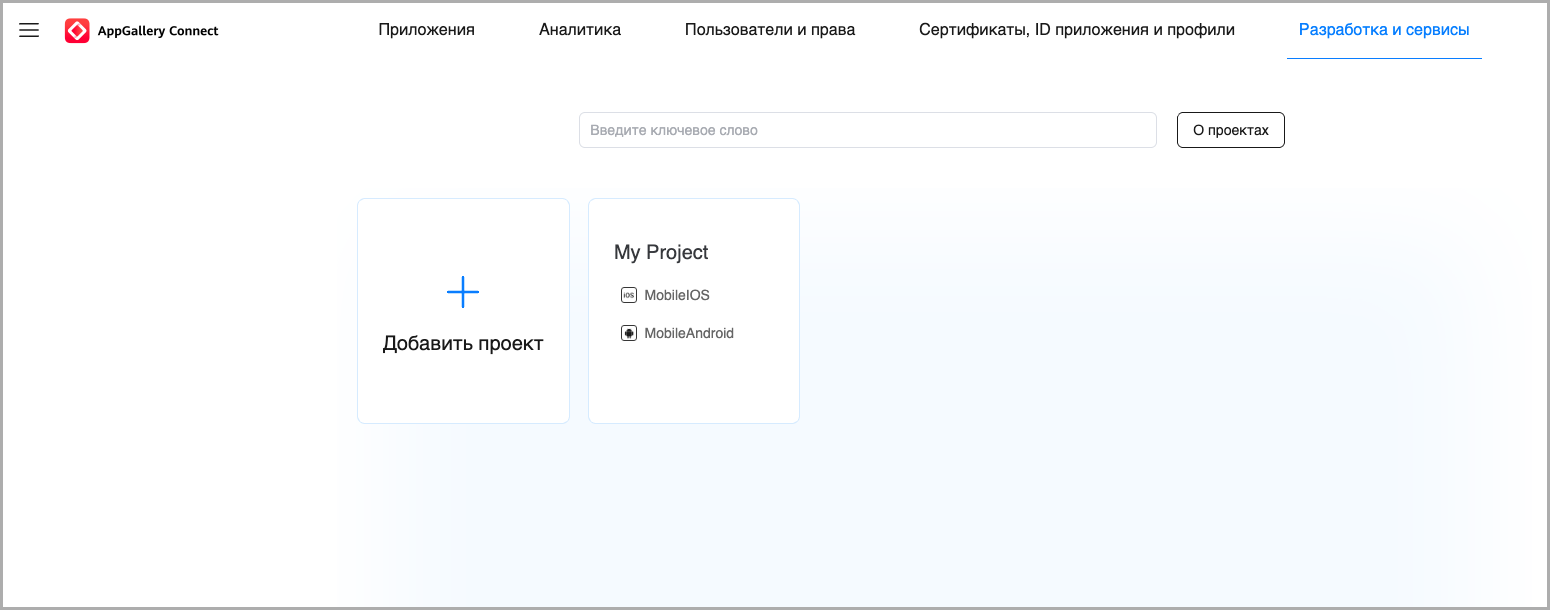
Create an AppGalleryConnect project. To do this, go to Development and services — Add project:
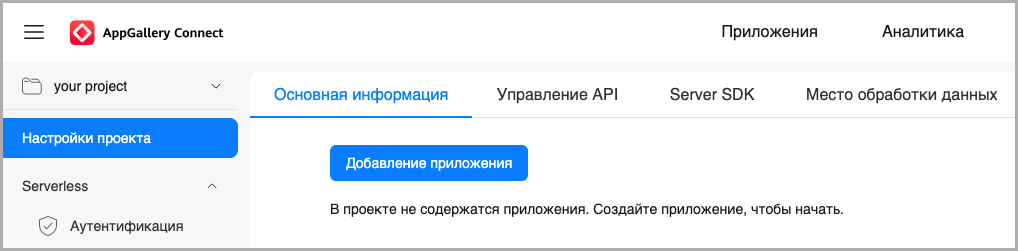
Add a new application to the project:
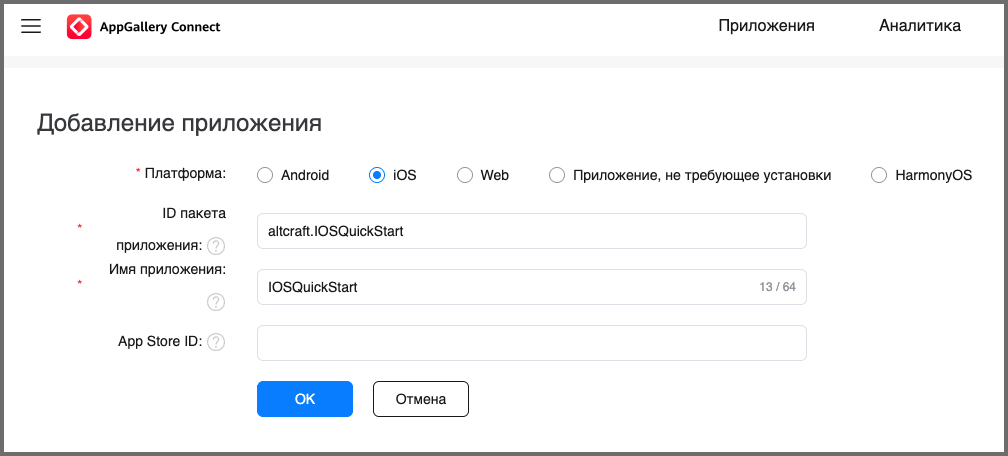
Specify the details of your application:
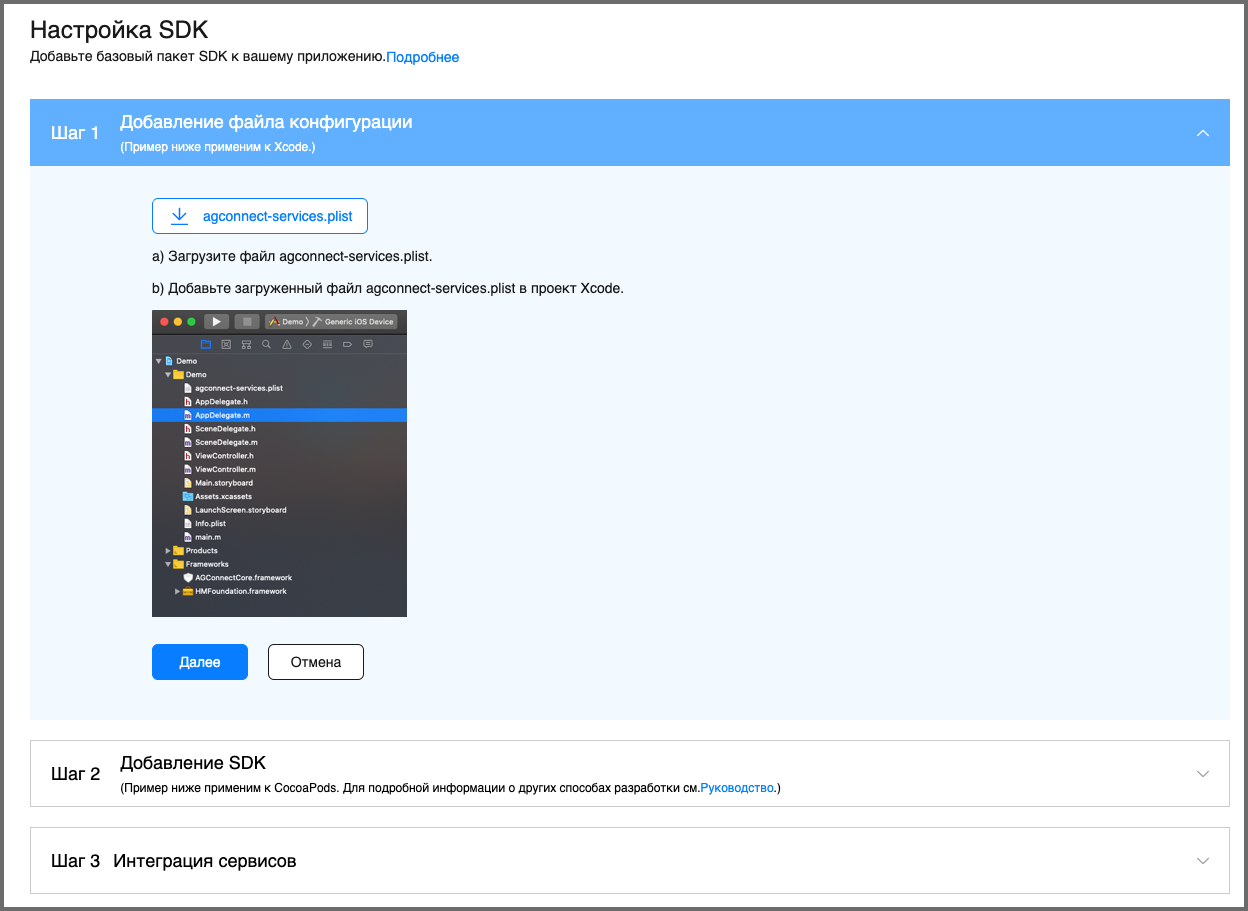
Download the agconnect-services.plist file:
In the left sidebar, select Push Kit in the Grow section:
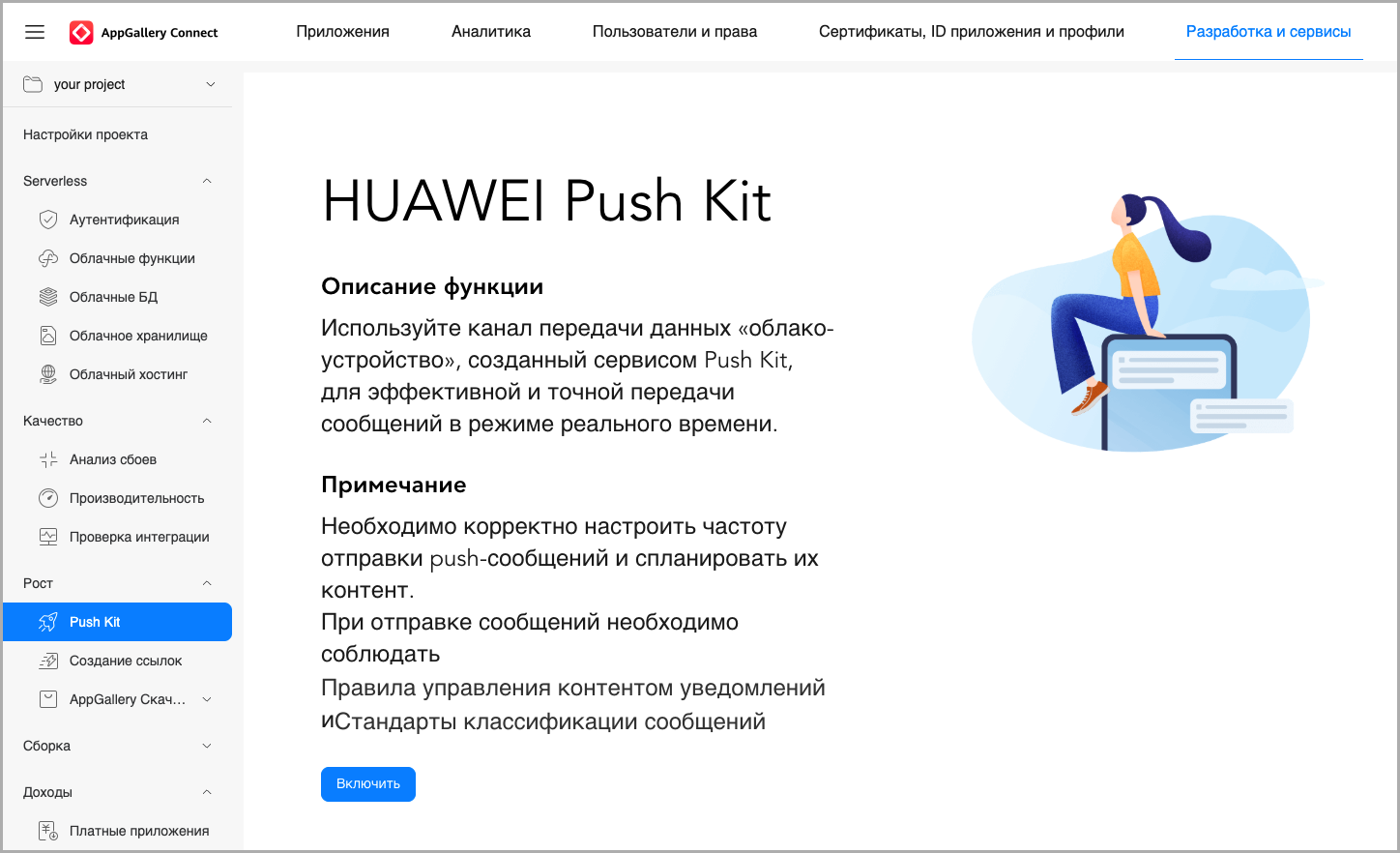
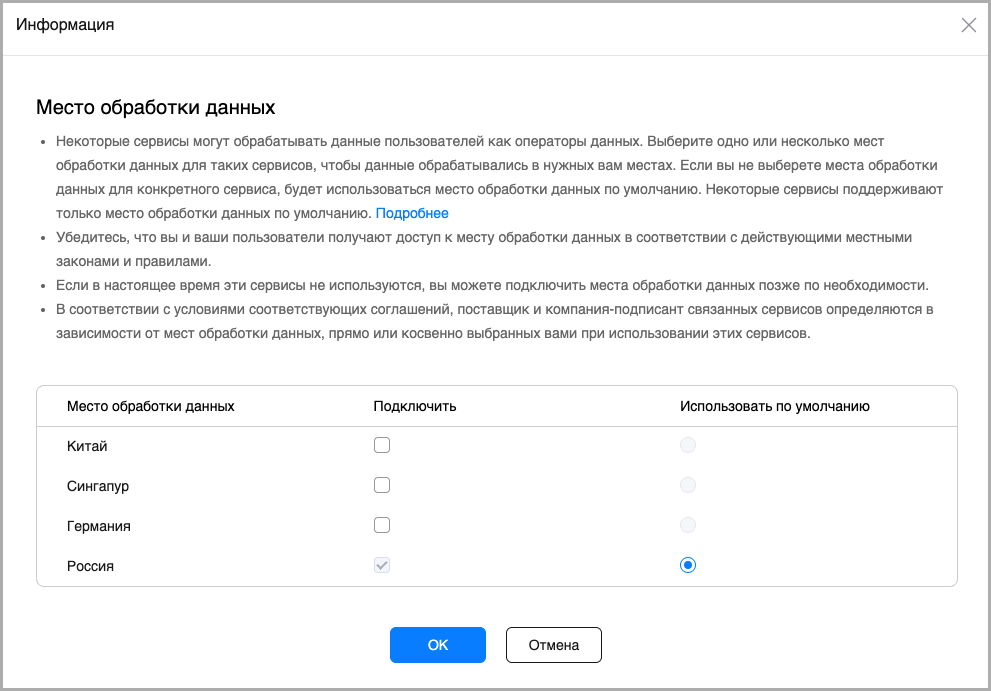
Click Enable — Select a data storage location:
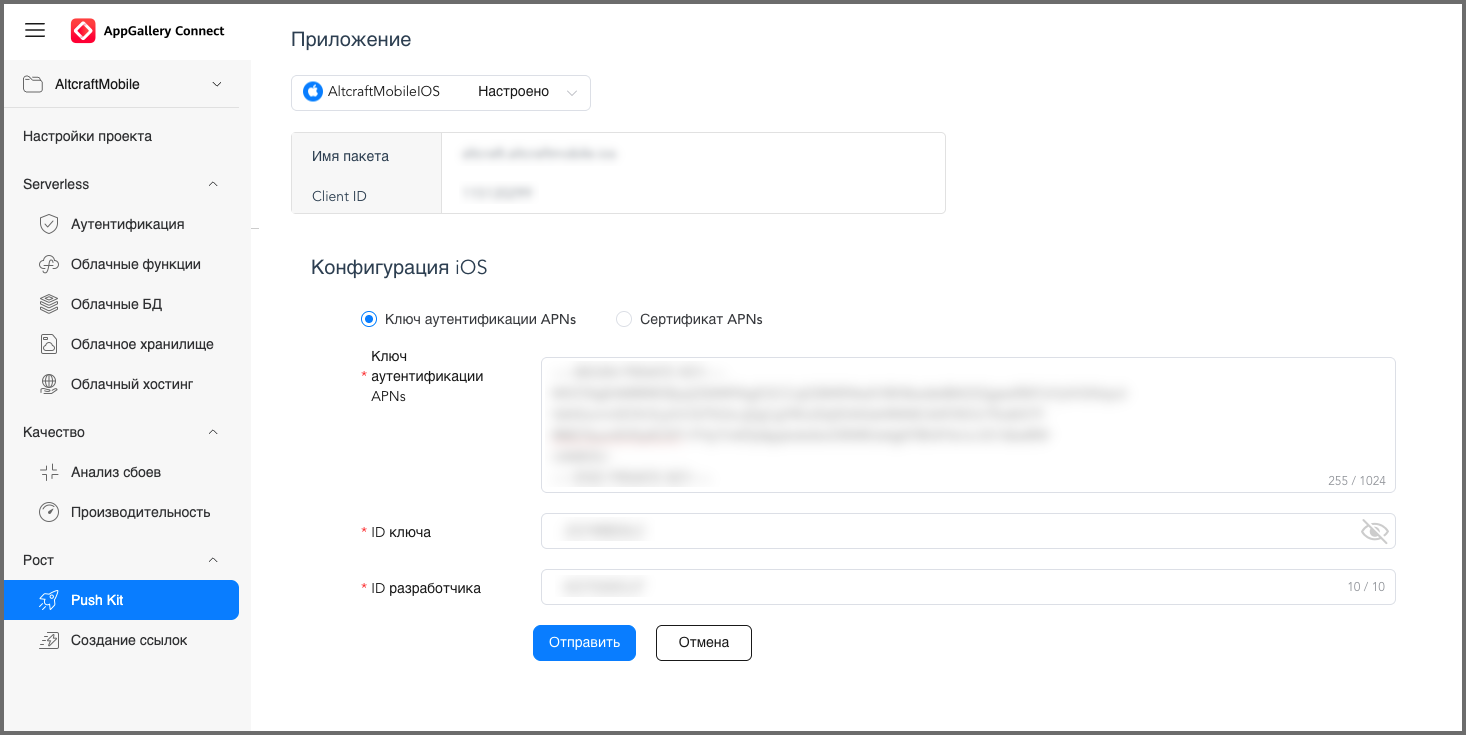
Then go to PushKit — Settings — App — iOS configuration — Enable. In the opened iOS configuration, specify:
- APNs authentication key — the data from the private .p8 key file opened in a text editor;
- Key ID — the
keyIDof the private .p8 key file (usually it matches the file name itself — the value afterAuthKey_); - Developer ID — the
teamIDfrom Apple Developer.
Step 2. Altcraft resource setup
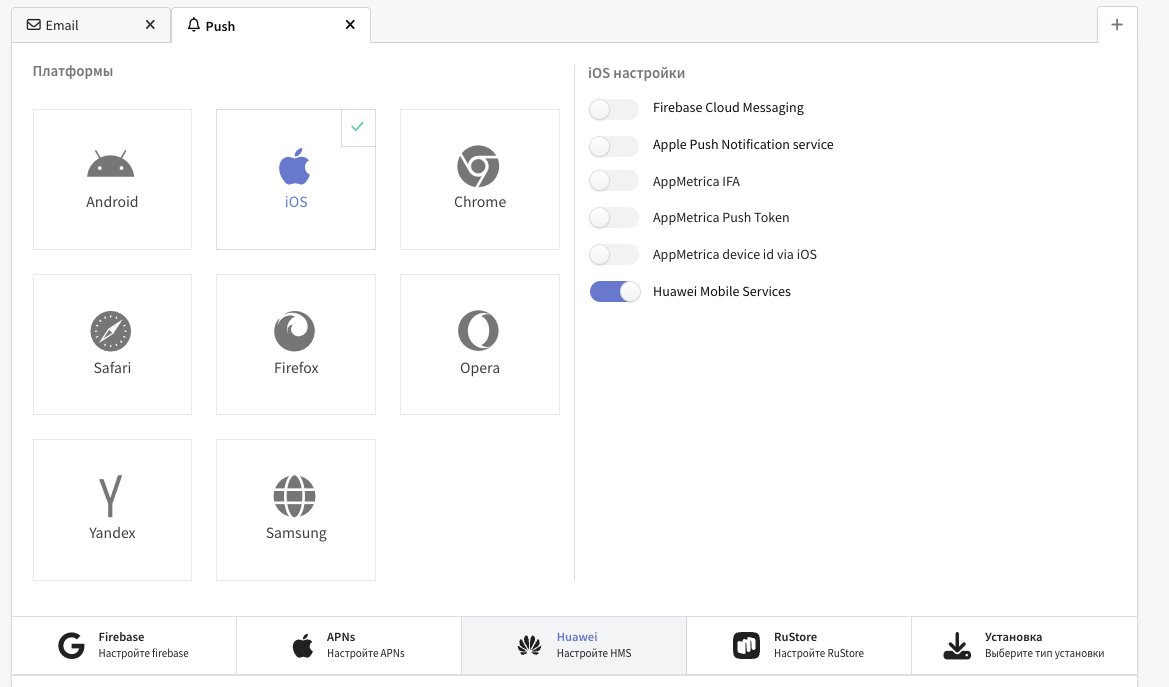
In the Altcraft Platform, create a resource or add a new communication channel — Push — to an existing one. Then in the resource settings, select the iOS platform and enable the Huawei Mobile Services switch:
A bit lower, go to the Huawei settings and specify the app ID, OAuth 2.0 client ID, and OAuth 2.0 client secret:
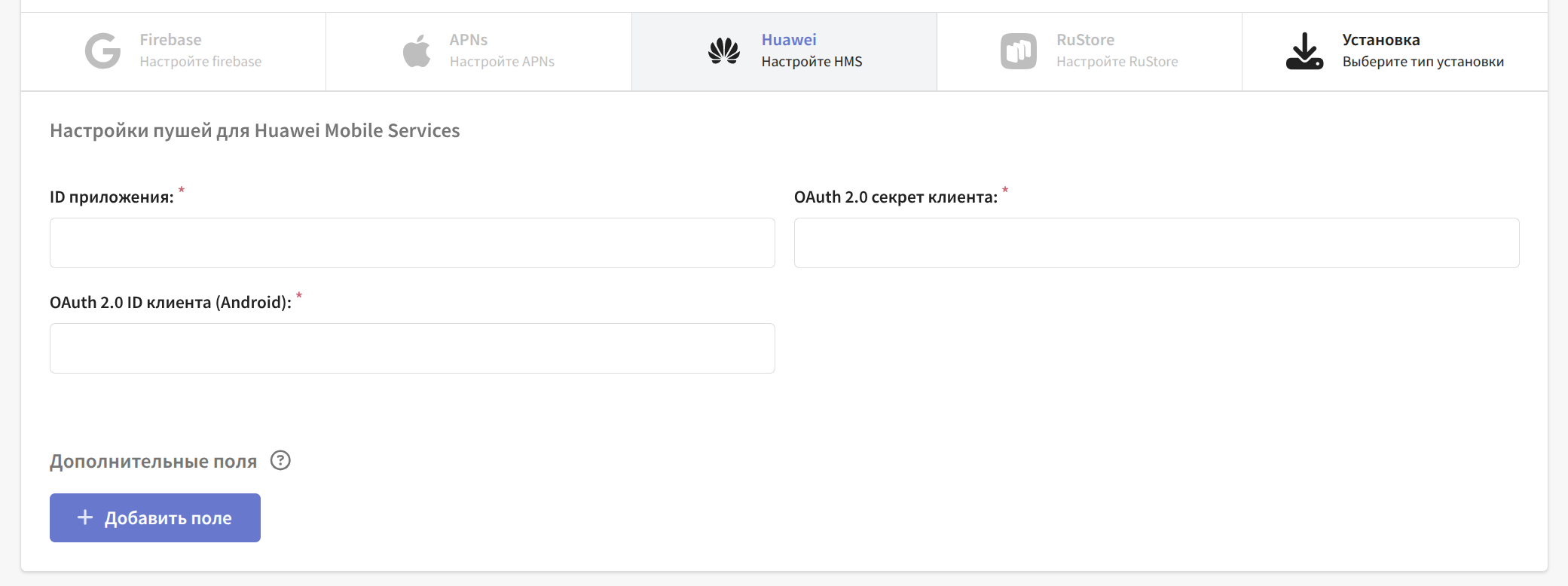
Note that the app ID is the client ID from the App data section.
All of this data can be found in the App data section in Huawei Mobile Services:
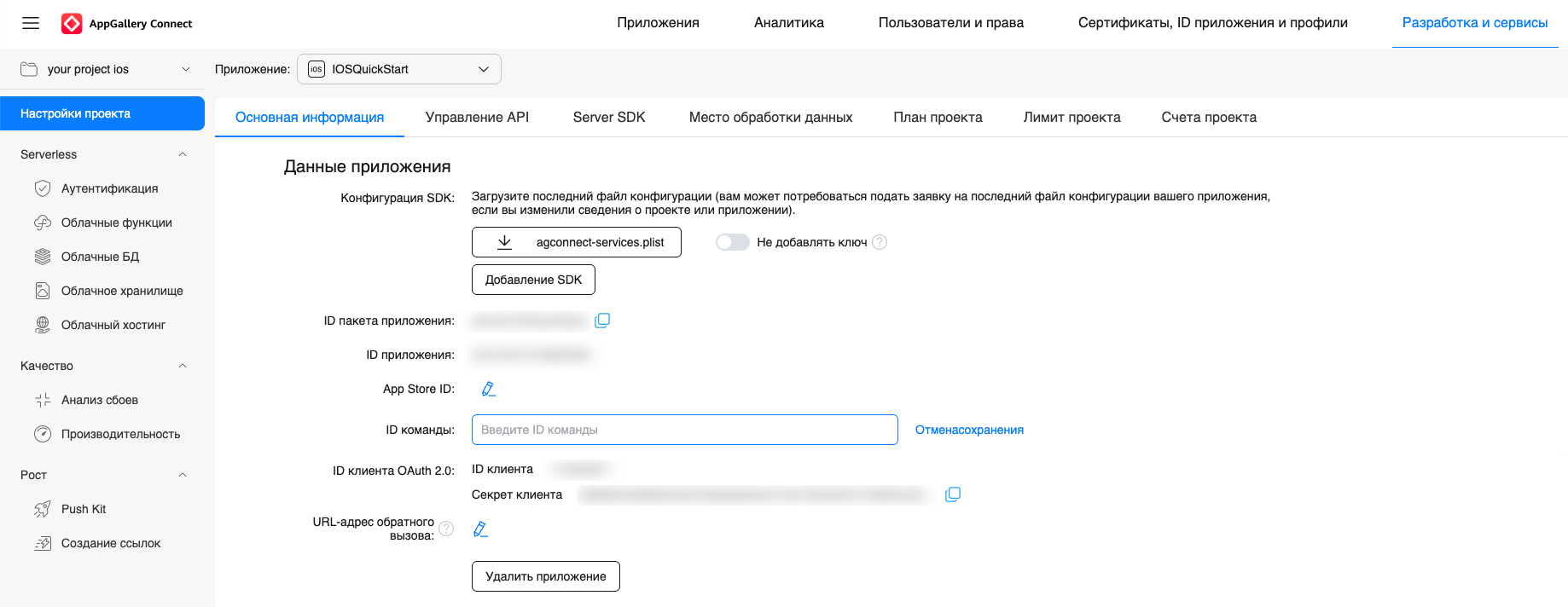
After making the changes, do not forget to save the resource.
Step 3. Integrating Huawei Push Kit into the app project
Move the downloaded agconnect-services.plist file to the root directory of the app module (app). Then add the HmsPushSDK pod file.
Configure the app target:
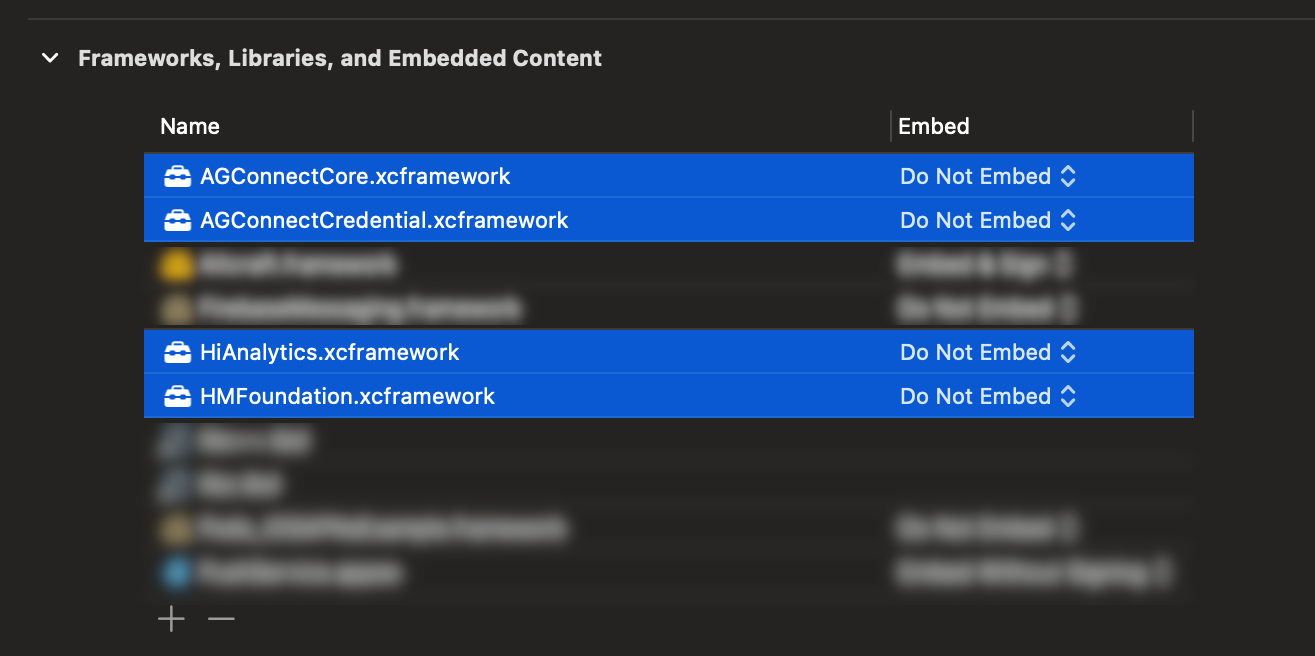
- General — Frameworks, Libraries, and Embedded Content
Make sure the required frameworks are added and set as Do Not Embed:
AGConnectCore.xcframework;AGConnectCredential.xcframework;HiAnalytics.xcframework;HMFoundation.xcframework.
- Signing & Capabilities
Add Push Notifications.
Step 4. Obtaining the HMS token
Obtain the HMS token using the HmsInstanceId.getInstance().getToken(apnsToken) function, passing the APNs token as a parameter:
Example of obtaining and deleting the HMS token in the SDK interface implementation
import Foundation

// be sure to import HmsPushSdk in the files where you use HMS functions
import HmsPushSdk
import Altcraft

class HMSProvider: HMSInterface {

    /// Retrieves the current HMS token using the APNs token
    func getToken(completion: @escaping (String?) -> Void) {
        guard let apnsToken = getAPNsTokenFromUserDefault() else {
            completion(nil)
            return
        }

        let token = HmsInstanceId.getInstance().getToken(apnsToken)
        completion(token)
    }


    func deleteToken(completion: @escaping (Bool) -> Void) {
        HmsInstanceId.getInstance().deleteToken()
        completion(true)
    }
}