From Profile
Profile data is the main information about a subscriber that can be used for precise audience segmentation. This section combines everything: from name and email to system labels and subscription statuses.
Main Fields
Main fields include standard profile data such as Email, Phone, First Name, Last Name, Date of Birth, and others. These fields can be of different types, and each type has its own comparison operators.
Operators
For most fields, the following operators are available:
- Is equal to / Is not equal to — exact match of the subscriber's field to the segmentation rule. The value in the rule is set manually or selected from a list.
- Exists / Does not exist — checks whether the field is active for a specific profile. An existing field can be empty or contain a value.
- Empty / Not empty — checks whether an existing field contains any value.
- Is in file in column / Is not in file in column — the rule looks for a match of the field in a column of a tabular file (CSV, xls) that can be attached to the rule.
- Is in data table / Is not in data table — the rule looks for a match of the field in a query to an external SQL database.
- Is in a field of post url response / Is not in a field of post url response — the rule looks for a match of the field in the response of a post method request to an external API.
- Is in list / Is not in list — the rule looks for a match of the field in a list that can be copied into the data input area. Values must be separated by a line break (pipe).
Field Types and Their Operators
String Fields
String fields store any values: letters, numbers, special characters. These include: First Name, Last Name, Registration Link, City, Region, Zip Code, and Provider.
For string fields, an additional set of operators is available:
- Starts with — search based on the beginning of the field value.
- Contains / Does not contain — search based on a part of the field value (case-insensitive). The "Does not contain" operator consumes a lot of system resources.
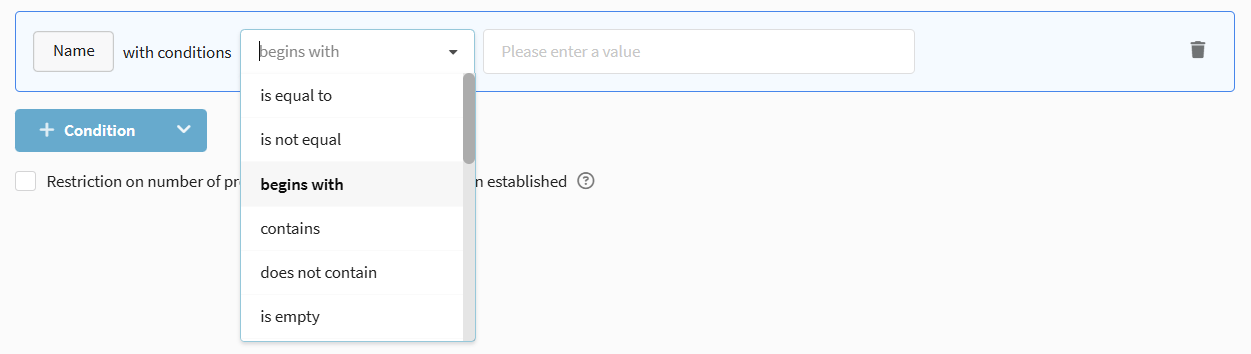
The standard Phones field has the same set of segmentation rules as string fields. However, this field can only store phone numbers in the format +71234567890.
Email Type Fields
The Email field is used to identify a profile and has a special set of operators related to domains and domain groups.
- Domain group is / Domain group is not — search for email addresses of a selected domain group (mail.ru, yandex.ru).
- Domain is / Domain is not / Domain contains — search by the domain of subscribers' email addresses or part of it (bk.ru, list.ru, ya.ru, organizational domains).

Integer Fields
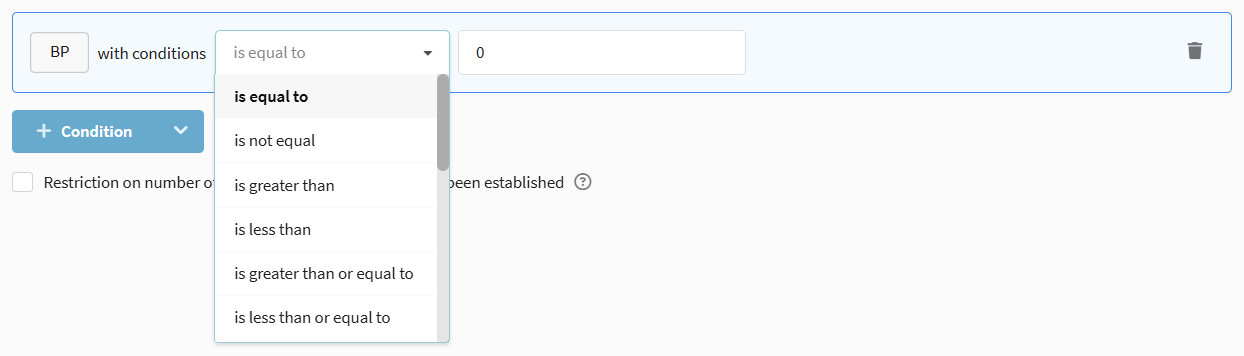
Integer type fields can contain positive and negative whole numbers. Available operators: Is equal to / Is not equal to / Greater than / Less than.
Floating Point Fields
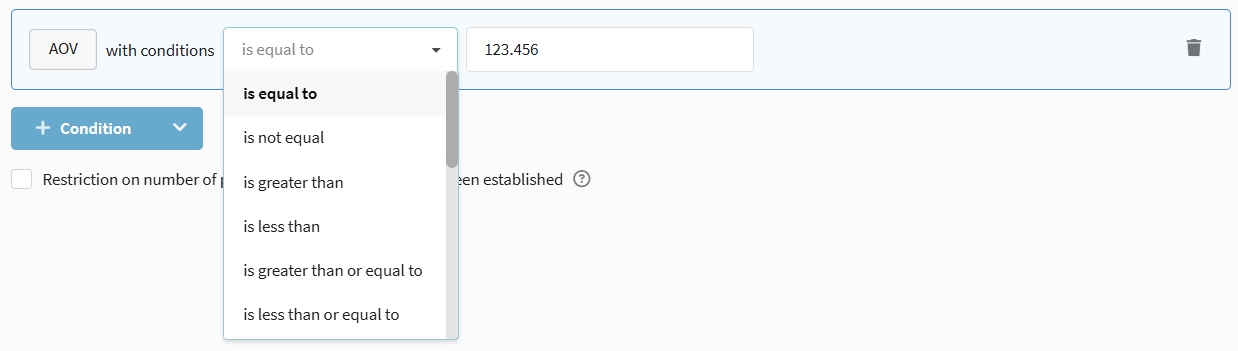
Floating-point fields can contain positive and negative decimal values. Available operators: Is equal to / Is not equal to / Greater than / Less than.
Date
Date type fields store dates in RFC 3339 format (e.g., 2018-02-22T21:00:00Z). These include: Registration Date and Date of Birth.
Date fields have an extended set of segmentation operators:
- Greater than / Less than — selection by date after or before the specified one.
- Is in a date range — selection by date falling within the specified period.
- Date/age relative to current date — selection by a moment in the past or future.
- Month is / Month is not / Month is the same as current — selection by month.
- Month day is / is not / after month day / before month day / month day is the same as current — selection by day of the month.
- Day and month are / are not / after / before a day in the month / day and month are the same as current — selection by day and month (without year).
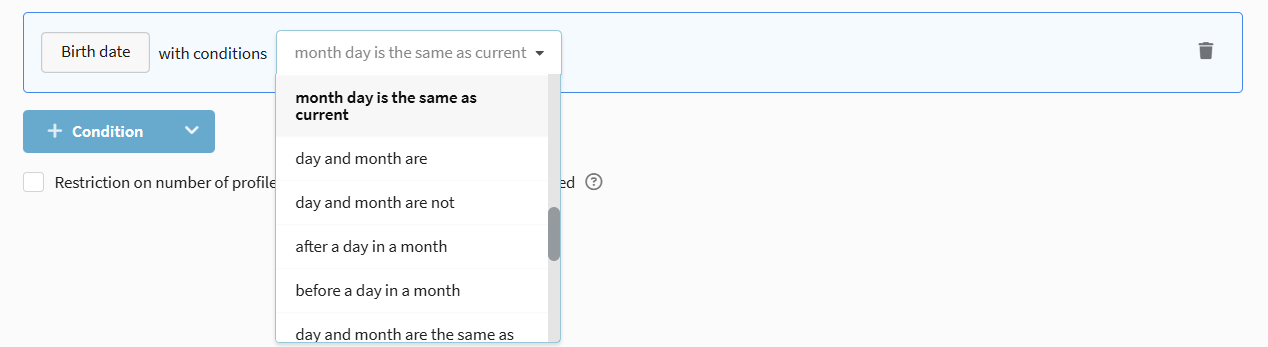
Dynamic segmentation by a date field is excellent for trigger reminders (e.g., about the end of a service term). To do this, set up a daily regular mailing based on such a segment.
IP Address
IP Address type fields store addresses in IPv4 format. These include IP Address and Registration IP Address. For IP addresses, the following operators are available: Is equal to / Is not equal to, Exists / Does not exist.
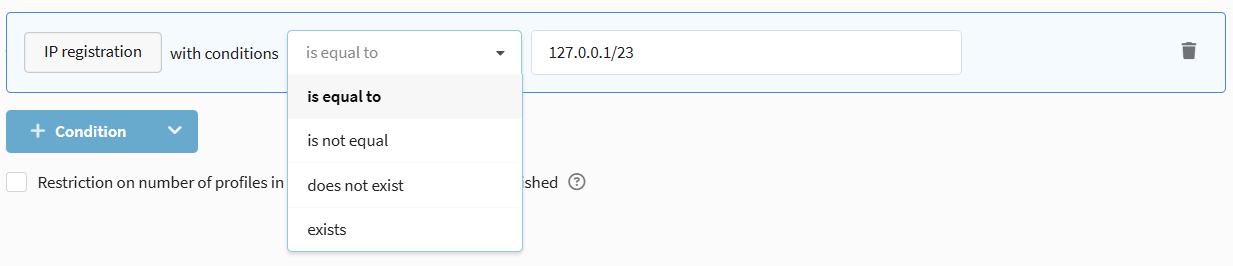
For IP, network mask search is implemented:
- Is equal to — find subscribers whose IP addresses are within the specified subnet (e.g.,
127.0.0.1/25). - Is not equal to — find subscribers whose IP addresses are not within the specified subnet. To search by range, combine two rules with the AND condition.
Tags
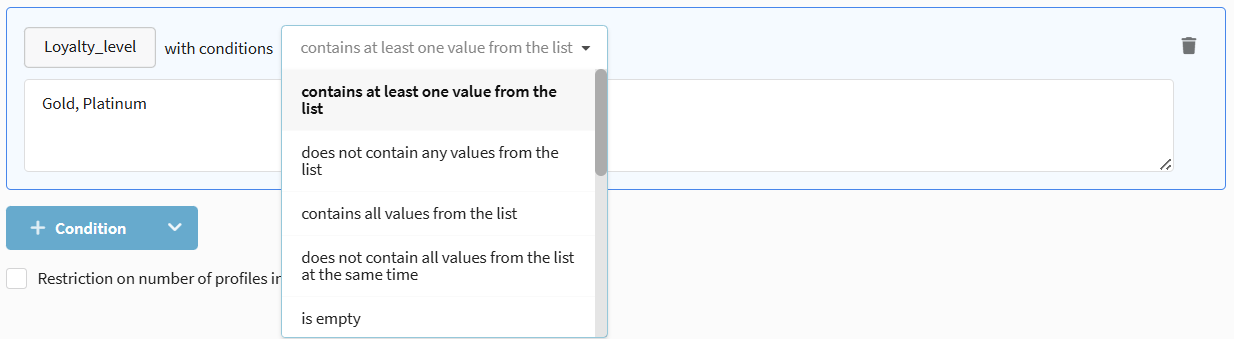
The Tags field is a list separated by commas. These can be, for example, purchased products.
Tag segmentation operators:
- Contains one of — the field contains at least one of the values from the rule.
- Contains none of — the field does not contain any of the values from the rule.
- Contains all of — the field contains all values from the rule.
- Contains not all of — the field does not contain some of the values from the rule.
Boolean Field
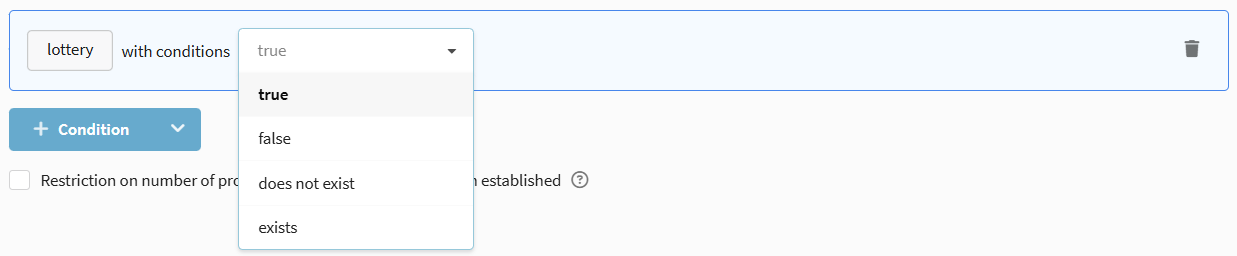
A field containing logical YES/NO (true/false). Convenient for statuses or presence of characteristics. Operators: Is equal to true / Is equal to false.
List (Enumeration)
A field containing one of predefined values. Among standard fields, the Sex field has this type.
Operators can only compare the value with one selected from the list or check for the existence of the field.

Custom (Additional) Fields
You can create your own fields in the database structure to store specific information. The same operators are available for segmentation as for main fields, depending on the field type.
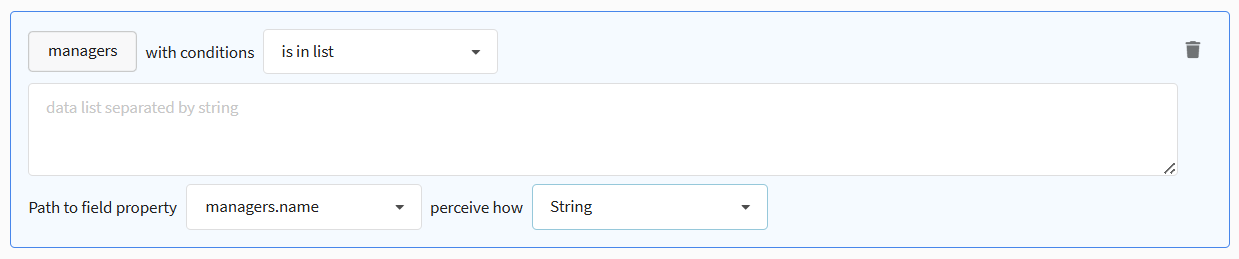
Object
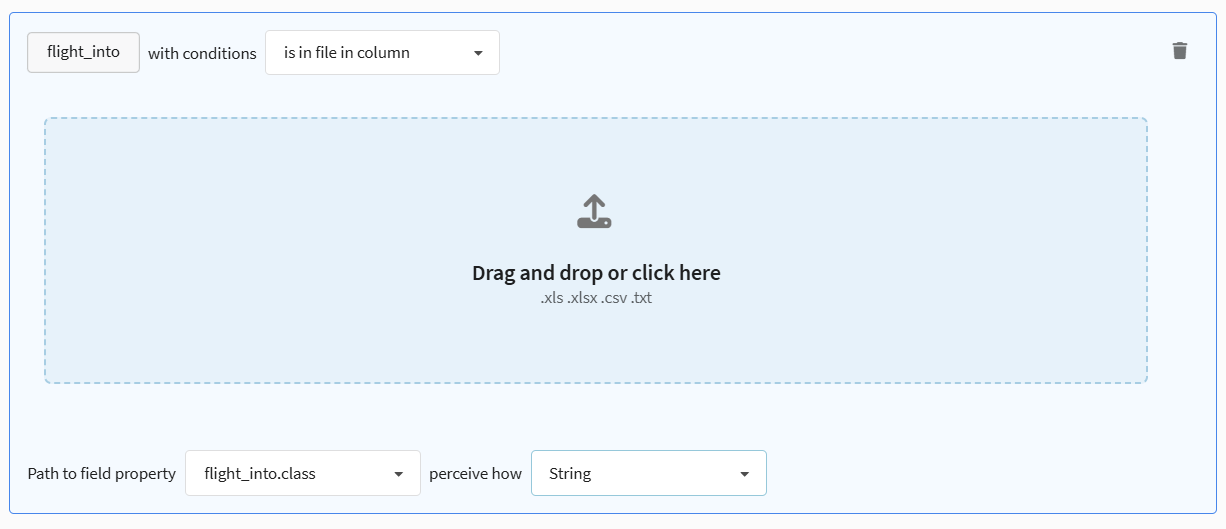
The field contains an arbitrary object for storing complex data structures.
Available conditions: Exists / Does not exist, as well as checks in lists and external sources.
If necessary, specify the path to a specific property of the field. The type of the property will be determined automatically, but you can override it by changing the value in the "Perceive type as" field.
Array of Objects
The field contains an array of arbitrary objects for storing a sub-table (e.g., a list of contracts).
Available conditions: Exists / Does not exist, as well as checks in lists and external sources with the specification "all are in", "at least one is in", or "is not in".
You can also specify the path to the property and its type.
System Fields
System data available for segmentation includes fields automatically filled by the platform.
Profile Status
Contains only the global profile status, which determines the possibility of communication with the client. Select the required status from the dropdown menu.
Profile Identifier
A unique identifier for each customer profile. Options available: Is equal to / Is not equal to, as well as checks for presence/absence of the identifier in lists and external sources (file, SQL, API).

Browser and Operating System
The Browser and Operating System fields are automatically filled when a client opens an email or performs an action on the site (using the User agent header).
Options available: Is equal to / Is not equal to, Exists / Does not exist, Empty / Not empty, as well as checks in lists and external sources.

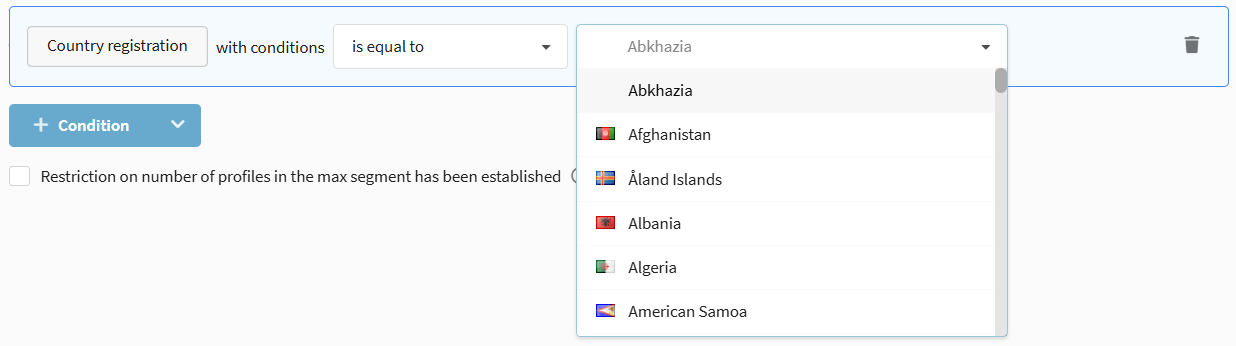
Geolocation Data
Location data (Country, Region, City, Zip Code, Time Zone) can be imported manually or determined automatically by IP address at the moment of opening an email or clicking a link.
Use standard string field operators for segmentation by geolocation.
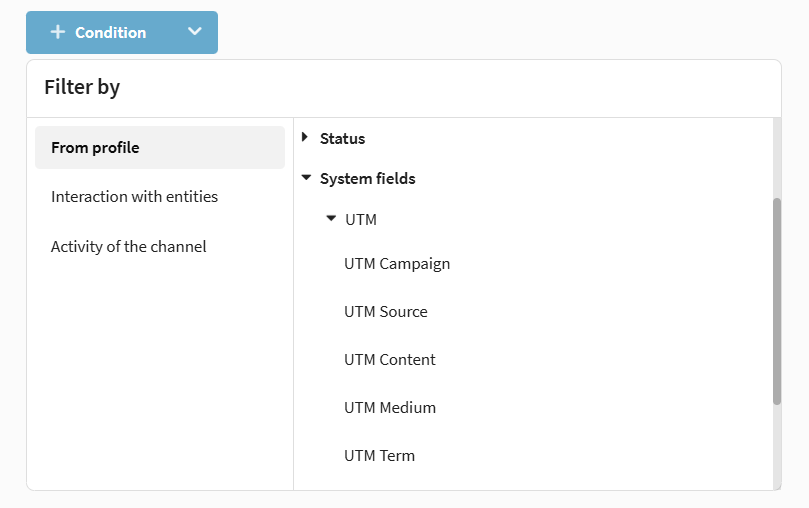
UTM Labels
UTM labels are used to track traffic sources. The following fields are available:
- UTM mailing — the name of the mailing.
- UTM Source — the traffic source (advertising system).
- UTM Medium — the type of mailing (contextual, banner, etc.).
- UTM Content — additional information for differentiating ads.
- UTM Term — the keyword.
For UTM fields, the following operators are available:
- Is equal to / Is not equal to
- Starts with
- Contains / Does not contain
- Is empty / Is not empty
- Exists / Does not exist
- Is in file in column / Is not in file in column
- Is in data table / Is not in data table
- Is in a field of post url response / Is not in a field of post url response
- Is in list / Is not in list
Subscriptions
Segmentation by subscription data allows you to determine the possibility of communication with clients through various communication channels and set up omnichannel mailings.
Subscription
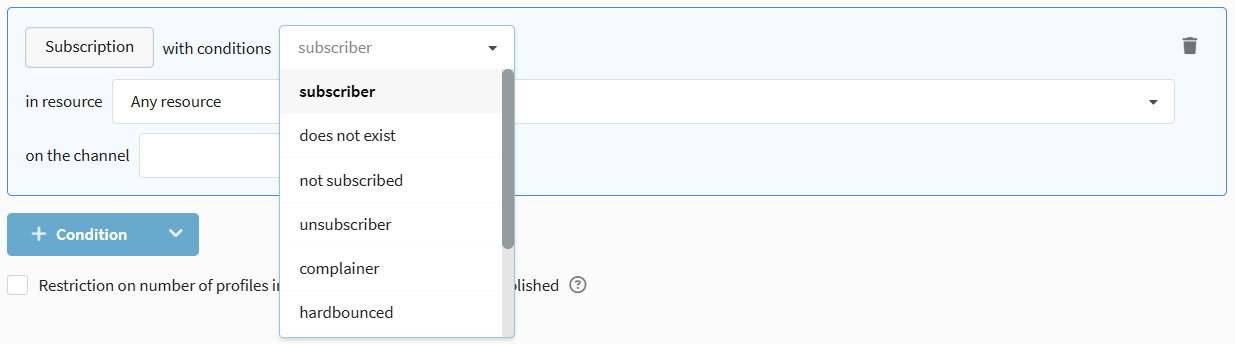
Allows selecting profiles by the presence and status of a subscription to a specific resource and communication channel.
- Does not exist — the profile does not have a subscription to the selected resource and channel.
- Subscribed — the profile has active subscriptions ("Subscribed" status).
- Not subscribed — the subscription exists, but its status does not allow sending messages.
- Unsubscribed, complainer, hard bounced, unconfirmed, suspended, not valid — selection by one of the specific statuses.
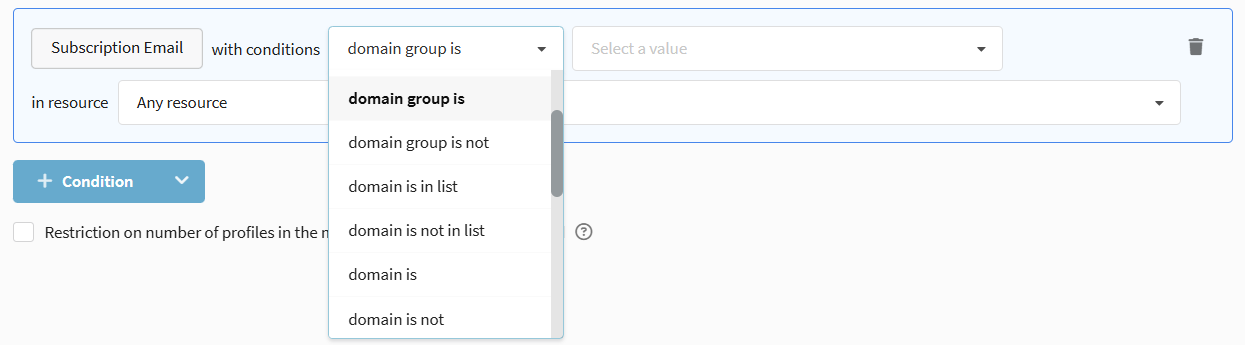
Email Subscription
Allows isolating groups of subscribers by email provider or finding specific emails. The set of operators is similar to the main Email field:
- Is equal to / Is not equal to — exact match of the address.
- Contains — search by part of the email address.
- Domain group is / Domain group is not — search by domain group (mail.ru, yandex.ru).
- Domain is / Domain is not / Domain contains — search by domain or part of it.
- Standard operators for searching data in lists and external sources.
SMS Subscription
Segmentation by data contained in the SMS subscription. Selections by exact or partial match are available: Is equal to / Is not equal to, Contains / Does not contain, as well as checks in lists and external sources.

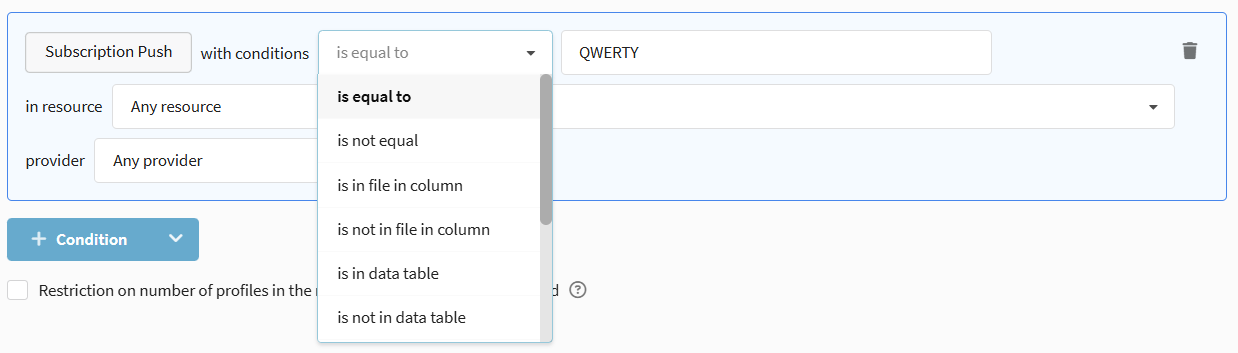
Push Subscription
Segmentation by data contained in the Push subscription. Selections are available only by full match Is equal to / Is not equal to and operators for searching data in lists and external sources. Additionally, you can specify the push notification service provider.
Detailed information about field types in the database and permissible values can be found in the separate article.