Token Authentication connection
Description
Token Authentication is an authentication protocol that uses a special Bearer token - a type of authorization token that is provided to the user after successful authentication to access protected resources. This method is more secured than authorization using a login and password.
Using this connection type, you can connect the Altcraft platform with any external service that uses Token Authentication as an authorization method.
-
Node "API call". You can transfer information from the scenario to the connected service or, on the contrary, request the API content from the service. Use this option if you need to transfer the data of the profile captured by the scenario to the CRM system.
-
Action Hooks. The event capture mechanism will allow you to transfer data about a platform event, including data about the profile associated with that event, to an external service. For example, you can configure a hook that tracks the opening of an email message, and add the profile's email in the
custom_datafield. In this case, when the message is opened, the profile's data can be passed to your CRM. -
Import data on a schedule in the Market. To access a protected product feed, authorization using token is available.
How to create a connection
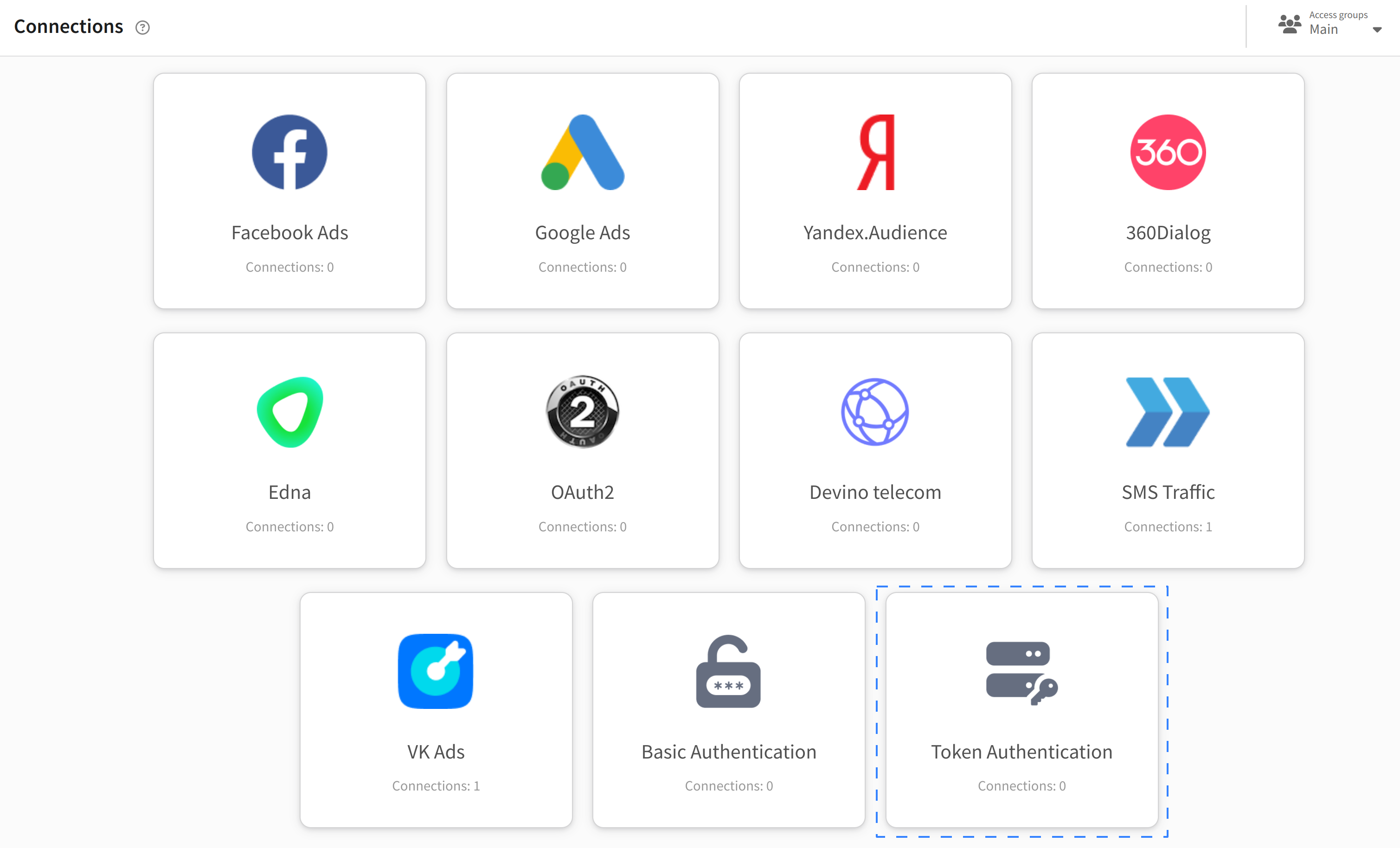
Go to "Settings" → "Connections" and select the connection type Token Authentication:
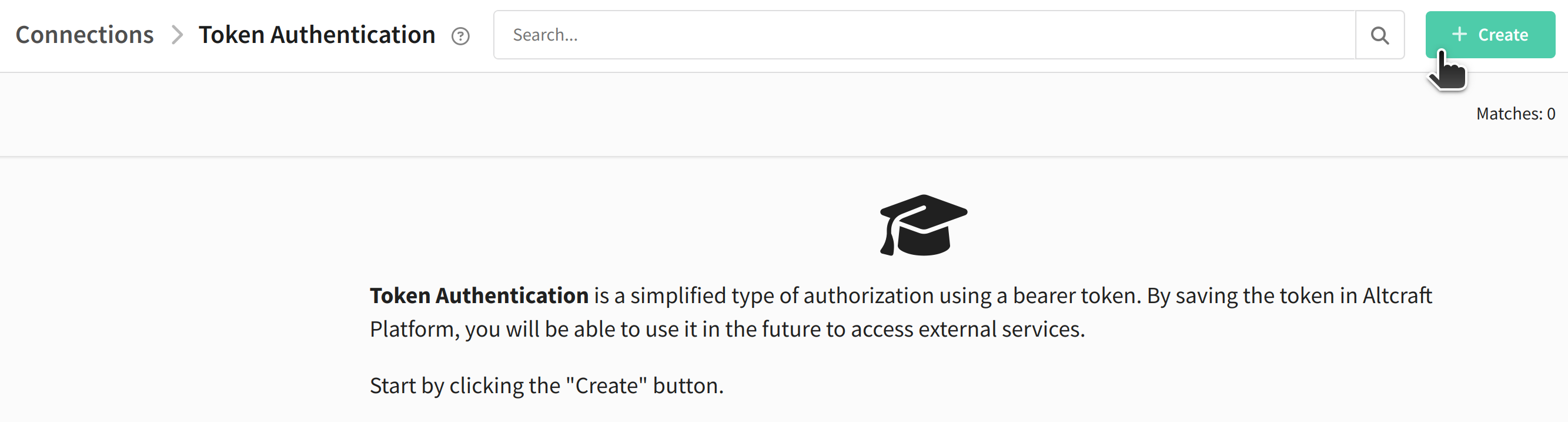
A list of all configured Token connections will open. To add a new one, click "+ Create".
Enter a name for the new connection and, if necessary, add a description. Specify Bearer token. Ussually it is indicated in your personal account or account settings of a service. If you want to provide access only to a specific service, specify its URL in the "Allowed URL" field:
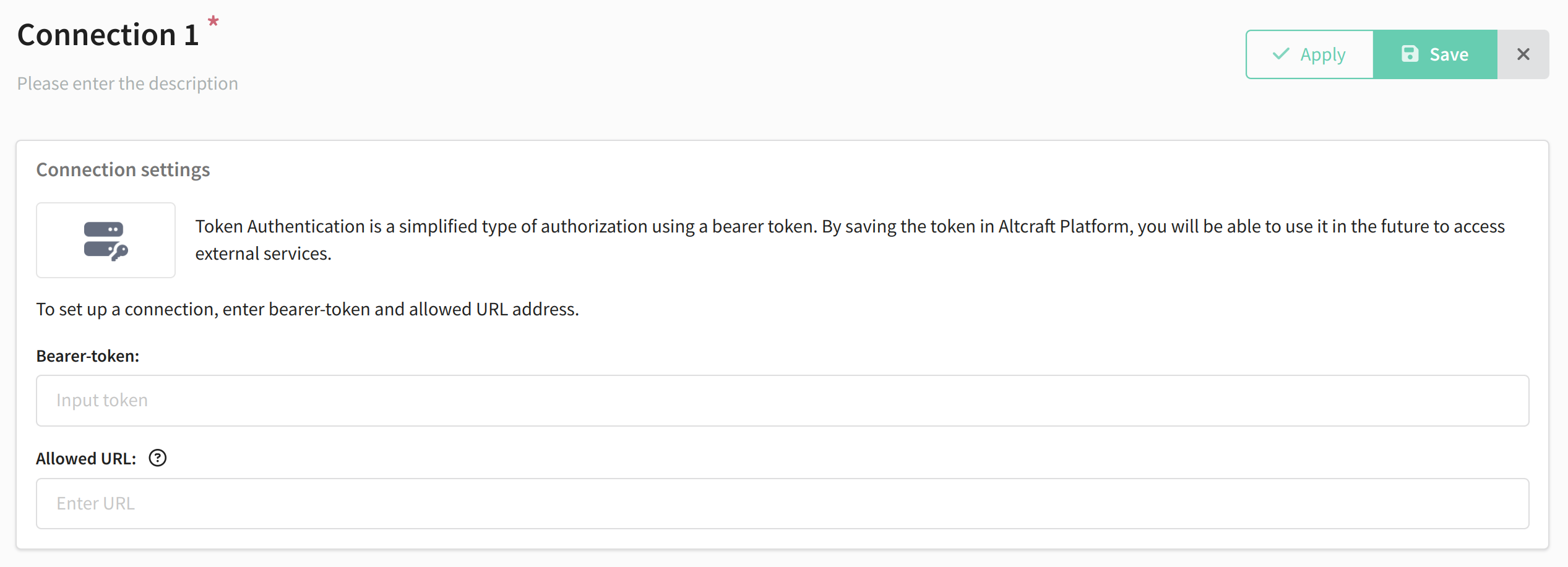
Save your connection using the buttons in the upper right corner. Connection settings can be changed at any time. To do this, click "Edit".