Attribute settings
What are entity attributes
Attributes are custom user-defined fields that can be added to platform entities. They represent a specific parameter with a set of possible values. Attributes can be used not only to tag specific groups of entities for search, but also as segmentation criteria, variables, or embedded into API requests. Attributes can be assigned to both campaigns and scenarios.
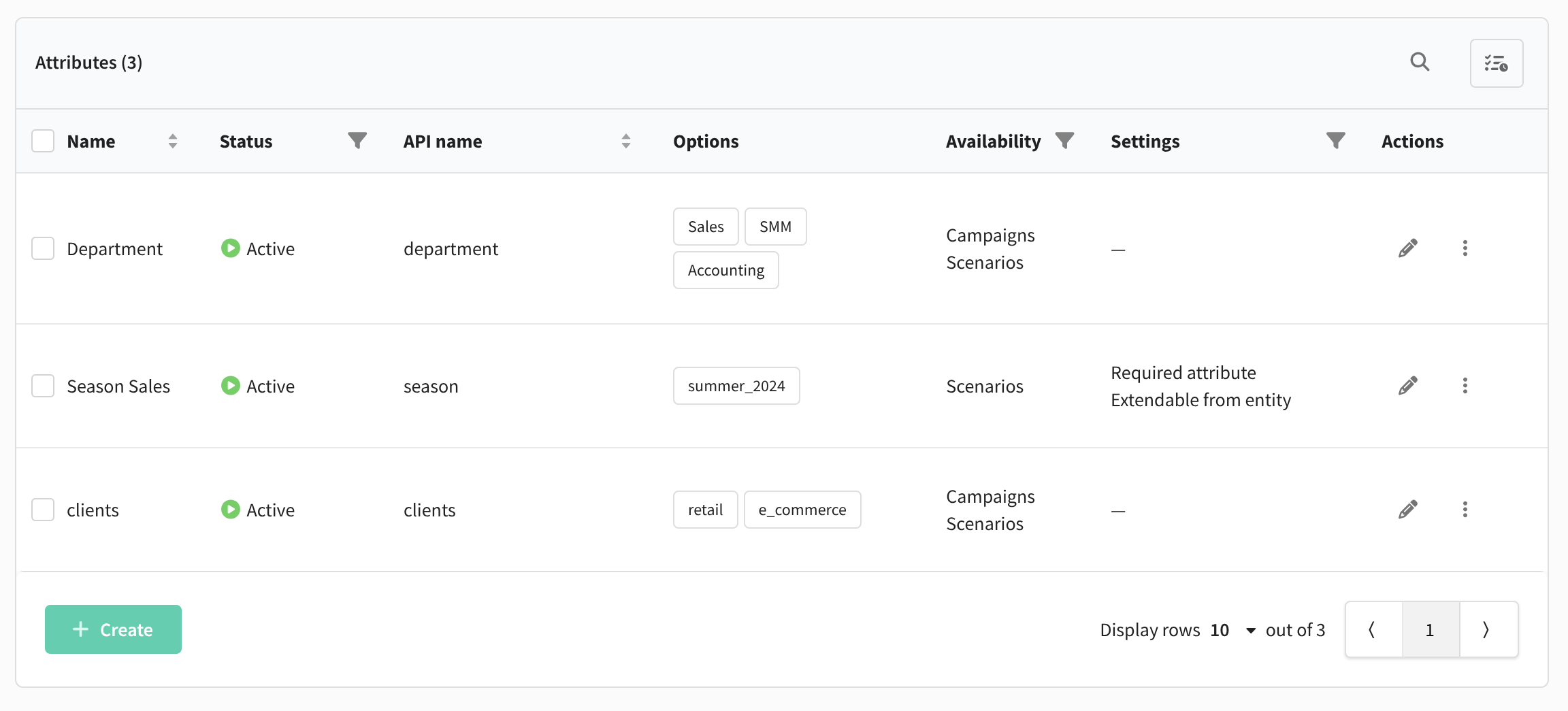
Creating and configuring attributes
To create and configure attributes, go to Settings — Attribute configuration:
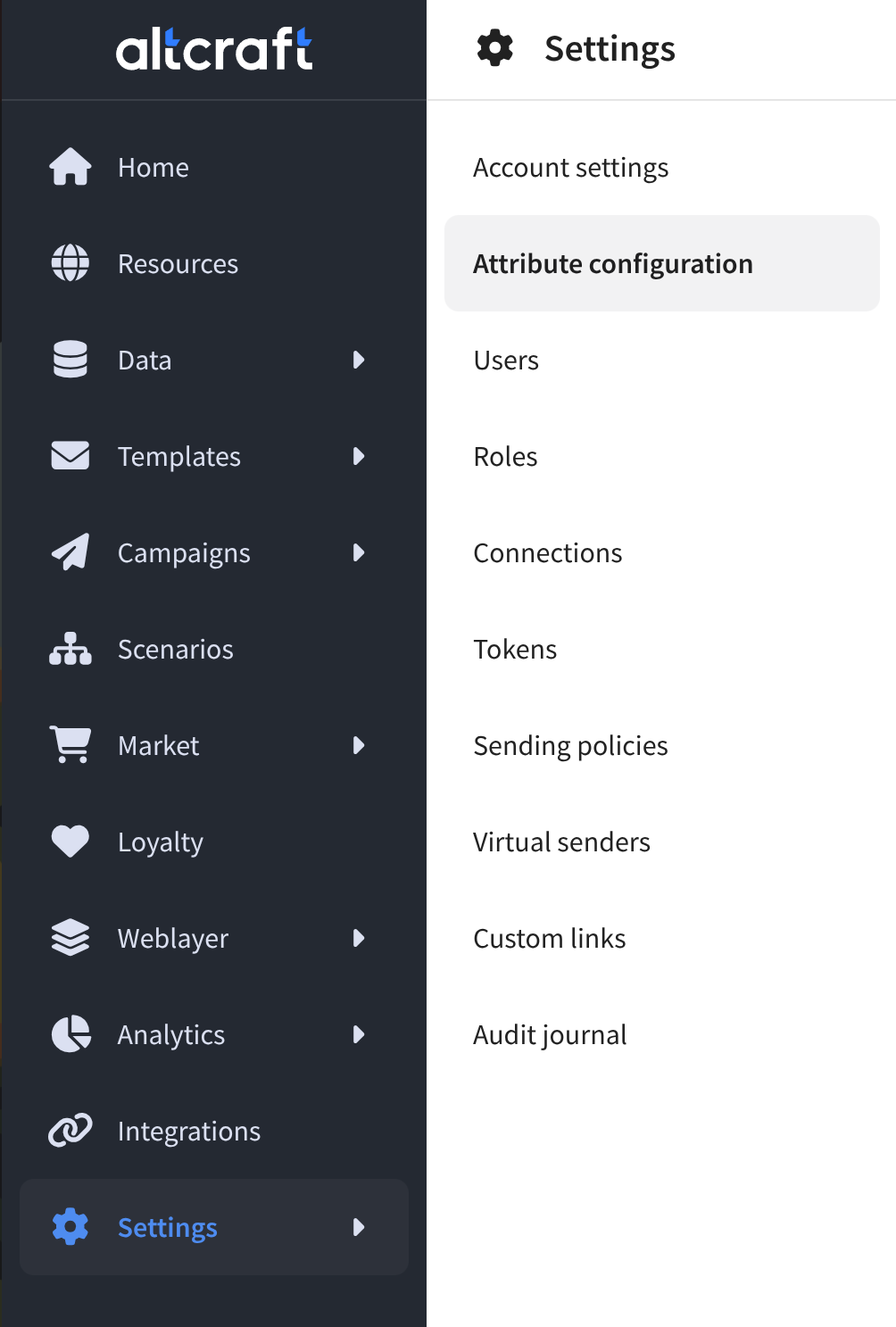
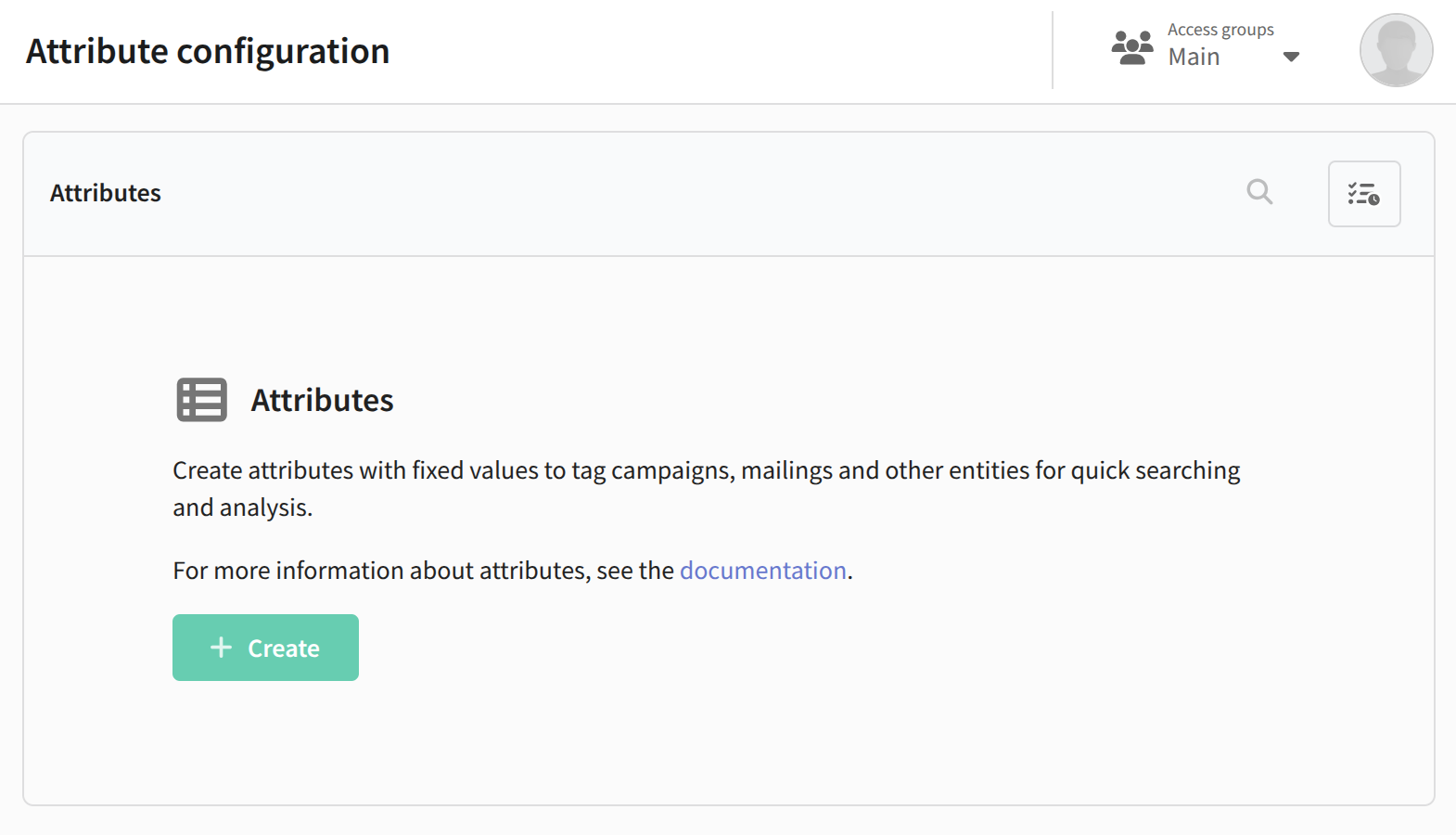
This opens the attribute management panel. Create your first attribute by clicking the corresponding button:
A configuration window will appear. First, specify the name and the API name for the attribute. Then select the entities the attribute will be available for — campaigns or scenarios (at least one type is required):
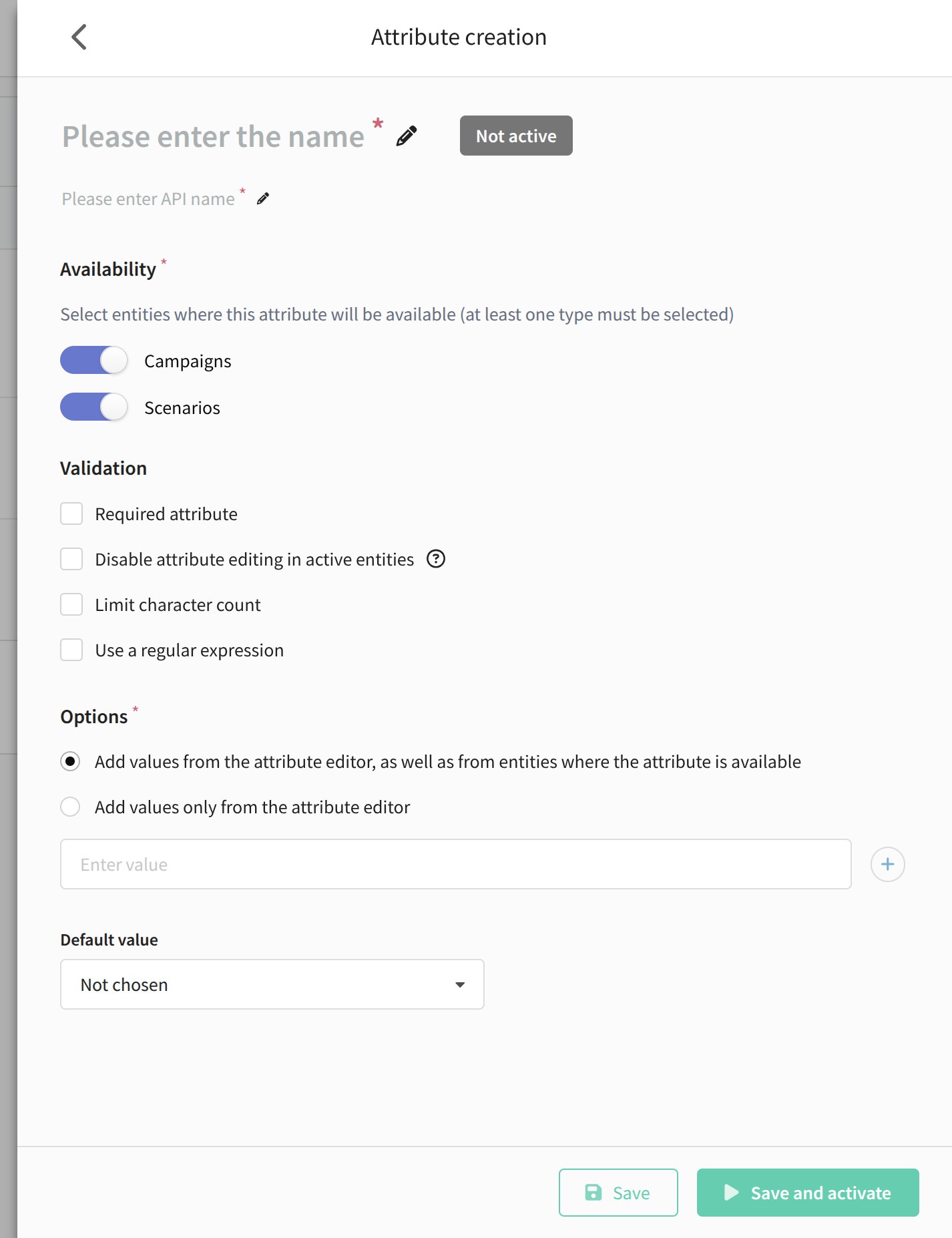
Next, configure the necessary parameters:
- Required attribute — the attribute must be filled in for any entity where it is available. Without it, a campaign or scenario cannot be saved.
- Disable attribute editing in active entities — prevents changes to the attribute’s value once the entity is activated.
- Limit character count — sets the maximum length of the attribute value.
- Use a regular expression — validates the attribute value against a regular expression.
The next step is to define the attribute values. You can also allow users not only to select from predefined values, but to add new ones when editing the entity. Each attribute can have up to 30 values:
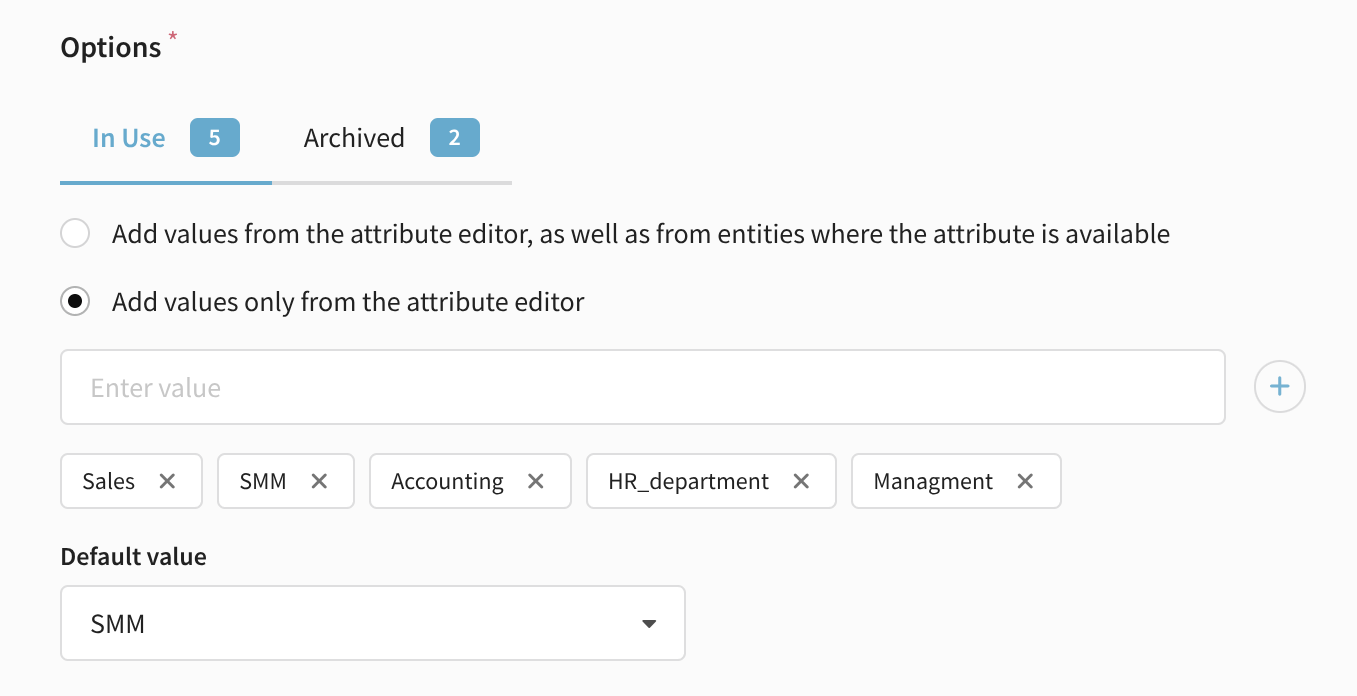
Attributes are inherited hierarchically for campaigns inside scenarios. This means that if an attribute value is not set for a campaign, the value from the scenario will be used.
Later, values can be not only deleted, but also archived. Archived values cannot be assigned to new entities but remain available for existing ones and can be used in filters and search. Archived values are marked accordingly:

If needed, set a default value for the attribute. Then save and activate it. After saving, you can deactivate, clone, or delete attributes from the list.
Using attributes in the platform
Search and filtering
Attribute values are used to search and filter platform entities:

Profile segmentation
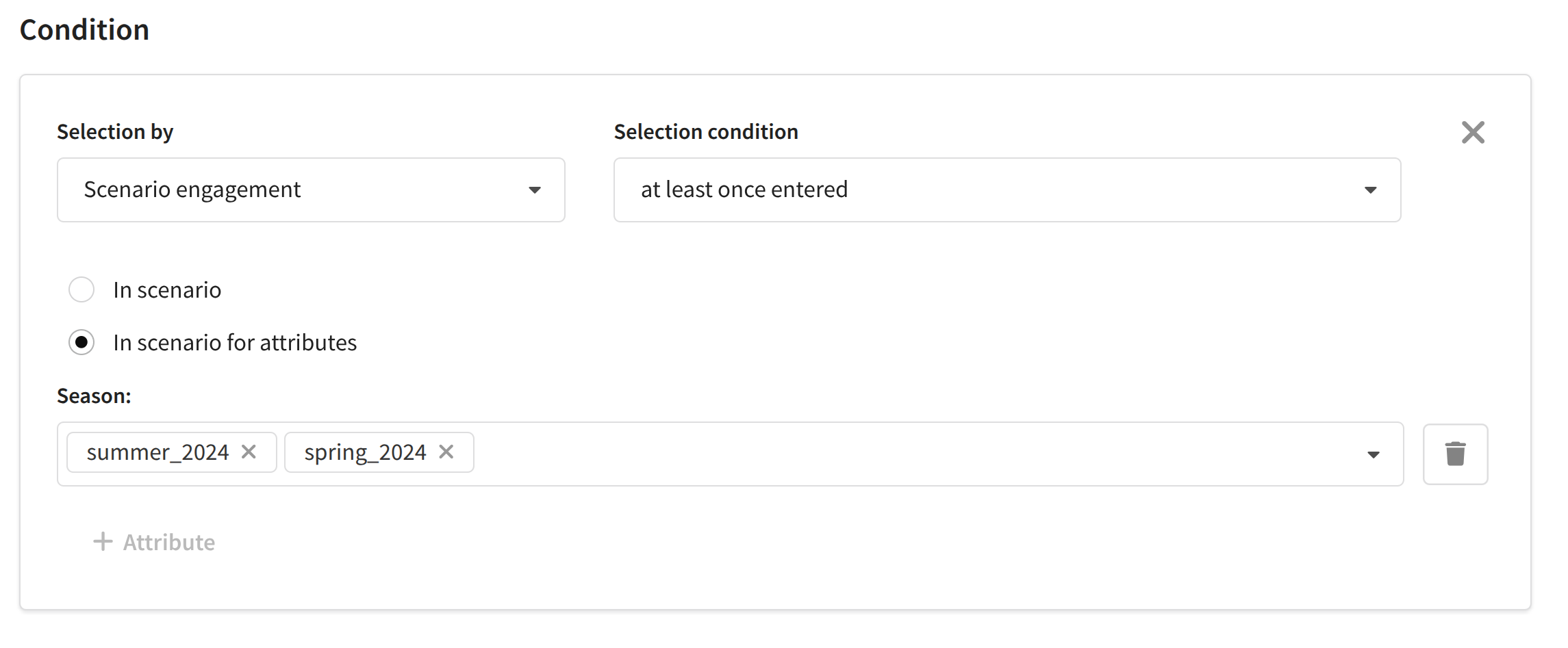
When segmenting by subscriber actions, you can use attribute values to select campaigns and scenarios for profile filtering:
GCG exclusions
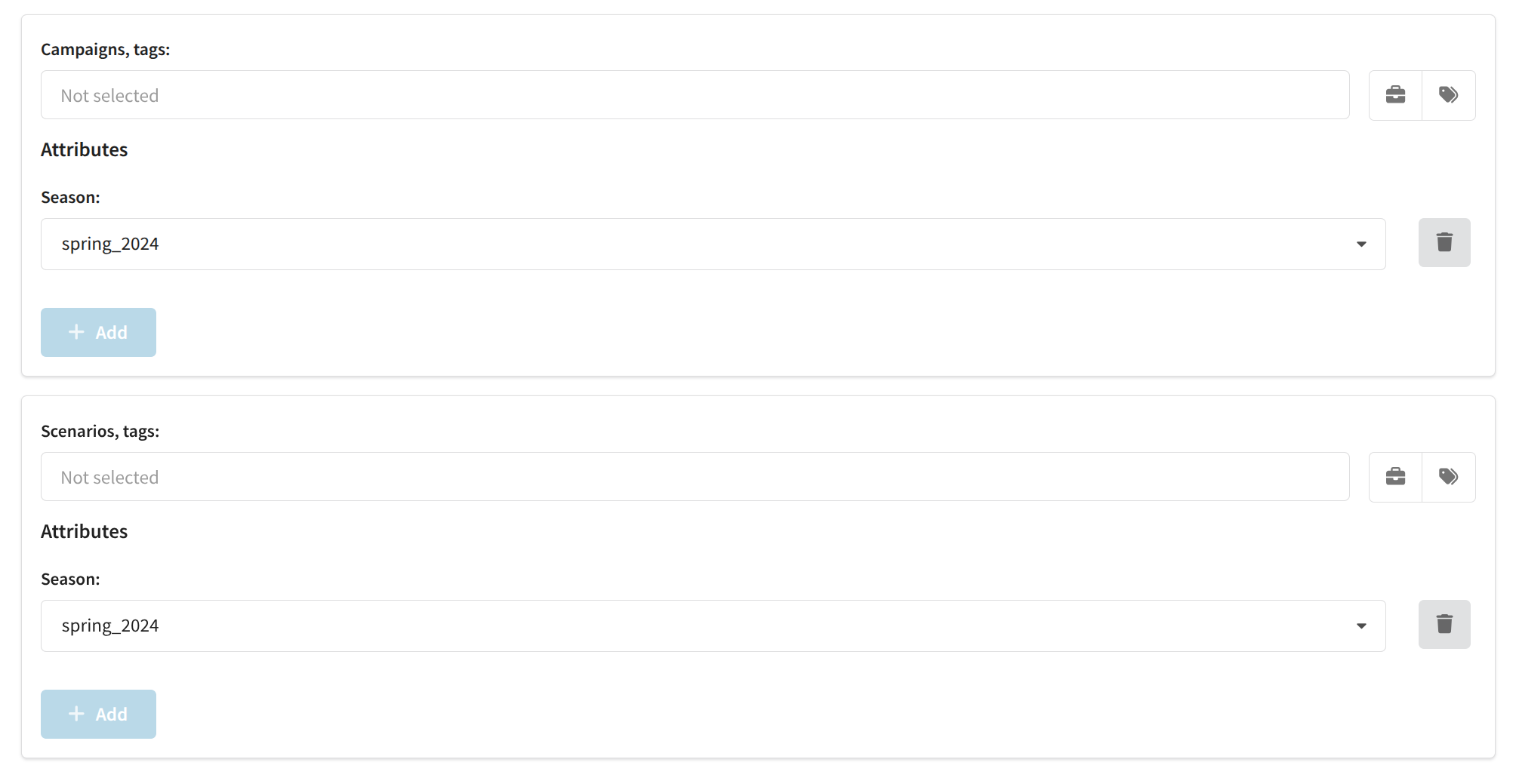
Users can disable global control groups for scenarios and campaigns with specific attribute values:
Variable
You can insert the attribute value into templates and scenarios using the {attribute_value("attribute")} variable, where "attribute" is the attribute's API name. The value can also be passed to custom channels using the expression $getAttributeValue($in.send_message_id, "attribute_1").
API requests
Parameters with the attribute name and value are available in some API requests to the platform. For more information, see this article.