Altcraft Docs LogoAltcraft Docs Logo
User guideDeveloper guideAdmin guide
Company siteHelp center
English
  • Русский
  • English
v72
  • v74
  • v73
  • v72
Login
  • User documentation
  • FAQ
  • Altcraft glossary
  • Profiles and databases
  • Communication channels
  • Segmentation
  • Message templates
  • Campaigns
  • Automation scenarios
  • Market
  • Loyalty programs
  • Reports and analytics
  • Integrations
  • Weblayers
  • Settings
    • Account settings
    • Attribute settings
    • Custom links
    • Virtual senders
    • Sending policies
    • Audit journal
    • Tags FAQ
    • Users, groups and access
    • Connections
      • Connection to Facebook Ads Manager
      • Connection to Google Ads
      • Connection to Yandex.Audience
      • Connection to 360dialog
      • Connection to Edna
      • Connection to Devino Telecom
      • Connection to SMSTraffic
      • Connection to VK Ads™
      • Connection to MTS OmniChannel
      • OAuth2 connection
      • Basic Authentication connection
      • Token Authentication connection
      • Connection to Rapporto
      • Connection to Notify
  • API requests: where to start
  • Changelog
  • library
This is documentation for Altcraft Platform v72. This documentation is no longer maintained.
The information for up-to-date platform version at this page is available (v74).
  • Settings
  • Connections
  • Connection to Notify
Documentation for version v72

Connection to Notify

Connection to Notify is used to create an integration and further use the service as a communication channel with customers. This article describes how to create and configure such a connection.

tip

The connection is available to clients who already have direct access to the service, i.e., those who already have a Notify account. Currently, Notify does not allow the creation of new service accounts.

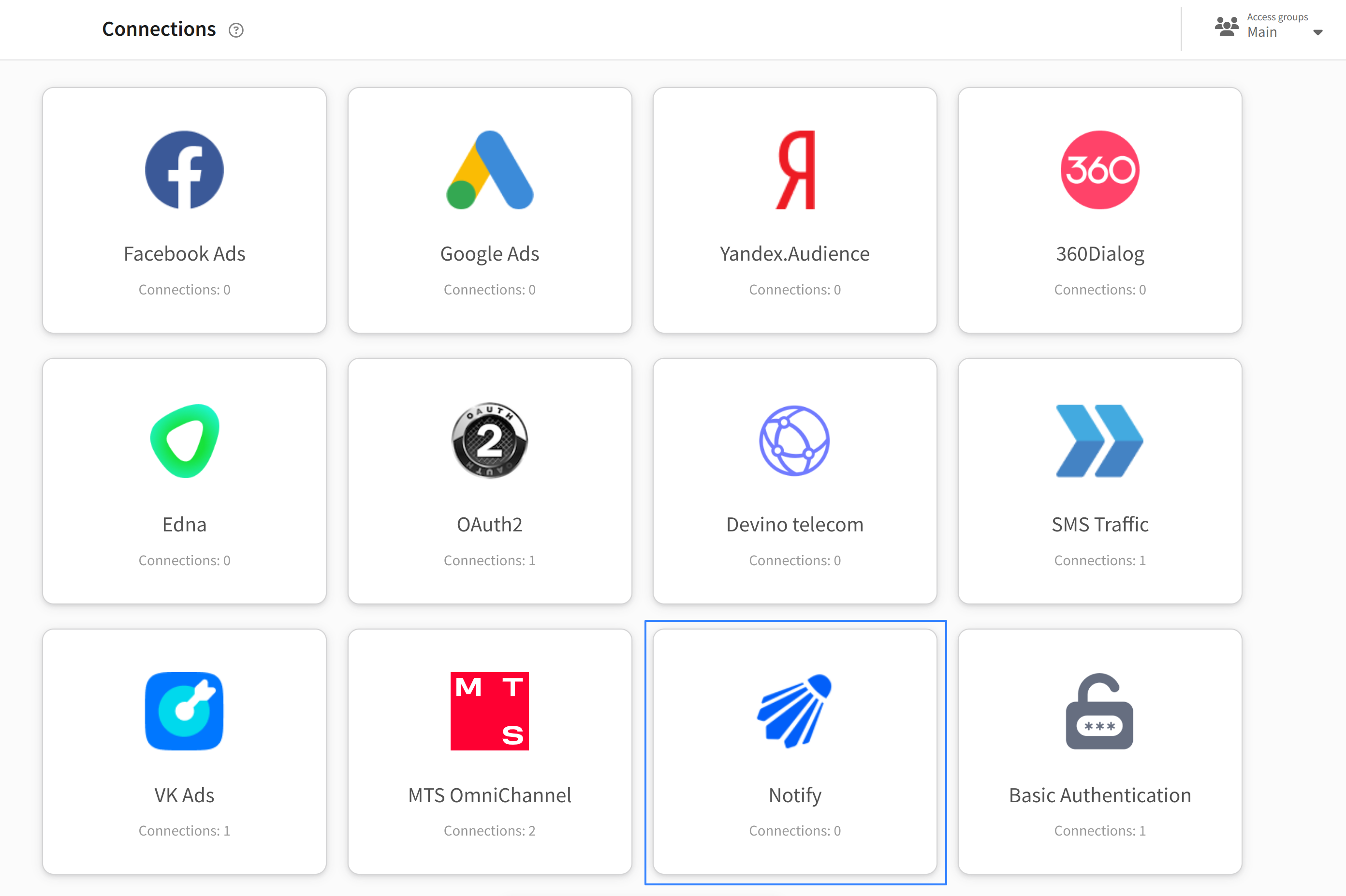
In the main menu, go to Settings → Connections. Select connection type — Notify:
Click the "Create" button on the top bar. In appearing window enter the name and description of connection:
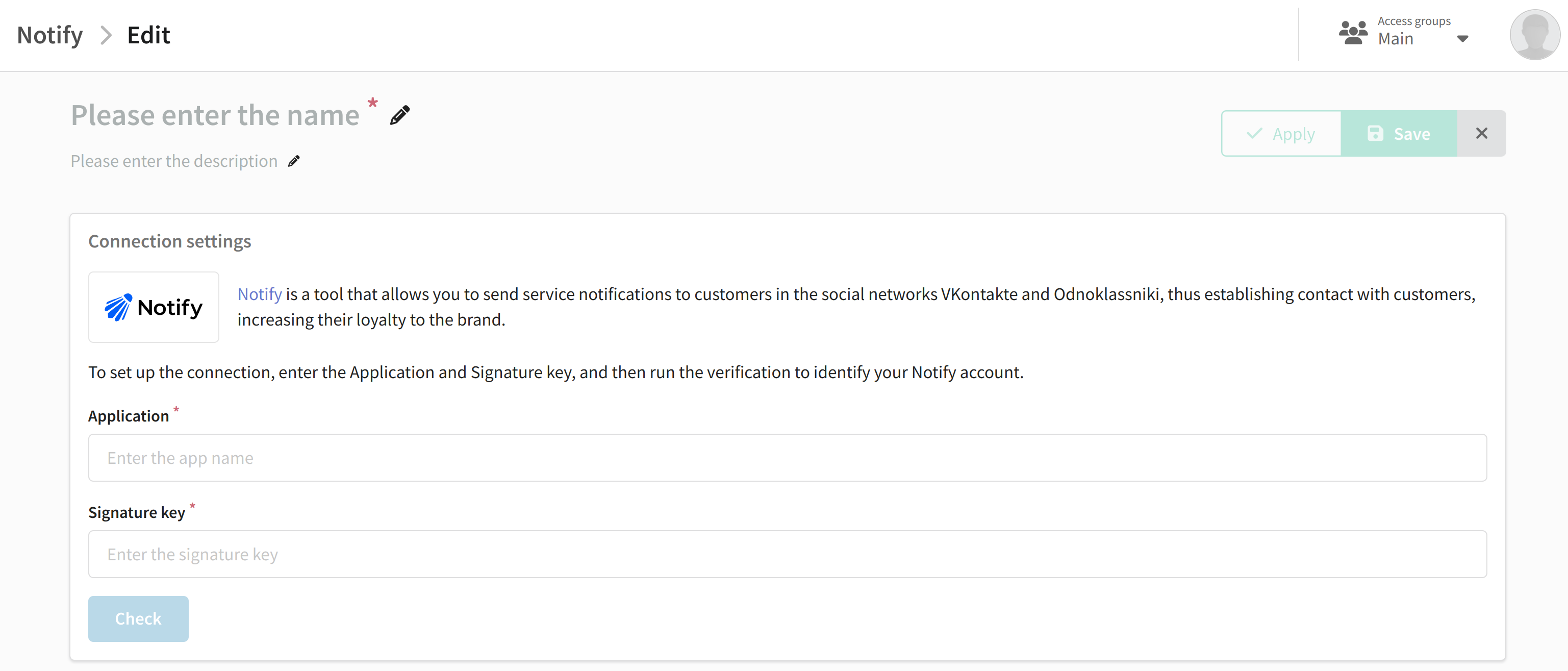
To create a connection, you will need the Application and Signature key parameters from your Notify account. After filling in these fields, click the "Verify" button. If the entered data is valid, the platform will display the corresponding message:
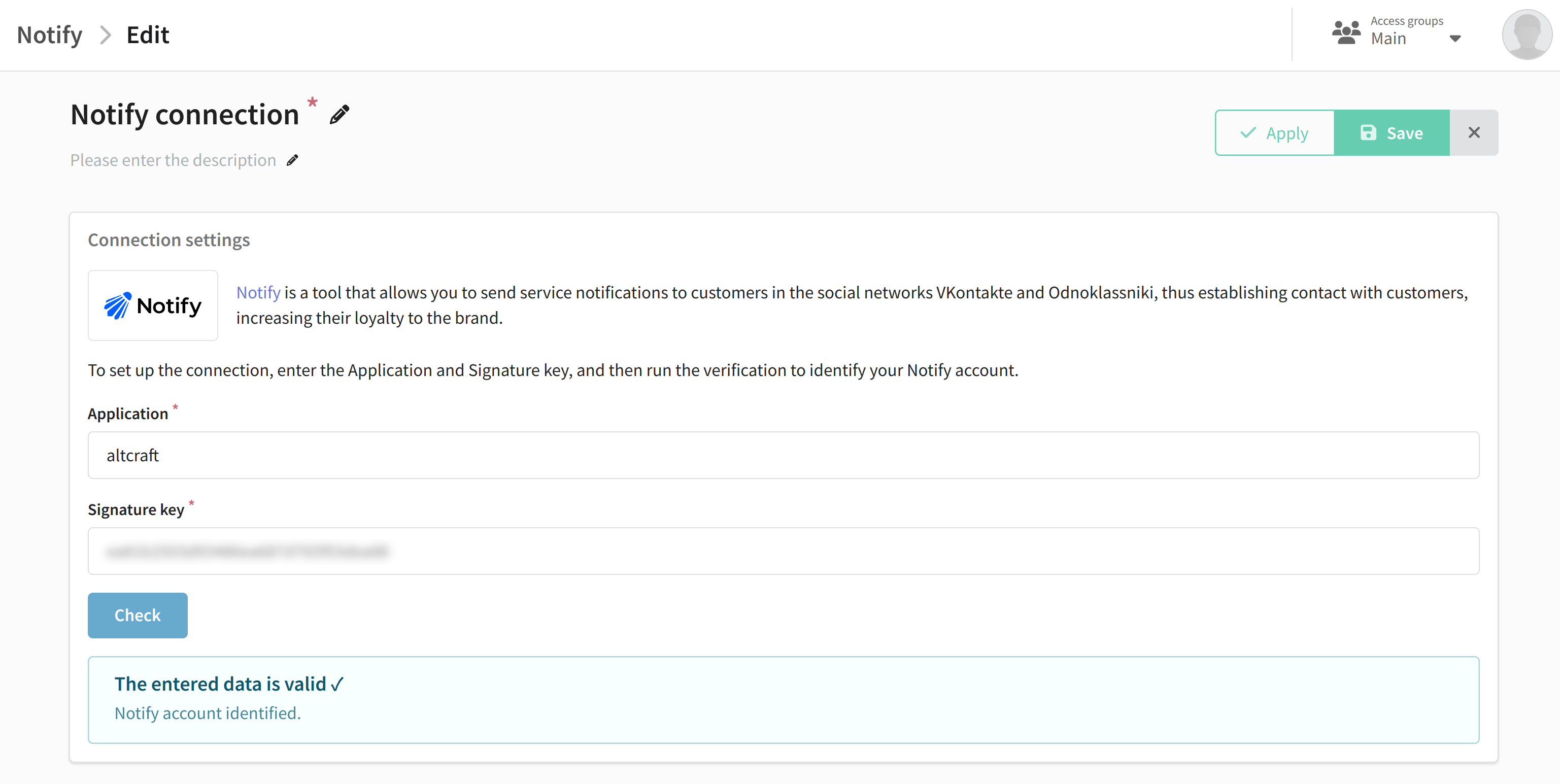
Save the connection by clicking the "Save" button. You can then move on to Notify integration setup.

Last updated on Nov 5, 2024
Previous
Connection to Rapporto
Next
API requests: where to start
© 2015 - 2025 Altcraft, LLC. All rights reserved.