Lock rules
Description
Lock rules are a tool that temporarily prohibits sending messages to a domain group of specific ISPs.
Creating, Editing, and Deleting
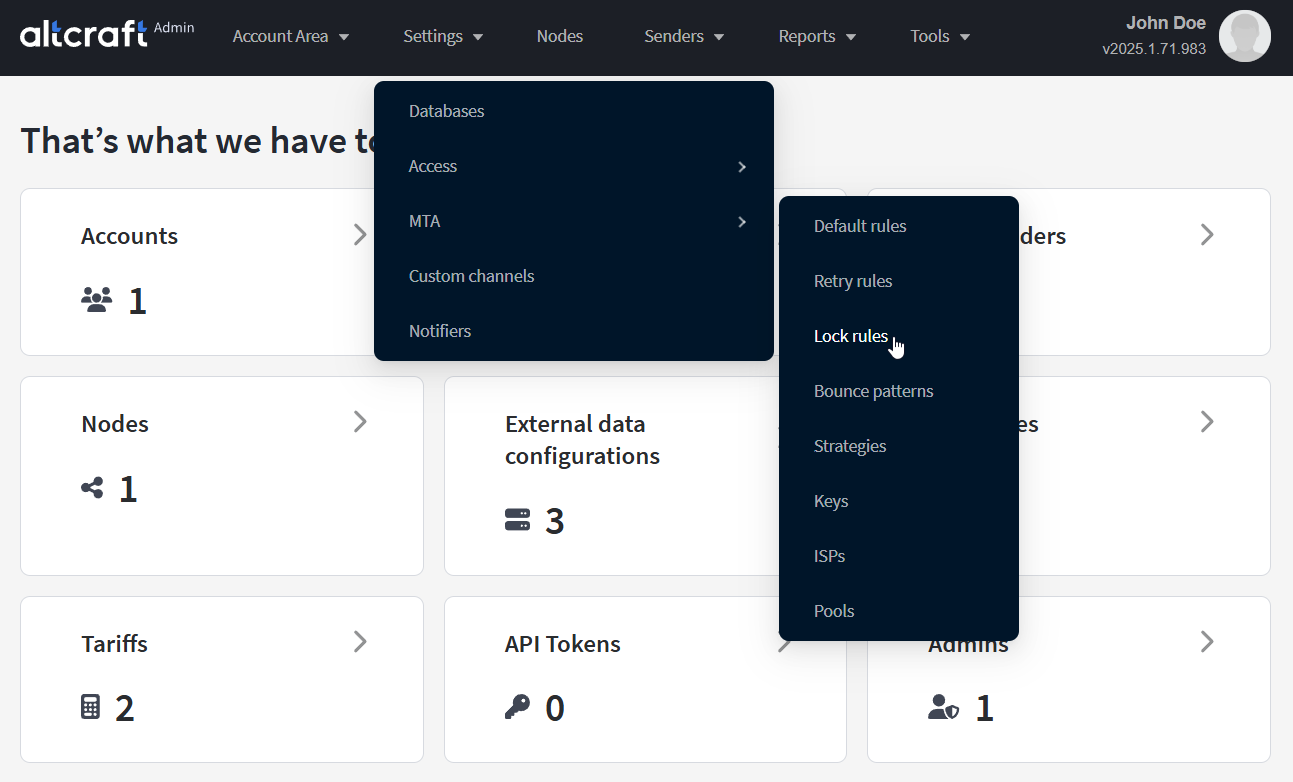
To manage lock rules, in the main menu select Settings — MTA — Lock rules.
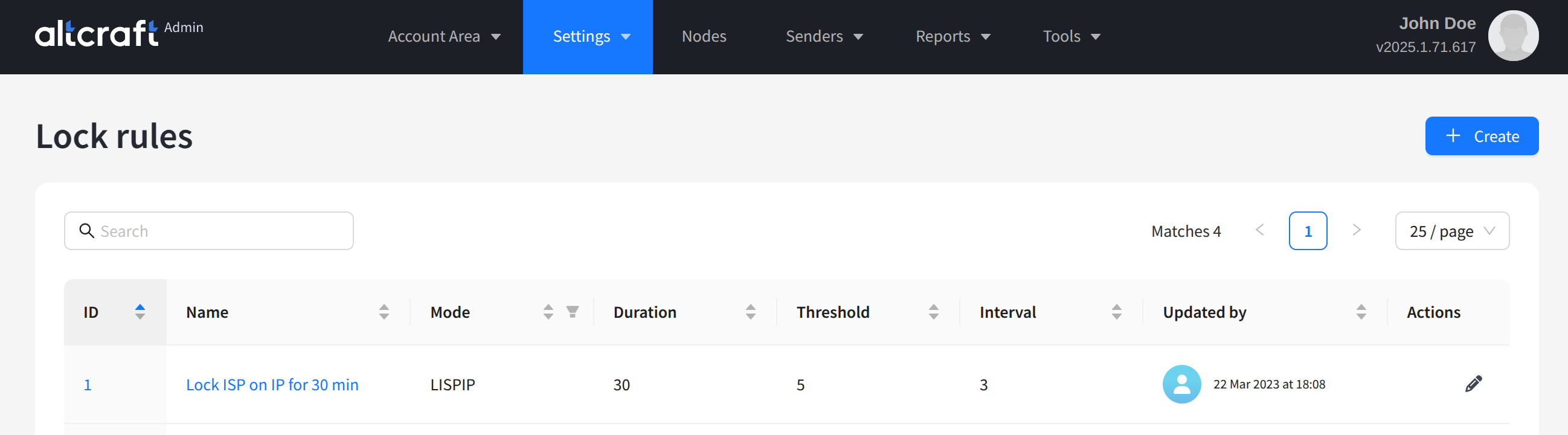
The opened list displays existing AKMTA lock rules. On the right side of the table are the edit and delete buttons. You can also edit a rule by clicking the identifier or name on the left. To create a new rule, click + Create.
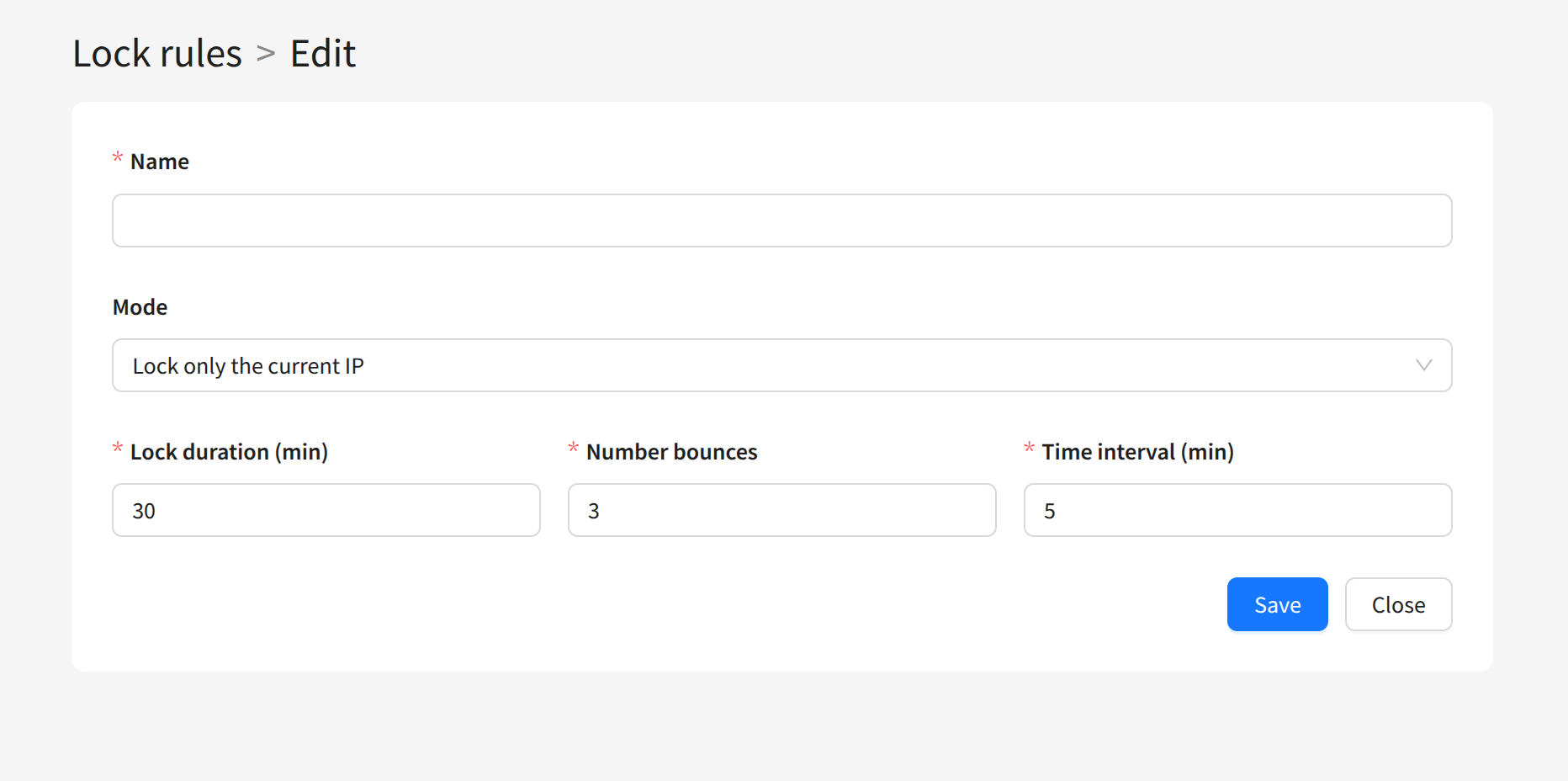
The following fields are configured for a lock rule:
Name — the rule name. The more informative it is, the easier it is to use in sending scenarios.
Mode — the type of lock:
Lock only the current IP — blocks only the current IP address from sending,
Lock ISP delivery from all IPs completely — blocks sending from any IP addresses to the ISP’s domains.
Lock duration (minutes) — the lock time in minutes.
Number of bounces — the number of negative responses from the ISP server.
Time interval — the waiting period for negative responses from the ISP server, in minutes.