Segmentation
Description
 | Segment is the database part, which includes profiles that fit certain conditions. After segment is created, it can be included into the campaigns as subscribers source. Profiles segmentation allows to make targeted marketing campaigns. Selection depends on customers profile data, history of actions in messages, applications or on the website, or selection can be based on external sources queries, like SQL databases and web services API. |
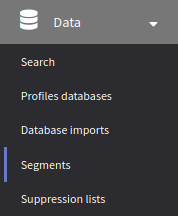
Select Data → Segments in the main menu, to start segments managing. For each segment, type and brief information will be displayed. Using context menu, you can make additional actions, like massively update segment profiles.
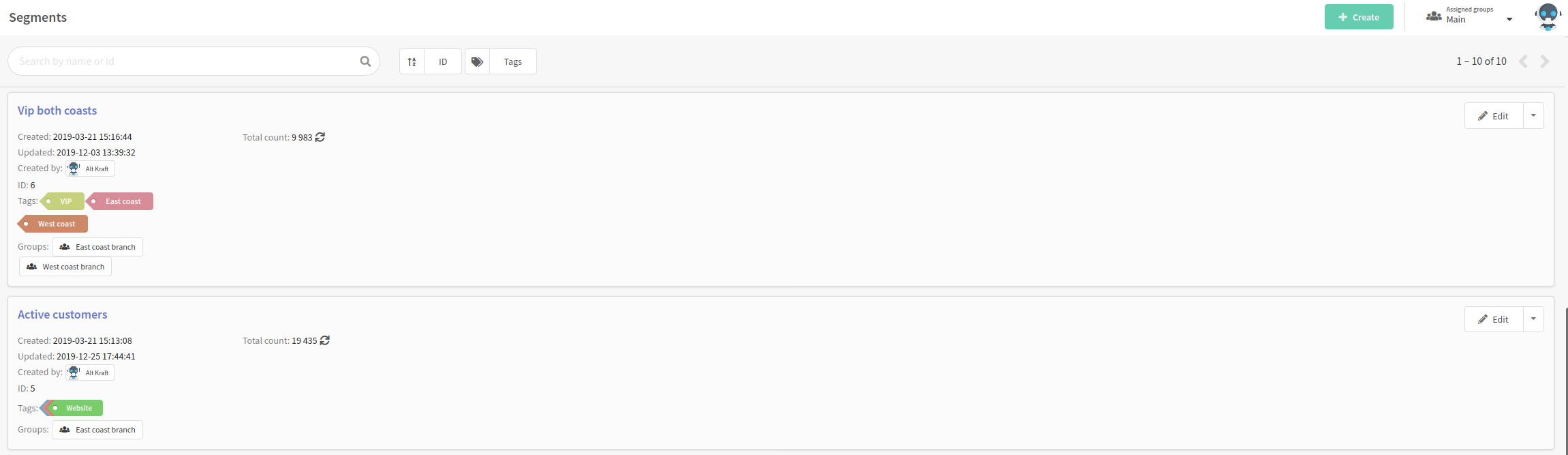
You can open existing segment, or create a new one by pressing + Create button at the top part of the page.
Segment types
Static segments
Static segment can be counted by selection from the database, but it will not be recounted automatically after saving. You can add profiles into the static segment manually, and remove profiles in the same way. You can use these segments when you deal with fixed customers groups.
Dynamic segments
Dynamic segments are mainly used for targeting your marketing campaigns. Such segment does not save customers list, which fit segmentation conditions. Instead, the main thing which is saved is selection query structure. Counting is performed exactly in the moment of campaign launch - and actual information is used.