Altcraft Docs LogoAltcraft Docs Logo
User guideDeveloper guideAdmin guide
Company siteHelp center
English
  • Русский
  • English
v72
  • v74
  • v73
  • v72
Login
  • User documentation
  • FAQ
  • Altcraft glossary
  • Profiles and databases
  • Communication channels
  • Segmentation
  • Message templates
  • Campaigns
  • Automation scenarios
  • Market
  • Loyalty programs
  • Reports and analytics
  • Integrations
    • Action hooks
      • Altcraft Action Hooks
      • Action hooks event types
      • Action Hook Message Structure
      • JSON batch request (HTTP POST action hook)
      • Message to RabbitMQ broker
      • Message to RabbitMQ exchanger
      • Message to Kafka broker
      • Test event
    • Integration of third-party services using Albato
    • Facebook Ads Manager™
    • Google Ads Audiences
    • Yandex.Audience™
    • VK Ads™
    • Static segment synchronization
    • Yandex AppMetrica™
    • Tilda™
    • Lpgenerator™
    • WhatsApp
    • Viber*™ integration
    • Integration scope
    • Notify
  • Weblayers
  • Settings
  • API requests: where to start
  • Changelog
  • library
This is documentation for Altcraft Platform v72. This documentation is no longer maintained.
The information for up-to-date platform version at this page is available (v74).
  • Integrations
  • Action hooks
  • Test event
Documentation for version v72

Test event

When you are working with action hooks you can test any event using Altcraft Platform interface. Click flask icon in the upper panel.

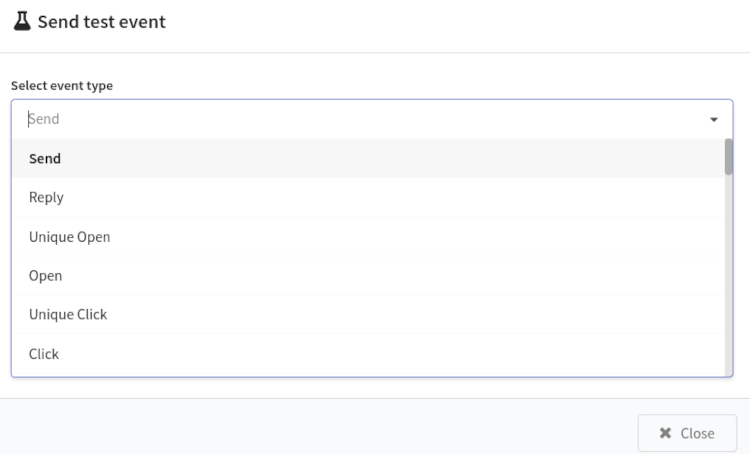
Select event type in new window:
En example of the structure of selected event will be generated automatically. This structure can be corrected.
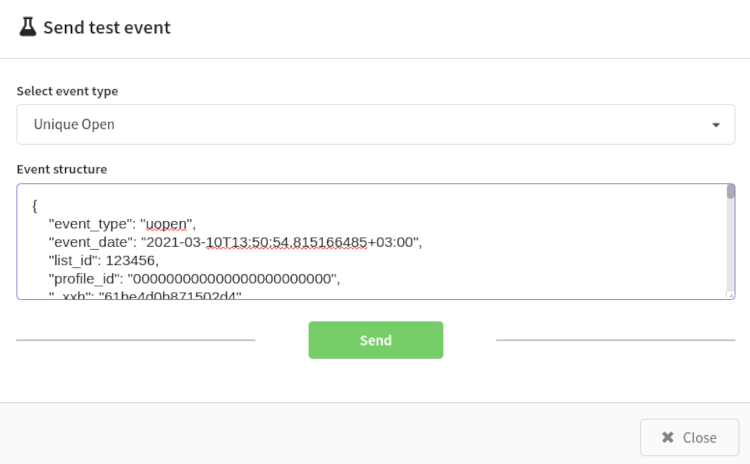
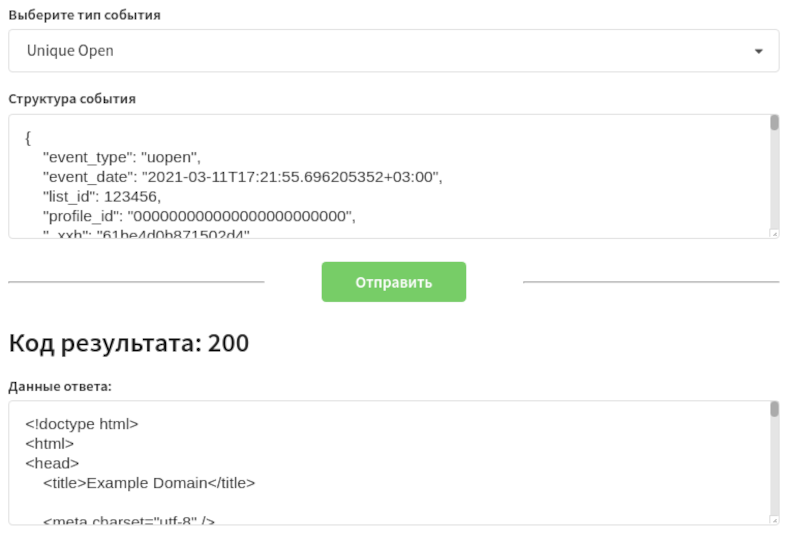
Click Send to test the event.

  • If the message was successfully sent via an HTTP request, you will get Result code: 200 and Response data.
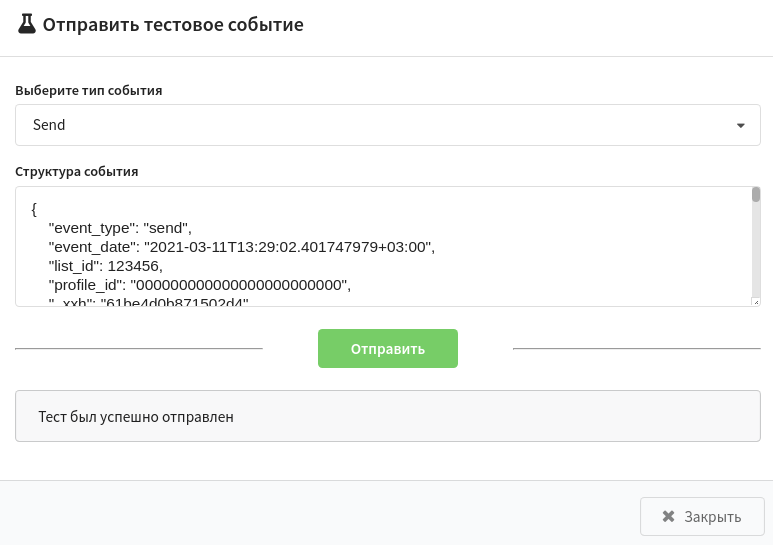
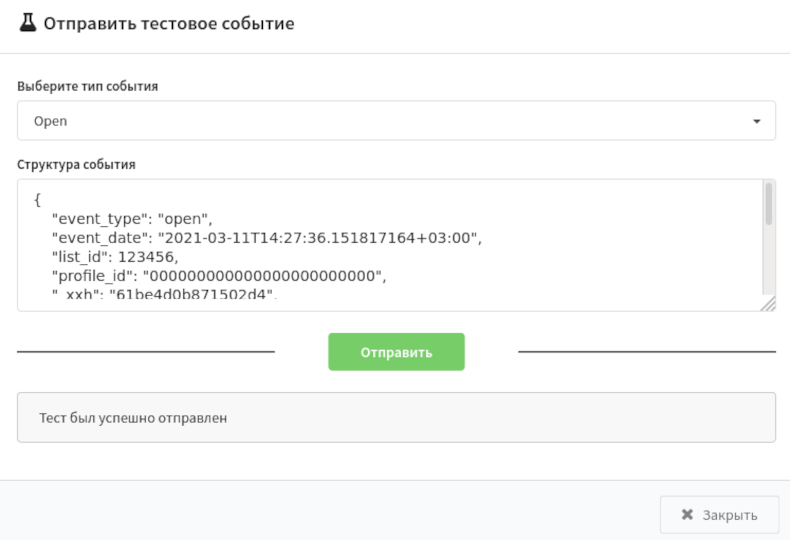
  • If the message was successfully sent to the queue or exchanger RabbitMQ or to Kafka broker, then you will see the text: "The test was sent successfully."

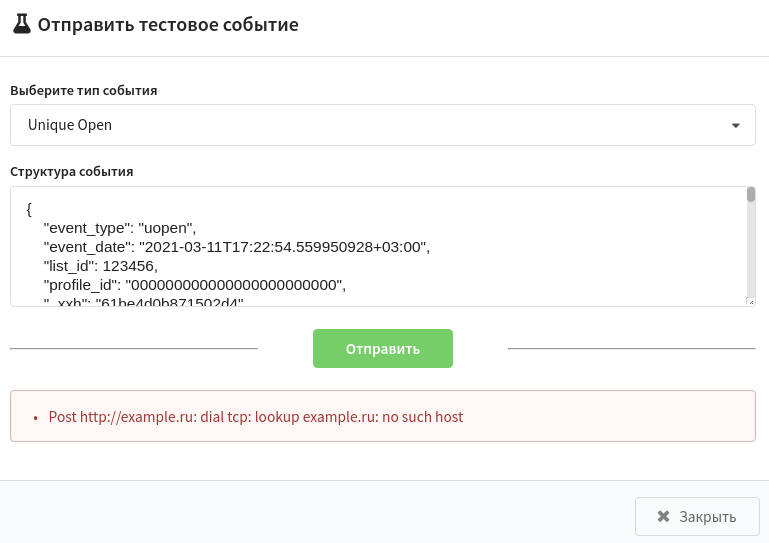
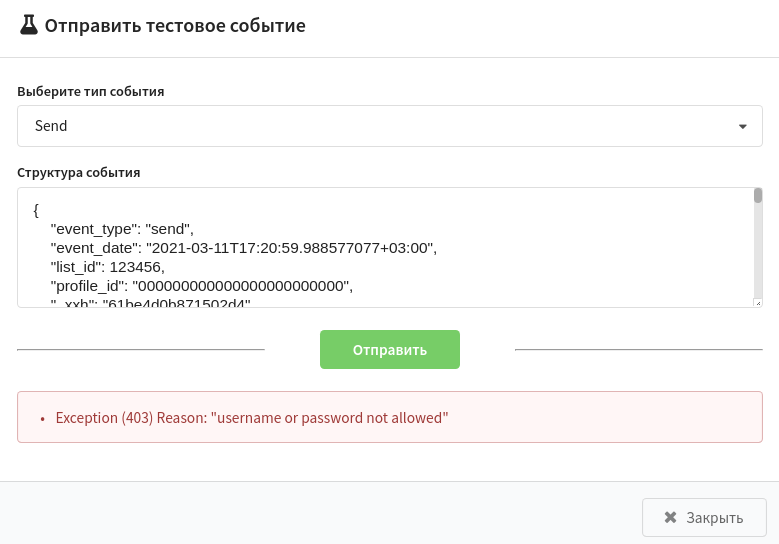
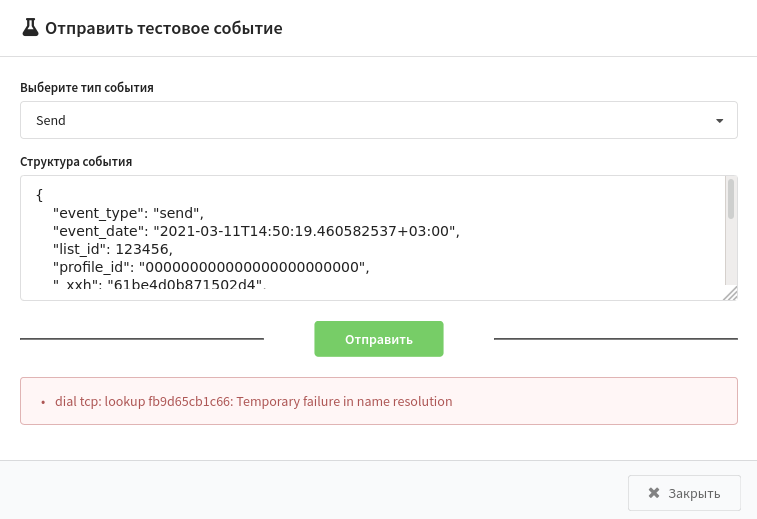
In other case there will be red field, where you can know the error code and its reason.

Request typeThe message is successfully deliveredError sending message
JSON batch request
Message to RabbitMQ broker / exchanger
Message to Kafka broker
Last updated on Apr 23, 2023
Previous
Message to Kafka broker
Next
Integration of third-party services using Albato
© 2015 - 2025 Altcraft, LLC. All rights reserved.