Google Ads Audiences
Description
Integration with Google Ads allows you to synchronize customer data from Altcraft Platform static segments with audiences in Google Ads. After exporting the segments to your ad account, you can use the data you receive to advertise on Google Search, Gmail, YouTube, and other platforms of its advertising network.

To create an integration, you need a Google Ads account and the appropriate administrator credentials.
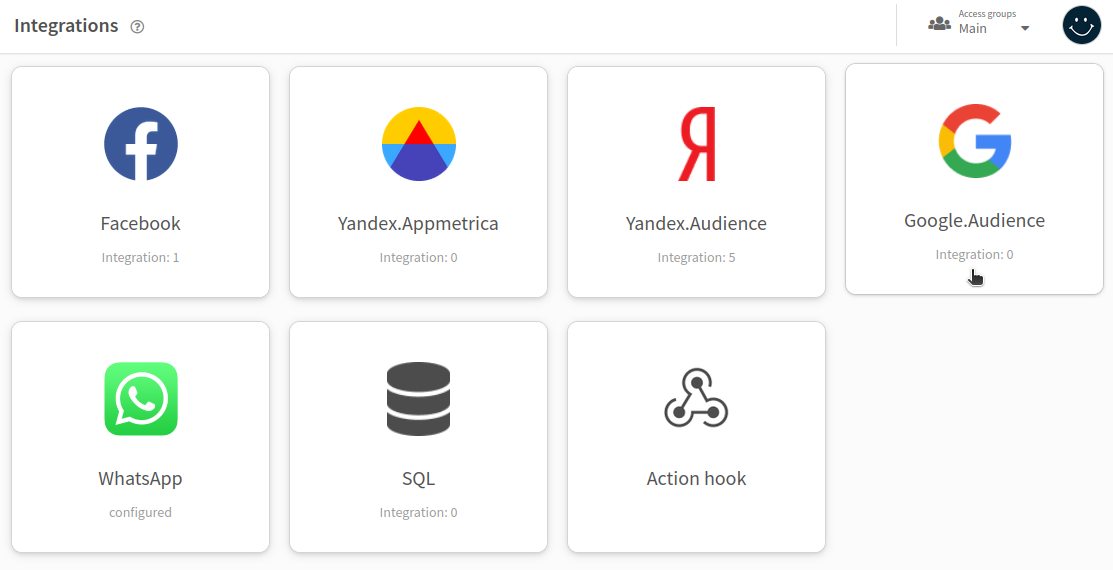
To get started, go to the Integrations section of the main menu. Select Google.Audiences as the integration type. To add a new integration, click + Create on the top panel.
To integrate with Google Ads audiences, you need to set up a connection in Altcraft Platform. You can find detailed instructions in this article.
Settings
General settings
On the "General settings" tab, enter a name and description. There is also a toggle you can use to activate or stop the integration:

Integration settings
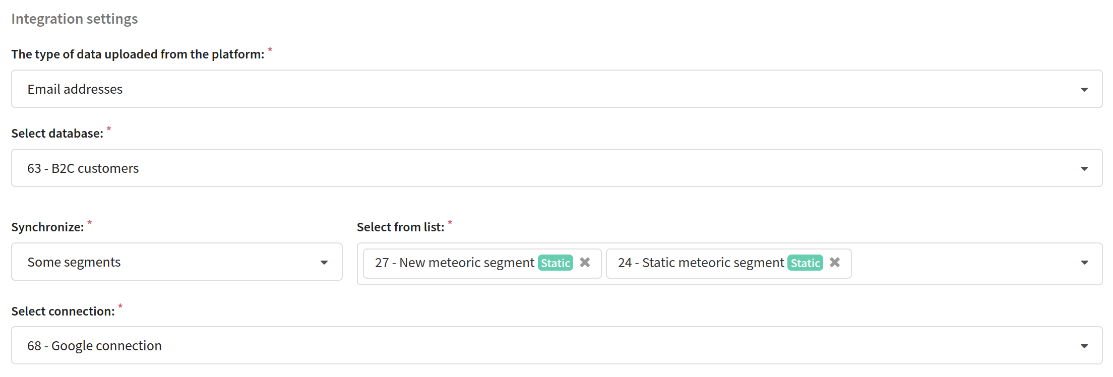
Below, select the type of data exported from the platform:
- Email addresses
- Advertising IDs (there must be an additional field in the database that stores this ID)
- Phone numbers
Set the scope of the integration. Select the connection to Google Ads you configured earlier.
Please note that Google Ads cannot serve ads for a segment that contains less than 100 profiles.
Integration schedule
Set how often you want to update segment data. Read more about how to set up a schedule in the platform in this article.

Sync statistics
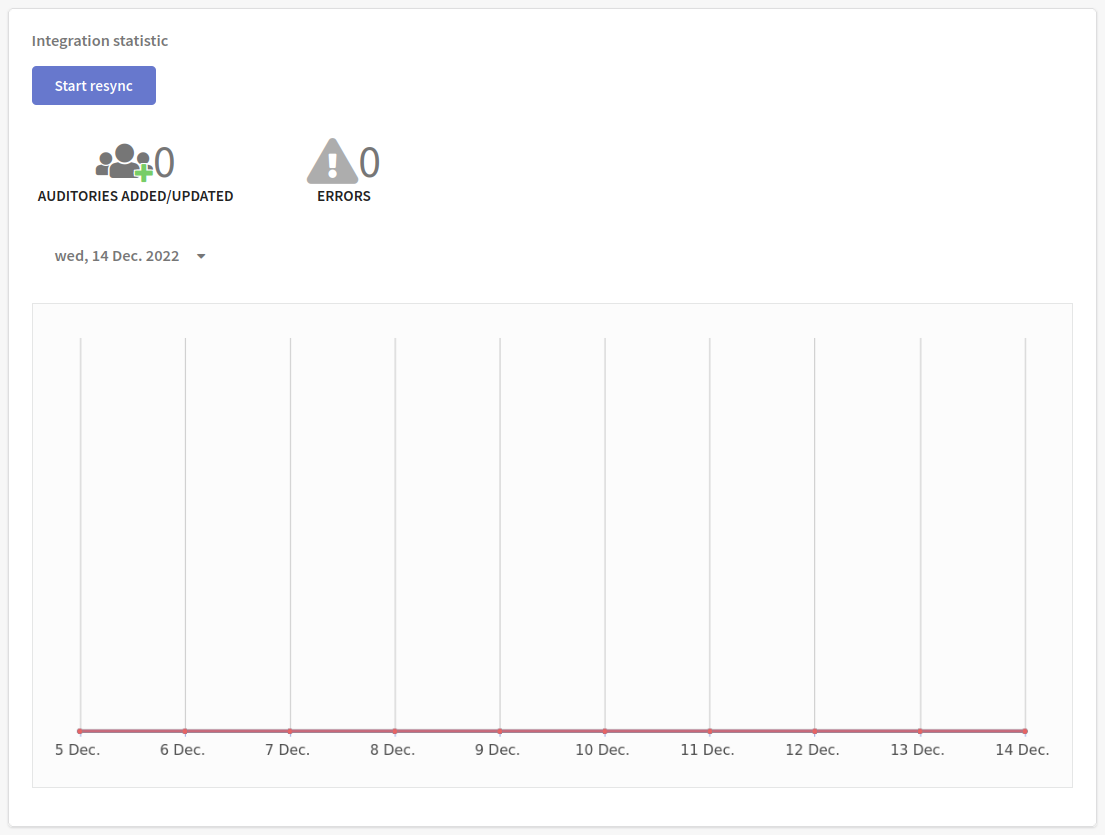
At the bottom of the page there is a statistics block. It displays information about the number of audiences that have been successfully added or updated. If errors occur during synchronization, you can view the details by clicking on the corresponding icon.
Use the "Start resync" button to send new segment data to Google Audiences.
The table at the bottom of the page shows information for each segment: the name of the Altcraft segment and the Google Ads segment it syncs with, as well as audience size and last sync status. You can view a detailed history of all syncs by clicking on the icon  .
.