API tokens
Description
API tokens are tools used for API requests, mainly related to managing senders (message delivery agents). The library of administrator API calls is available at this link.
Creating, Editing, and Deleting
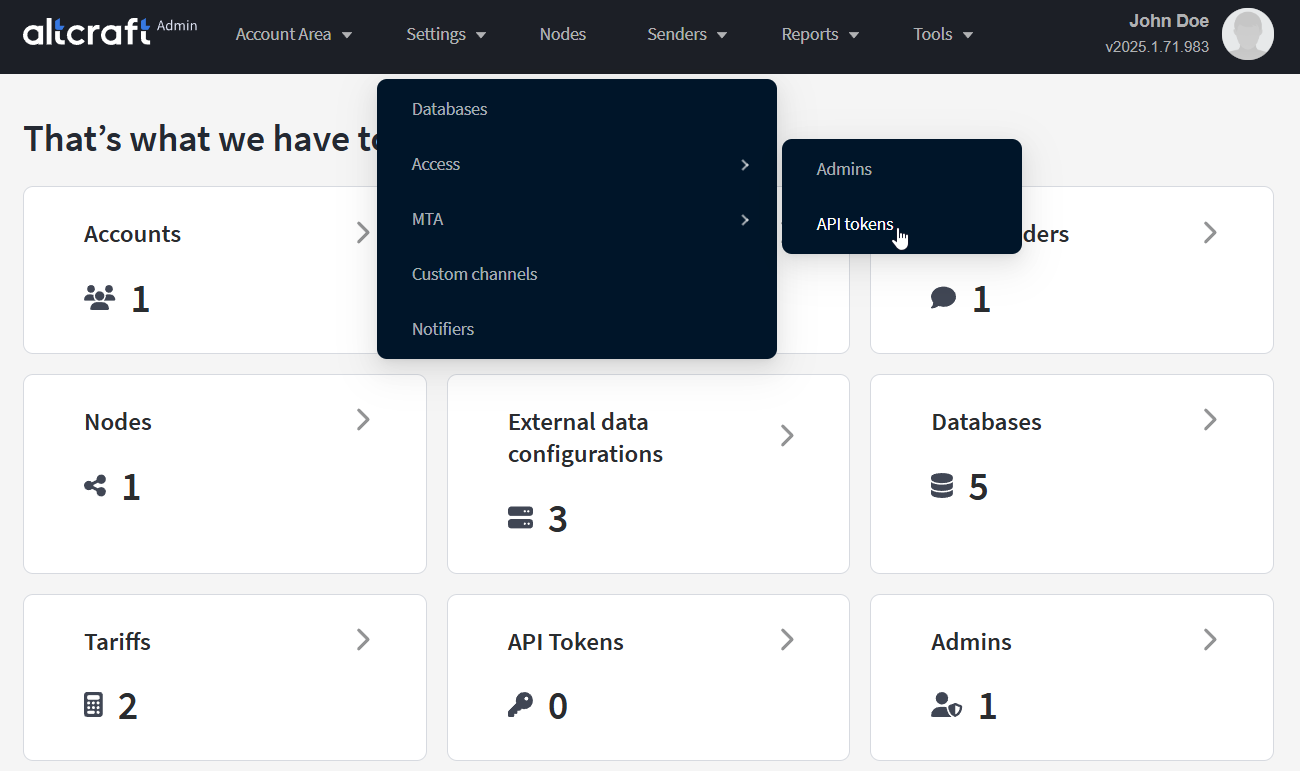
To manage API tokens, in the main menu select Settings — Access — API Tokens.
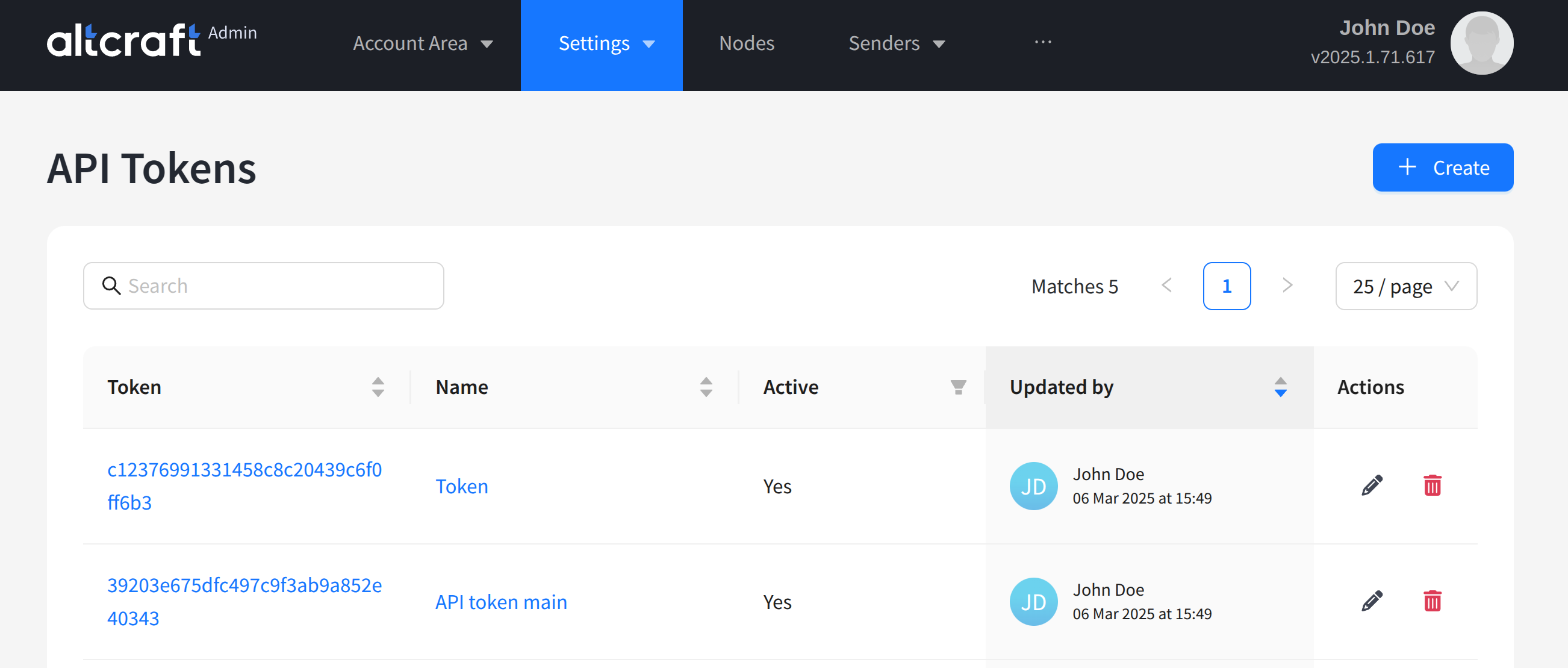
The opened list displays existing tokens. On the right side of the table, there are edit and delete buttons. You can also edit by clicking the identifier or name of the token (on the left). To create a new token, click + Create.
The secret part of the token used in API requests is displayed in the "Token" column of the table.
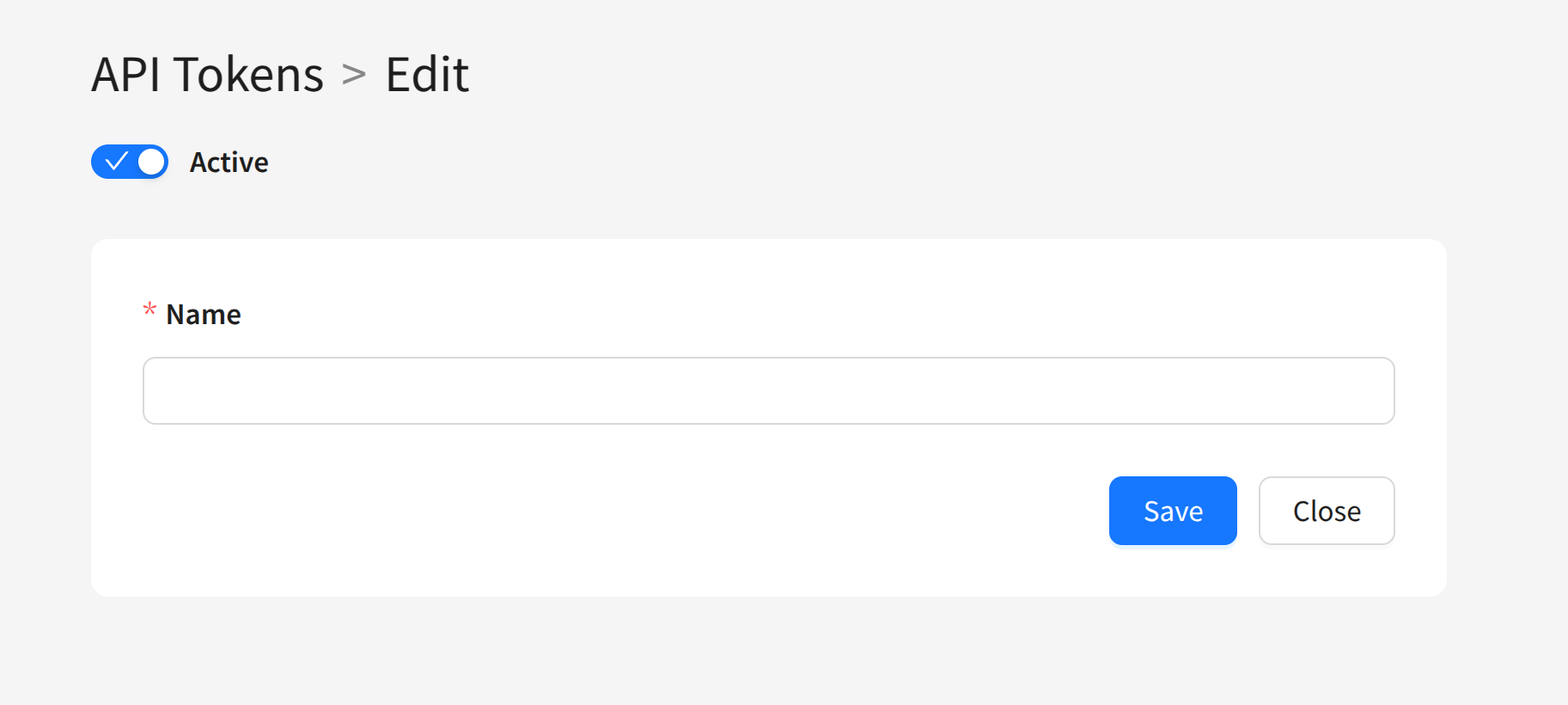
You can set a unique name for the token and define whether the token is active or not. Using multiple administrative tokens is justified if you need to disable some while keeping others active.