Bounce patterns
Description
Bounce patterns are templates of responses from email providers (ISPs) about delivery problems. AKMTA analyzes these responses and classifies them to determine the reasons for delivery failures and correctly handle unsuccessful sends.
Types of negative ISP responses
Negative response templates are divided into three main categories:
-
Hard bounce (HB) includes server-class errors (5xx), which mean the recipient’s mailbox does not exist. Sending to such addresses is blocked to avoid damaging the domain and sender IP reputation. The customer’s email subscription is marked as Hard bounced, preventing further delivery attempts.
-
Soft bounce (SB) contains client-class errors (4xx), indicating temporary unavailability of the mailbox. In such cases, retry or temporary blocking scenarios can be applied.
-
Bounce (B) — this type includes other delivery errors that are not Hard or Soft bounce. Typically, retrying delivery is not advisable, and the message is marked as Undelivered.
Creating, Editing, and Deleting
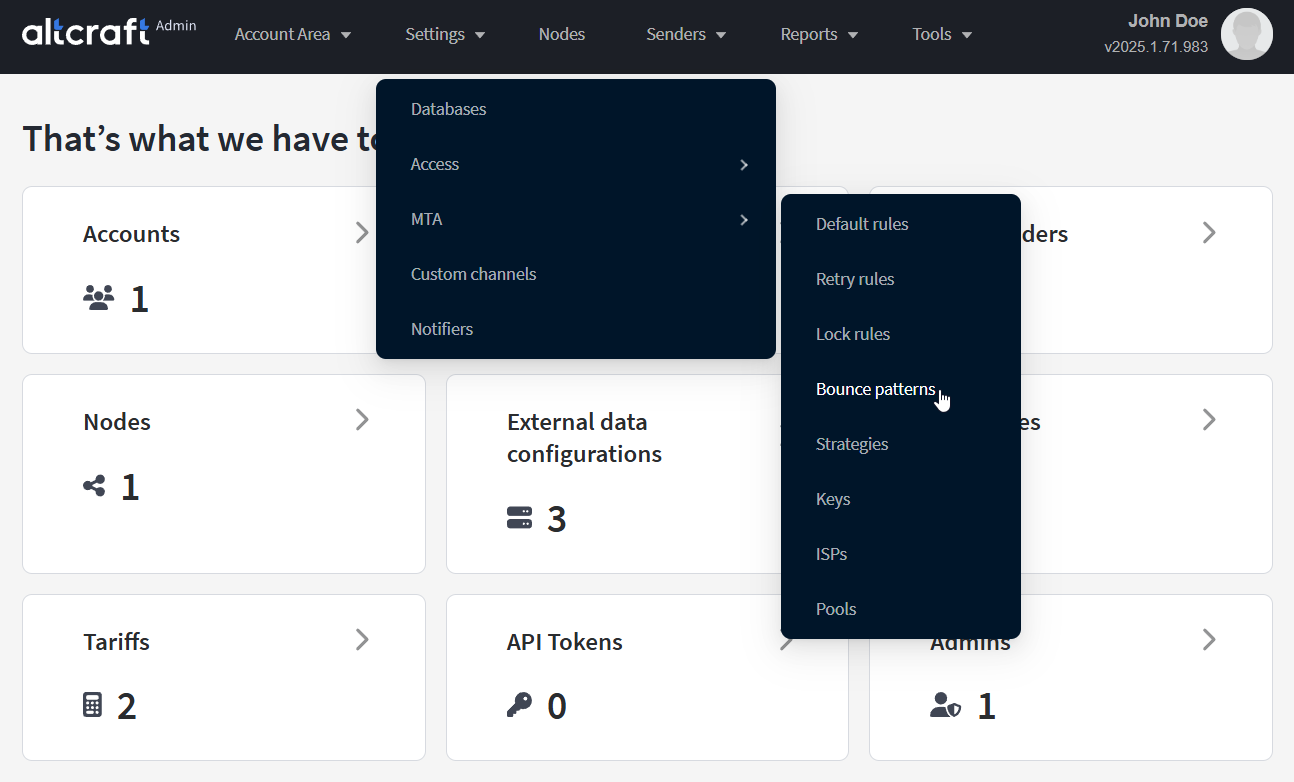
To manage ISP response templates, in the main menu select Settings — MTA — Bounce patterns.
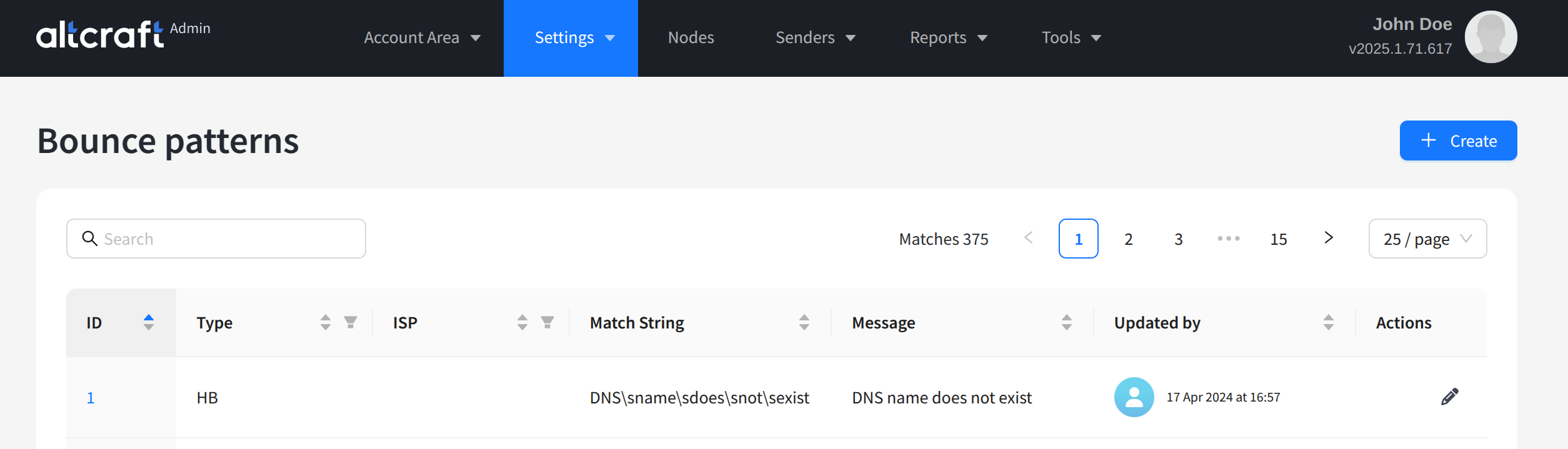
The opened list displays existing templates of negative ISP server responses. For most responses, entries already exist in the default AKMTA configuration. To edit an existing entry, click the quick action button on the right side of the list or the entry identifier on the left. To create a new entry, click + Create.
Only custom ISP response templates can be deleted.
Each response template is configured with:
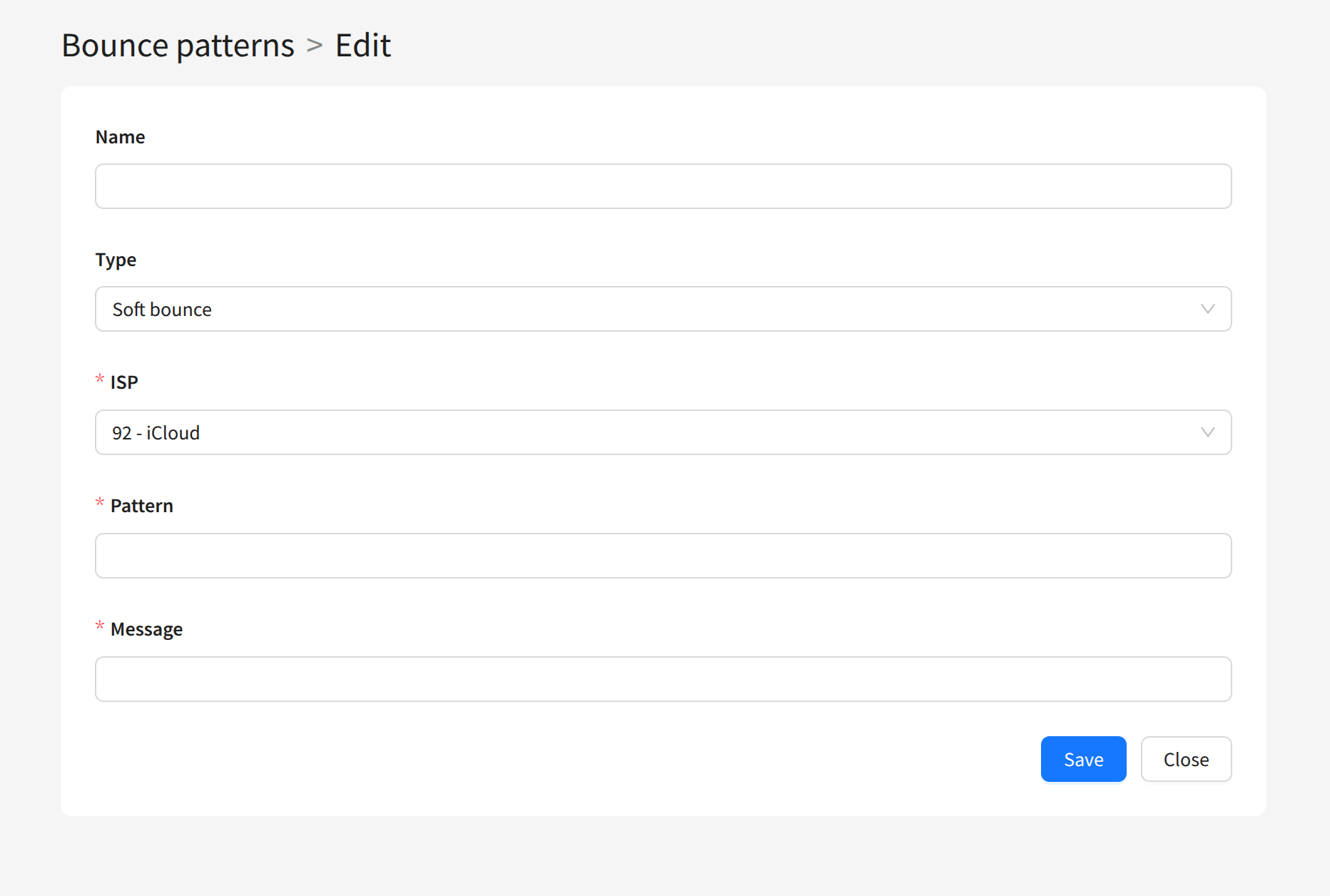
Name — the template name.
Type — the type of server response (Hard bounce, Soft bounce, Bounce).
ISP — the email provider. You can select an ISP record or the All ISPs option to match responses from any provider.
Pattern — the pattern used to match the response.
Message — the delivery error message text.