Account Database Indexes
Database field indexes accelerate segmentation in Altcraft and profile search during bulk import by the field for which the index was created.
Creating, Editing, Deleting
To manage indexes, in the list of accounts click the quick action button:
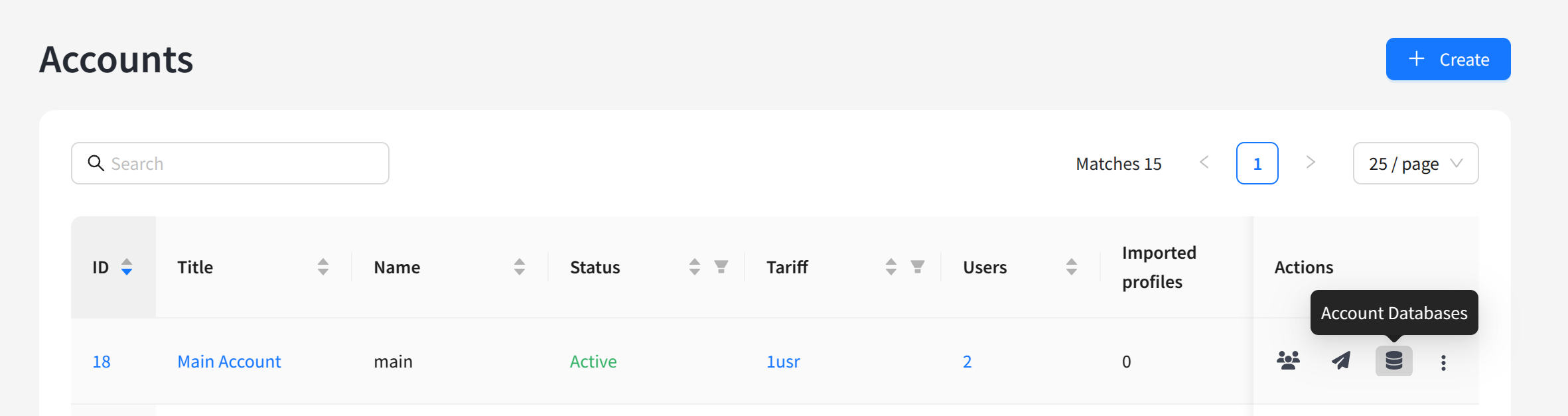
Or open the Account for editing and click the Databases button:
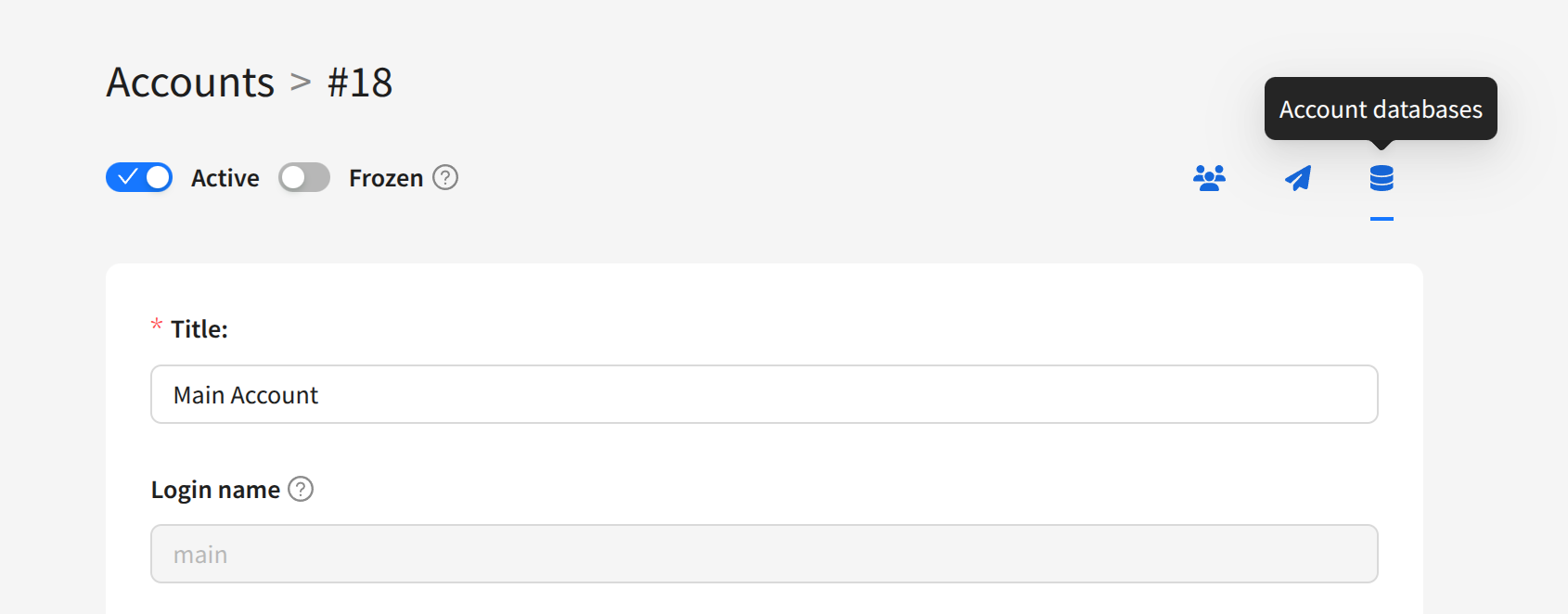
A list of all account databases containing customer profiles will open. For each database in the list, information about the number of customer profiles, creation time, and last modification time is displayed. To manage indexes, click the lightning-shaped button on the right side of the table:
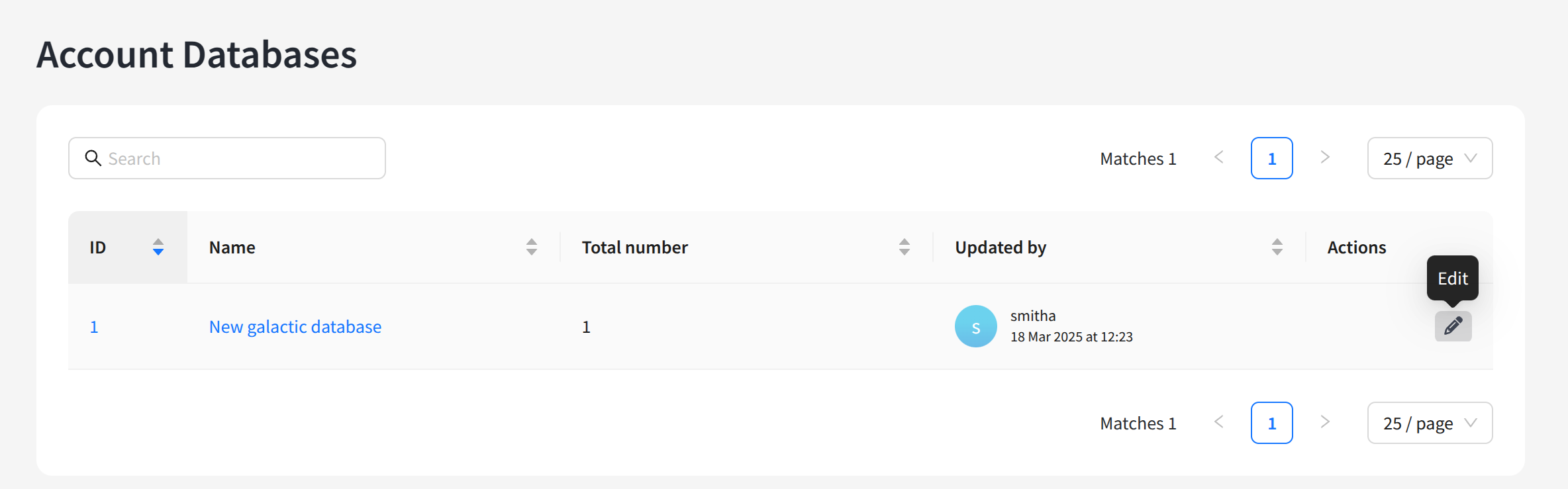
A list of all database field indexes will open. Most of them are system indexes and cannot be managed. They are linked to fields such as email, ID, registration date, and others. To add a new index, click Create:
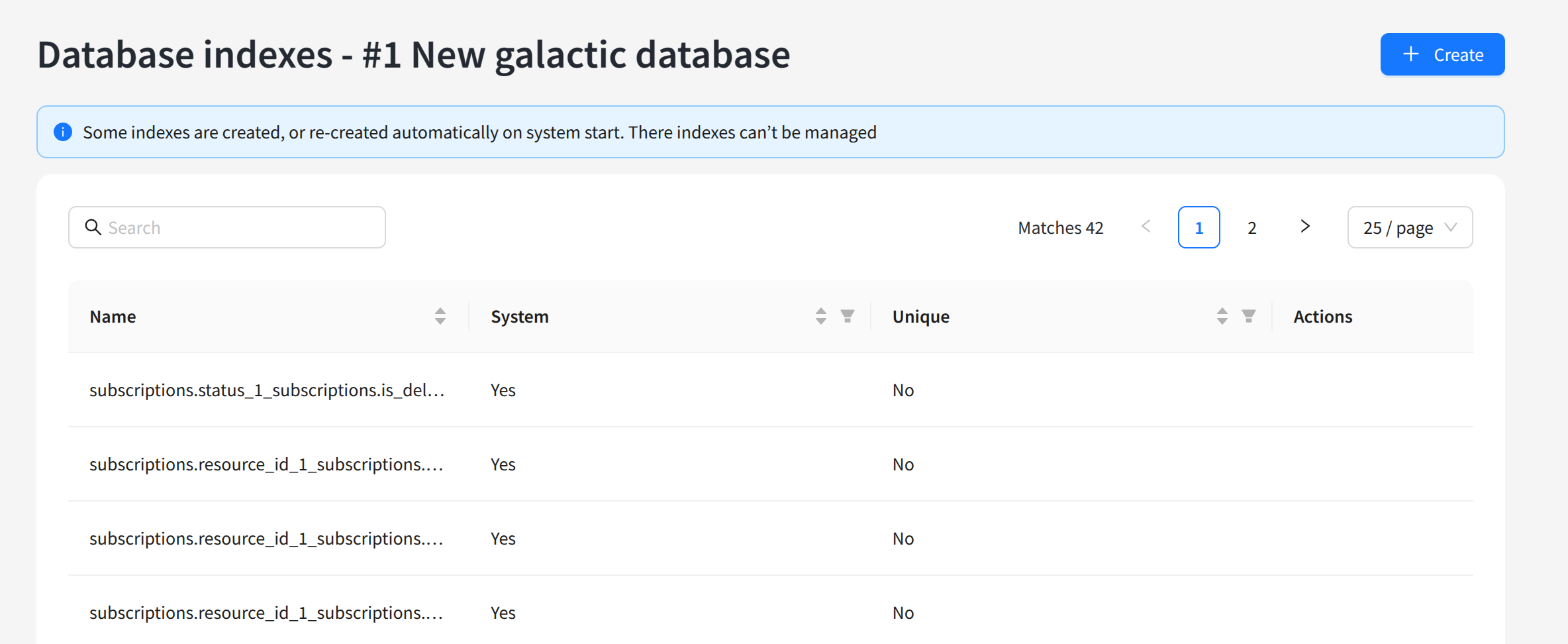
In the modal window that opens, select the required database fields and add indexes:
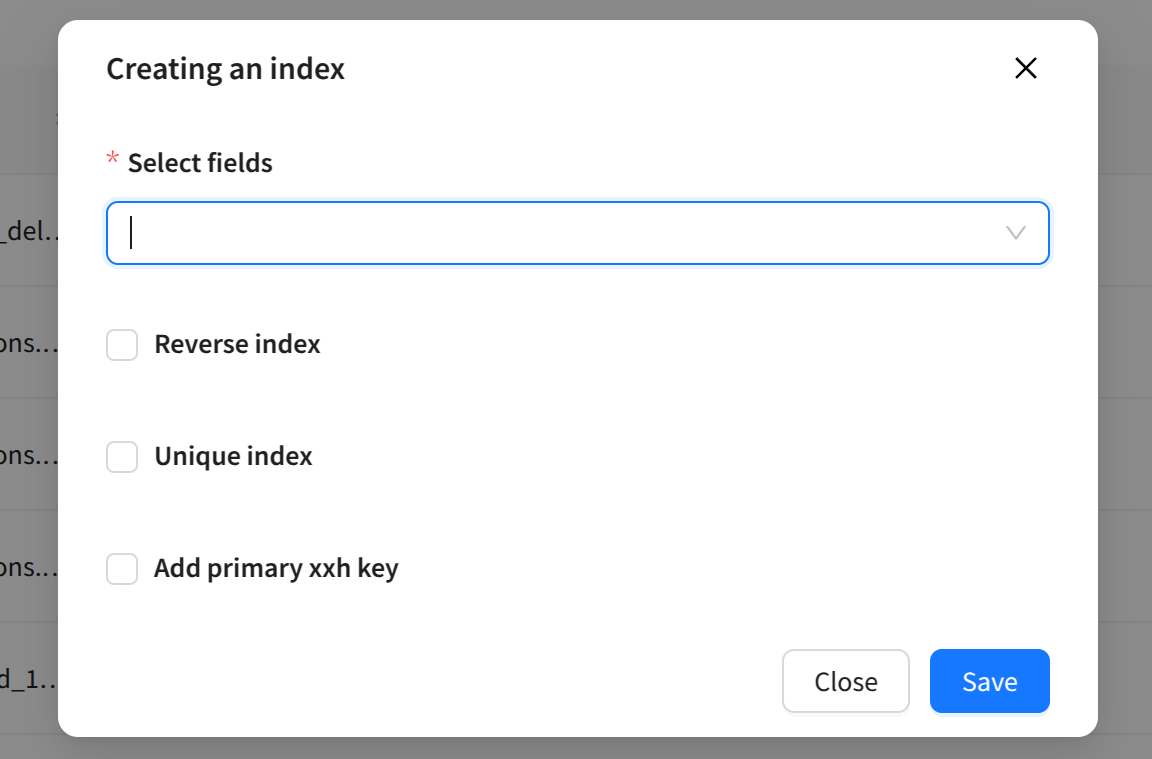
The following options are available for an index:
- Reverse index — indexes for records are set in reverse order. Used when reverse search occurs more frequently than direct search.
- Unique index — guarantees that each record will have its own unique index. It will also be impossible to create multiple profiles with the same field value.
- Add primary xxh key — adds a history identifier to the index. Used when searches by this field are often performed along with profile activity history.