LDAP
A step-by-step guide for configuring LDAP access to Altcraft is available here.
Access to Altcraft can be provided via LDAP (Lightweight Directory Access Protocol). This allows company employees to use their credentials from the corporate directory service, such as Active Directory, to log into the platform with the appropriate set of groups and access roles.
This article describes managing directory server connections for access to the Altcraft User Interface. LDAP access configuration for the Admin Panel is described in this guide.
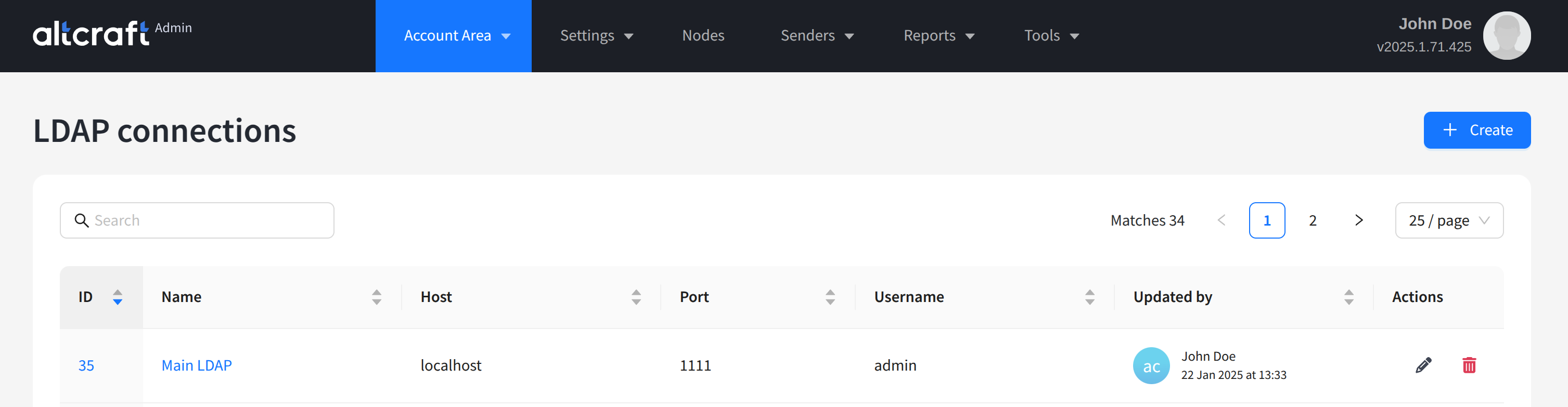
To manage LDAP connections, in the main menu select Account Area — LDAP.
The list displays existing LDAP connections. On the right side of the table are the edit and delete buttons. You can also click a connection on the left to edit. To create a new directory server connector, click + Create:
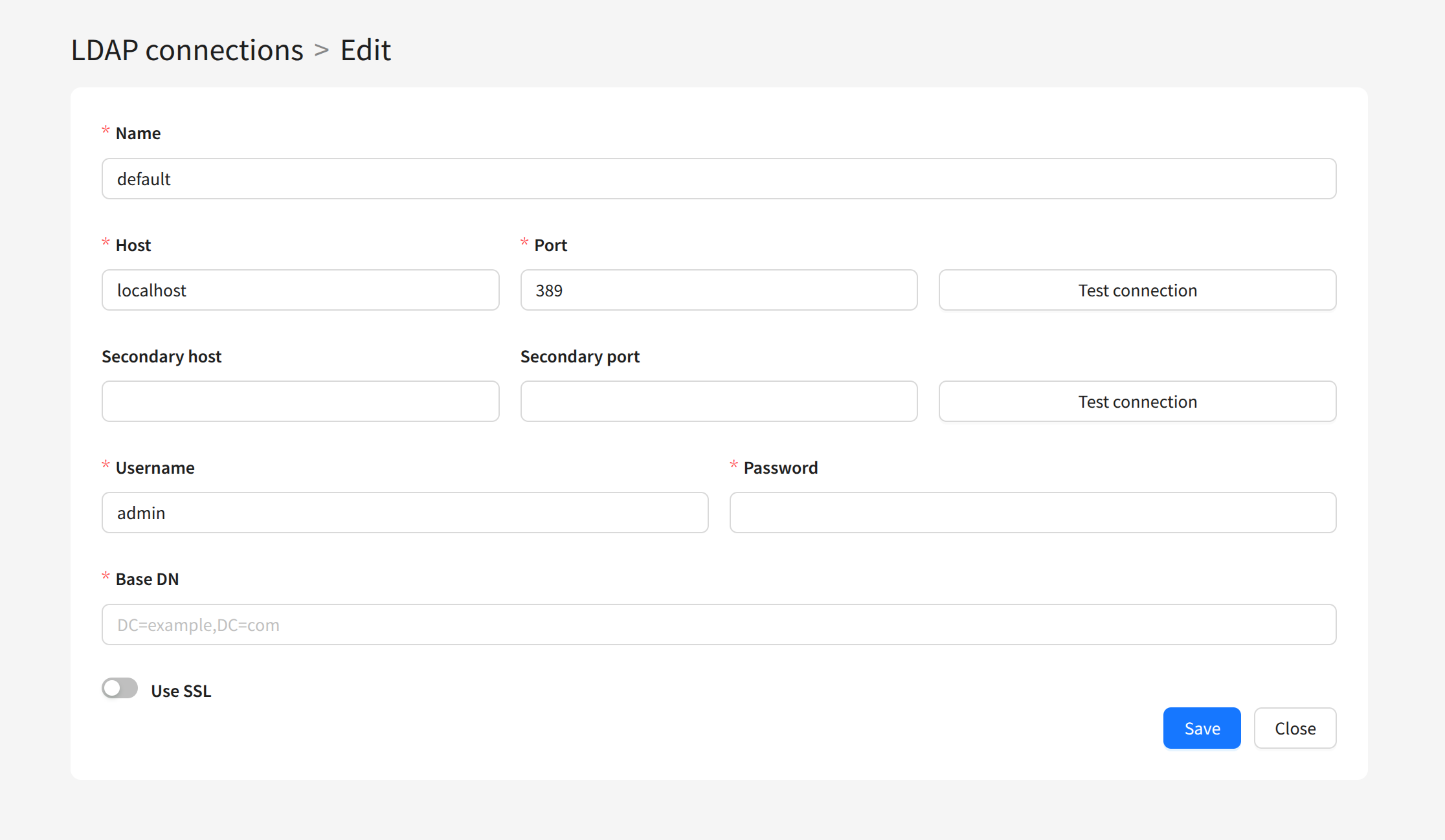
To create a connection, configure the following parameters:
- Name — connection name.
- Host — network address.
- Port — port for connection.
- Secondary host and Secondary port — address and port for reconnection if the primary connection fails.
- Username and Password — directory server credentials.
- Base DN — base DN for user search.
If you plan to use an encrypted connection, enable Use SSL and configure certificates on the LDAP server:
The account must have sufficient permissions to access the groups that will be used for platform authentication.