Global Stop Lists
In the Altcraft Admin Panel, you can manage the platform’s global stop list. The global stop list consists of four parts:
Suppress emails — the blacklist of email addresses. These email addresses may be valid, but for various reasons sending to them is blocked for all platform accounts. This may include recipients who unsubscribed from all mailings, and resending messages to them increases complaint rates.
Hard bounce emails — a list of invalid emails that returned 5xx class errors from mail servers — in most cases these mailboxes do not exist.
Suppress phones — the blacklist of phone numbers. These phone numbers may be valid, but for various reasons sending SMS to them is blocked for all platform accounts. This may include recipients who unsubscribed from all mailings, and resending messages to them increases complaint rates.
Hard bounce phones — a list of invalid phone numbers that returned errors when sending SMS — in most cases these numbers do not exist.
To view the stop lists, in the main menu select Account Area — Global stop lists:
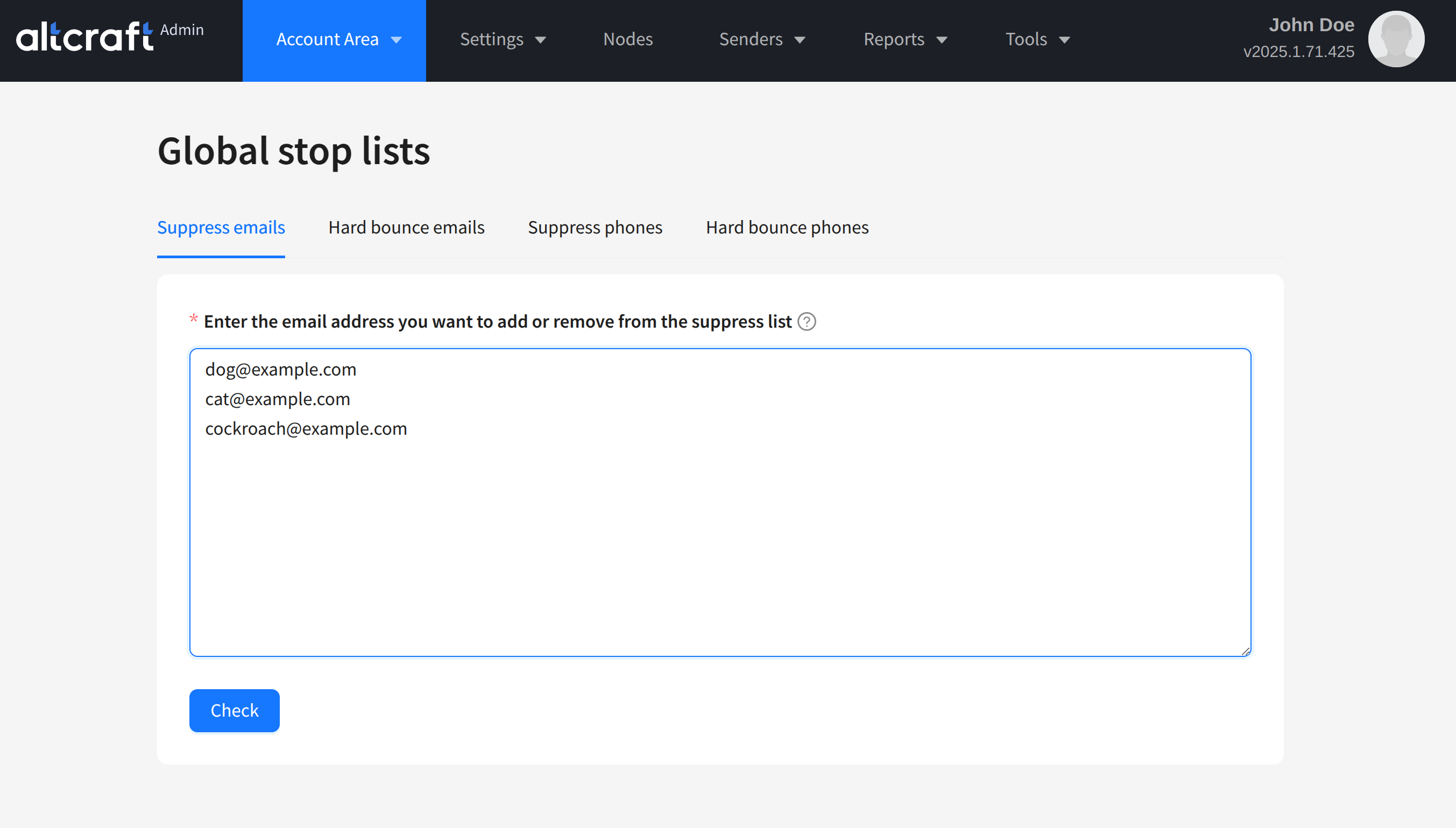
On the opened page you will see tabs corresponding to different stop lists.
If you want to add, remove, or check entries in the list, enter the phone numbers or email addresses you are interested in into the input field, separating them by spaces or new lines. Then click Check:
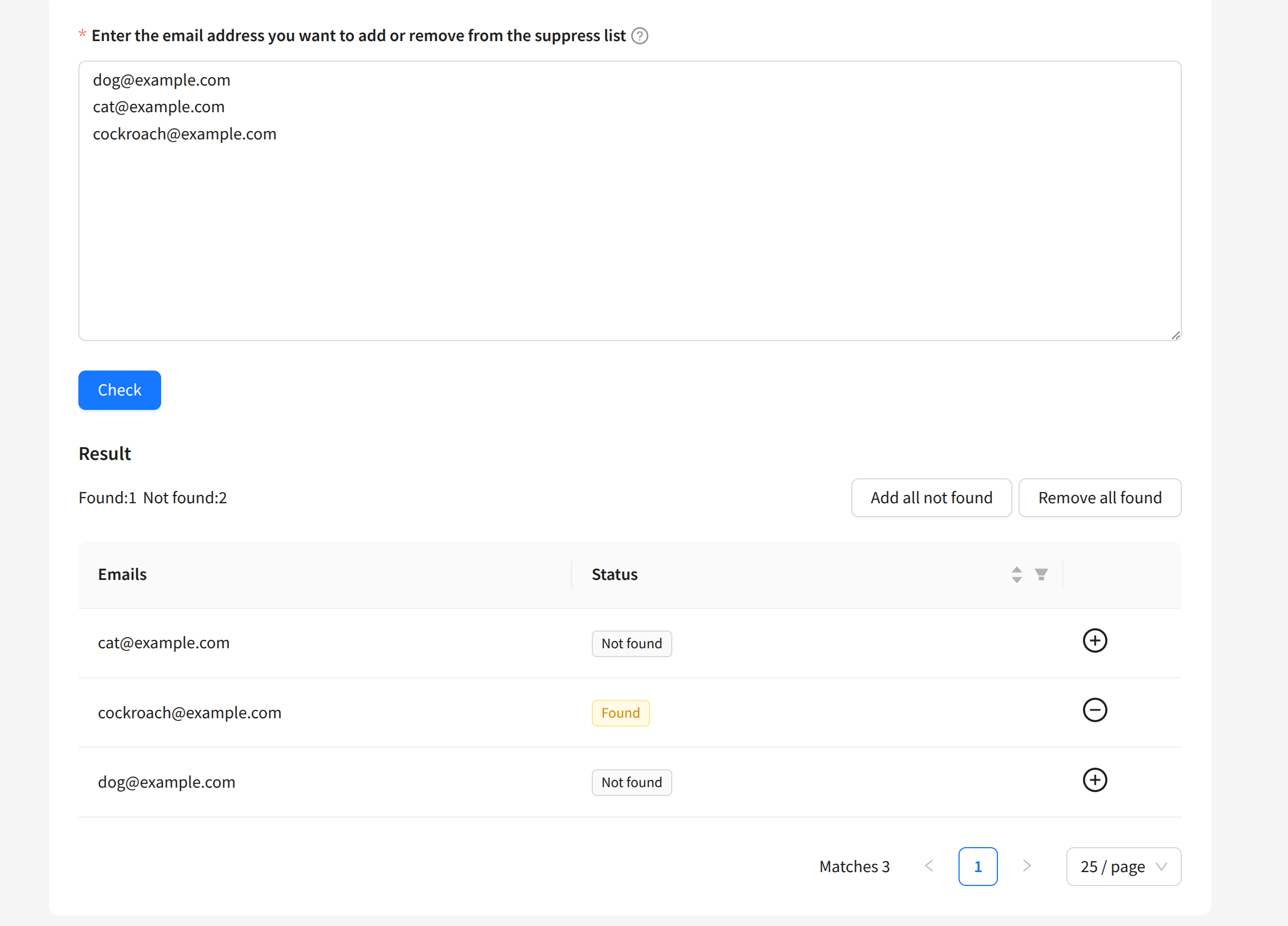
You can remove or add entries to the list using the + and - buttons next to each item. The Add all not found button adds all values not found in the list, and the Remove all found button removes all values found in the list, allowing you to manage large numbers of addresses or phone numbers at once.