Entities
Description
Entity is an external entity with which a custom channel can interact via pipelines. It makes sense to use entity if before the start of a mailing you need to create or load some external data. The data must will be used in the main pipelines then (Message, Scheduled, Listener, Stop, Moderate).
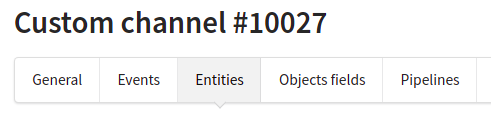
External entities are configured on the Entities tab in the custom channel menu.
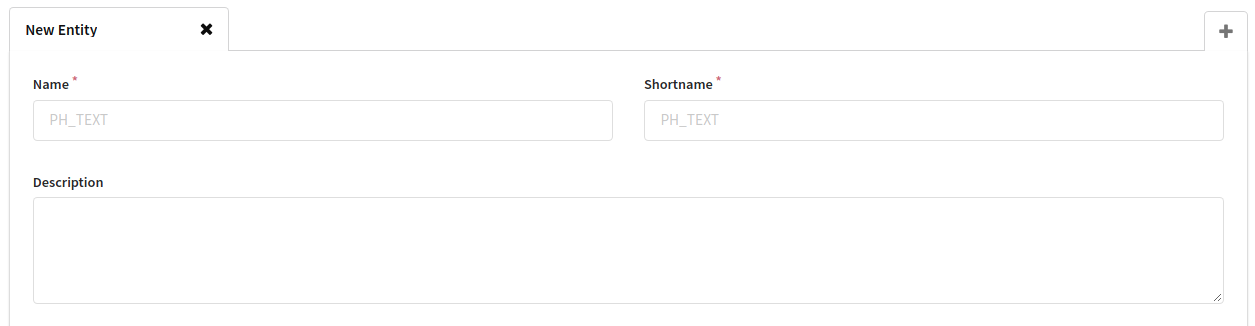
Basic settings
- Name is the name of the entity (will be displayed in the field to which the entity will be bound);
- Shortname is a unique string identifier of the entity. According to it, the entity fields will be available in the channel pipelines.
- Description - brief description.
Structure
The structure of the external entity is specified in the Output Entity Fields section. This is a list of fields of different types. It is necessary to set the Primary field and Preview field. All operations (see below) must ultimately return either an error or the structure specified here (not all fields are possible).

Operations
Operations are methods of interacting with an entity (create, delete, get a list, get one object, etc.).
Each operation consists of:
- Input data – is a set of fields that the user can fill in before performing an operation. The values from these fields will be available in the event's
$in($in.<field shortname>). Input data is not required for setup. Otherwise, the method of adding fields and their settings do not differ from those in other places in the channel. - Pipeline – JSON array of pipes that will be executed when the user launches an operation in the interface. The configuration is similar to the rest of the pipelines in the channel with some nuances. Pipelines in operations are synchronous, that is, the user, having launched an operation in the interface, will wait for the result. Based on this fact, you need to design the pipeline accordingly. Therefore, only the following types of pipes are available in operation pipelines:
An event must get to the result pipe before exiting the pipeline, if it does not exit through Serror pipe
Currently, two types of operations are available for configuration:
- list – should return an array of entities.
- read – must return one entity.
Output forms
Output forms are a way that how a user will see the result of a operations. Will a table with entities be rendered or a form with one entity. Options will be added. Output forms are removed from the Operations section, because several operations can correspond to one form.
There are currently two forms available:
- Single form - used for read operation. You cannot create fields. You need to select and place on the form those already created in the Output Entity Fields section.

- List – used for list operation. You cannot create fields. You need to select and place on the form those already created in the Output Entity Fields section.
