Campaign schedule
The schedule is applied to broadcast and regular campaigns, MVT campaigns, scenarios, scheduled imports and integrations
Several plans are available — for different cases. They are described in this article.
For every schedule plan, you can override the account time zone.
Deactivate schedule option will help you stop campaign on specific time:

Every day at specific time
This plan will help organize dynamic regular campaigns and scenarios: the campaign will start every day for subscribers having an upcoming birthday or pay day.
This schedule plan can use customer profile time zone - for delicate mailings. If you are past local time for some recipients - use the option to send immediately.

This plan is also good for large broadcasts, divided by audience limitations.
Every day, several times a day
Can be launched several times every day: specify hours and minutes. You can use templates at the right side of the form:

On specific date at specific time
This plan is great for one-time mailings.
This schedule plan can use customer profile time zone - for delicate mailings. If you are past local time for some recipients - use the option to send immediately.

On specific date several times a day
With this plan you can launch campaigns several times on one day.

In particular months on particular weekdays at specific time
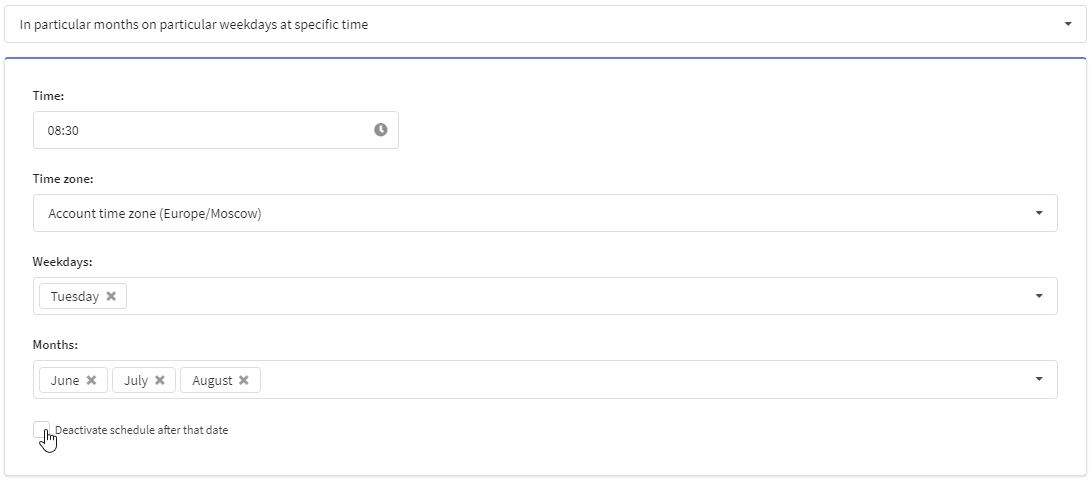
Use this plan for your weekly mailings: the campaign will start on every weekday specified - in specific months.
In particular months on particular weekdays several times a day
Here you can also specify multiple hours and minutes.

In particular months on particular month days at specific time
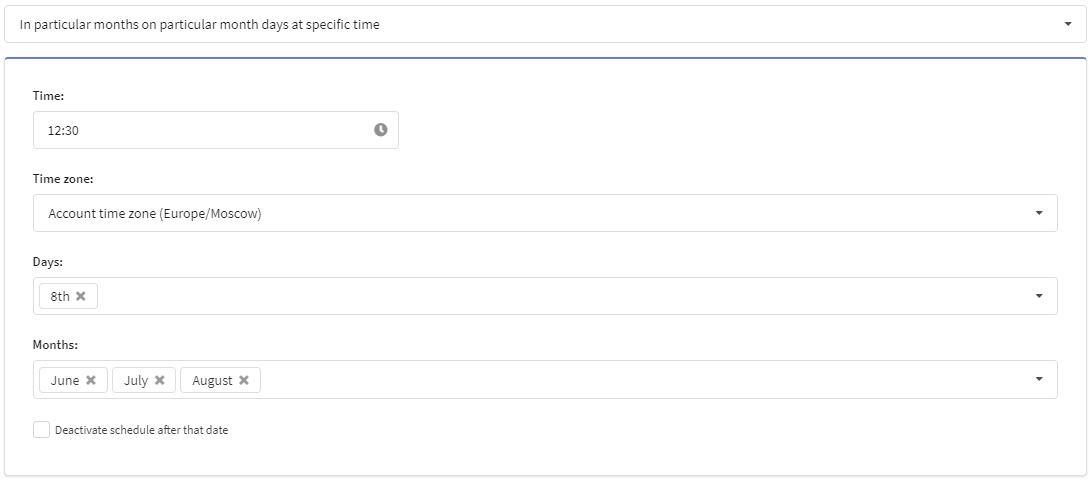
This plan uses not weekdays but month days. Thus it is quite good for monthly or quarterly campaigns.
In particular months on particular month days several times a day
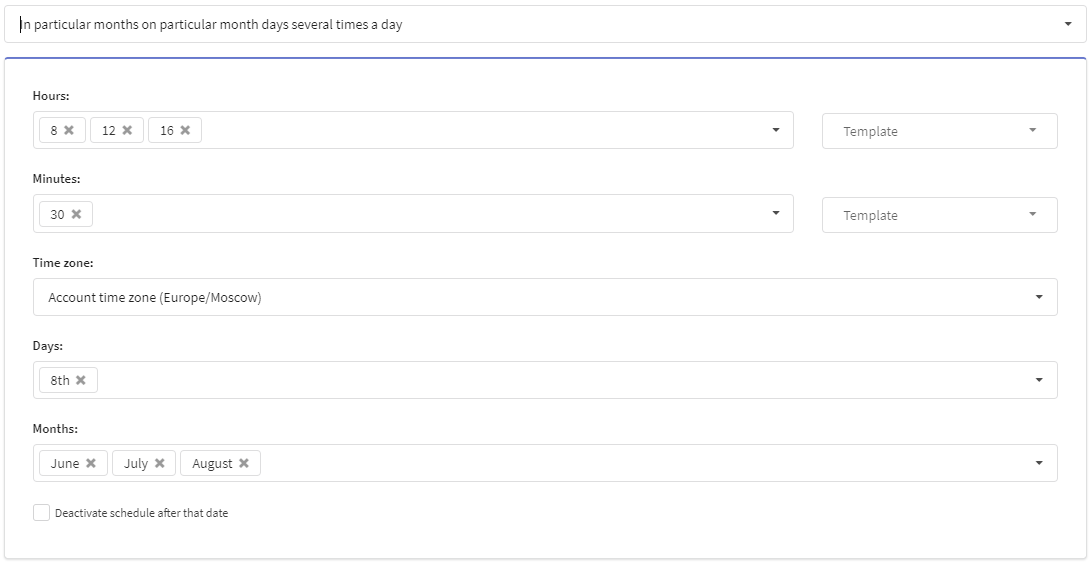
Here you can organize several launches a day.
Weekday relative to the beginning of the month
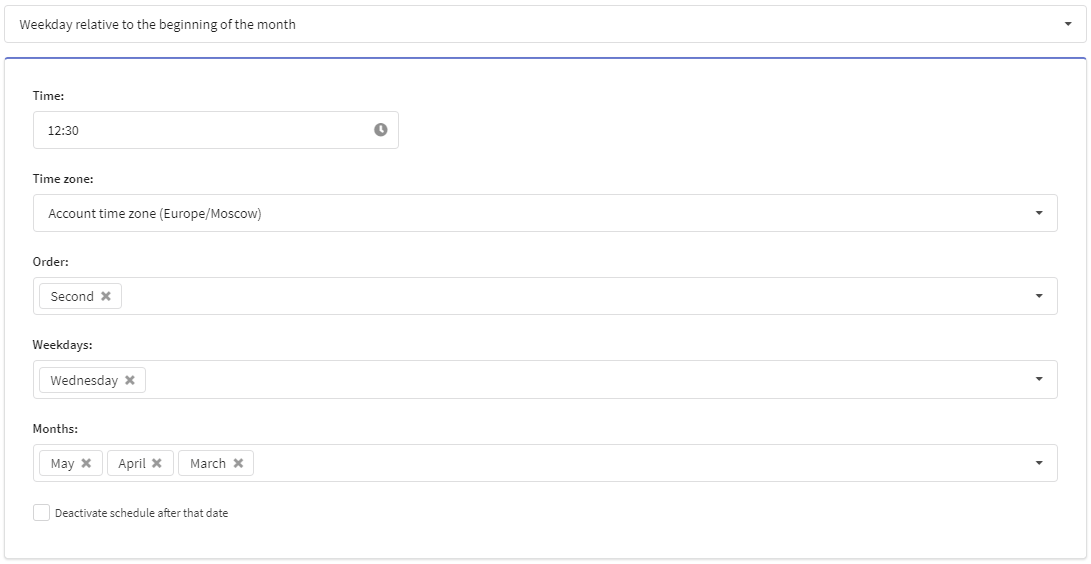
If you need a mailing for e.g. every second Wednesday during springtime - this plan can fit you best: